← Recipe index / Introduce
R01_title_cut / 150 frames / 30 fps
Title hold → hard cut
Give a short premise a complete reading interval, then replace it with a recognizable work surface. The visible replacement can become a rehearsed playback cue.
Source evidence
Introducing ChatGPT Atlas ↗ · official OpenAI channel · published 2025-10-21
Inspected source window 16.5–20.5 s. Consecutive subset 19.75–20.05 s: 9 frames. A longer excerpt is not an every-frame edit list.
Source evidence, not a Resolve recreation. Silent excerpt; the player counter starts at zero.
Observed mechanic and limits
Adjacent source frames 596 (19.867 s) and 597 (19.900 s) change from title to browser. This is a direct cut, not a dissolve.
Centered two-line title gives way to a wide browser inside a colored field. The browser continues enlarging after the cut.
Characters accumulate and the text recenters. A formed browser arrives at the cut; subsequent camera scale changes are separate.
Page context → title construction → complete title → browser proof.
The complete phrase is present in the 19.033 s sample and through 19.867 s: at least 0.834 s of sampled complete-title visibility, not its exact full hold.
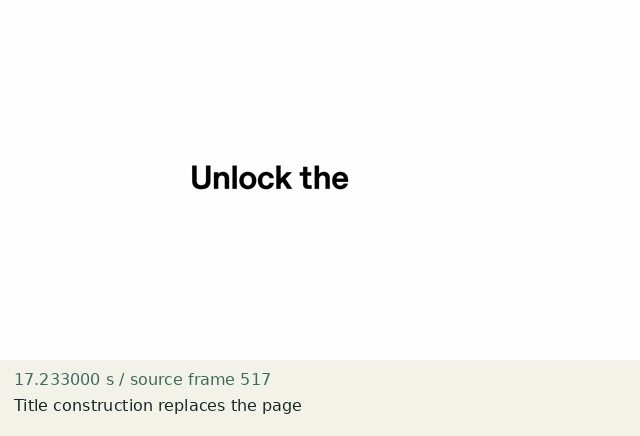
Title construction replaces the page
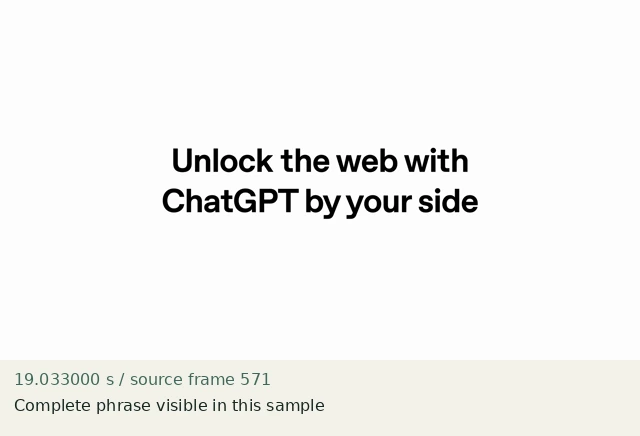
Complete phrase visible in this sample
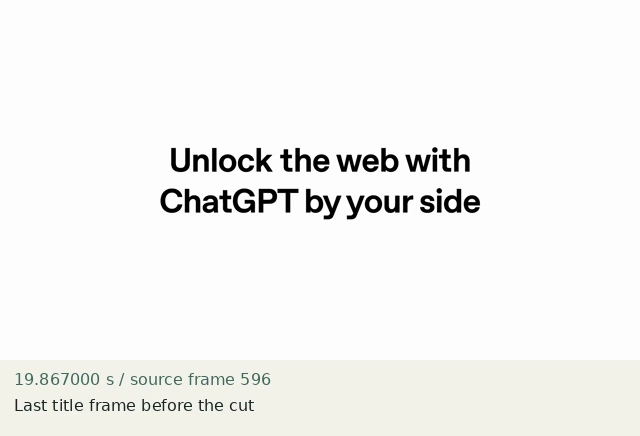
Last title frame before the cut
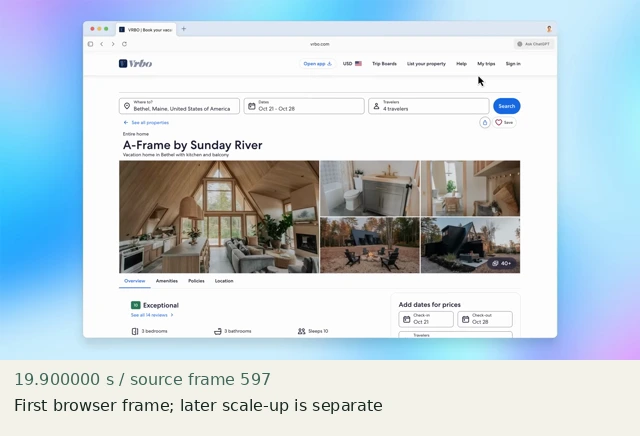
First browser frame; later scale-up is separate
Construct in Resolve
Documentation-checked; application-unverified. Use the environment, frame-counting, geometry and font setup first. Timeline timecode starts at 01:00:00:00. Tables use zero-based recipe-local frames and half-open intervals. Clip-local frame equals recipe frame minus that clip’s In; add any Fusion composition offset separately. Values are chosen implementation defaults.
| Track | Asset / native tool | In (inclusive) | Out (exclusive) |
|---|---|---|---|
| V1 | paper.png | 0 | 90 |
| V1 | context.png | 90 | 150 |
| V2 | Text title | 0 | 90 |
- Edit page → Effects → Titles → Text. Place above paper.png. Set duration to 00:00:03:00; context.png starts at recipe frame 90. No transition at the boundary.
- Text Inspector → Title: text “Make the work visible”; DejaVu Sans Bold; Size 72; Alignment Center; Anchor horizontal Center / vertical Center; Title Position X 960, Y 540. Color #23312e. Settings → Transform Position 0,0 and Zoom 1. Leave animation off.
- At frames 89 and 90 step one frame at a time: all title pixels disappear together and the full context appears. The context remains unanimated for 60 frames.
Inspector and keyframes
| Control | Recipe-local frames | Value and interpolation |
|---|---|---|
| Title | 0–89 | Opacity 100%; no keyframes |
| Context | 90–149 | Zoom X/Y 1; Position X/Y 0; Rotation 0; no Dynamic Zoom |
Hold, handles and retiming
Complete title: frames 0–89 (3 s). Settled context: 90–149 (2 s).
Stills/generators need no temporal handles. For real captures reserve 15 source-time frames before and after each used interval at a 30 fps capture rate; keep those handles outside the edit. No dissolve or optical-flow handles are needed here.
100% speed. No Optical Flow, Speed Warp, frame interpolation or simulated product wait.
Replace assets / change duration
Replace the title in Text, not in a flattened video. If it wraps, rewrite or reduce Size until it fits inside x=288…1632. Extend the title hold by moving both the cut and the context clip together. Update the cue marker.
Compare the mechanic, not the branding
The source builds/recenters letters and scales the browser after the cut. This recipe reproduces the complete-title-to-context cut only; static title entry and a stationary browser are intentional omissions, not a claim of full typography fidelity.
No application render or editable project has been produced. Timing, framing, motion, alpha, continuity and readability comparisons remain incomplete. A source clip or fixture PNG is not that verification.
Construction reference: official Resolve 21 manual, p. 1212, p. 1219, p. 1246, p. 1291. Controls still need confirmation in the installed edition/version.
All recipe specifications · Original preparation kit · Import/export and verification procedure