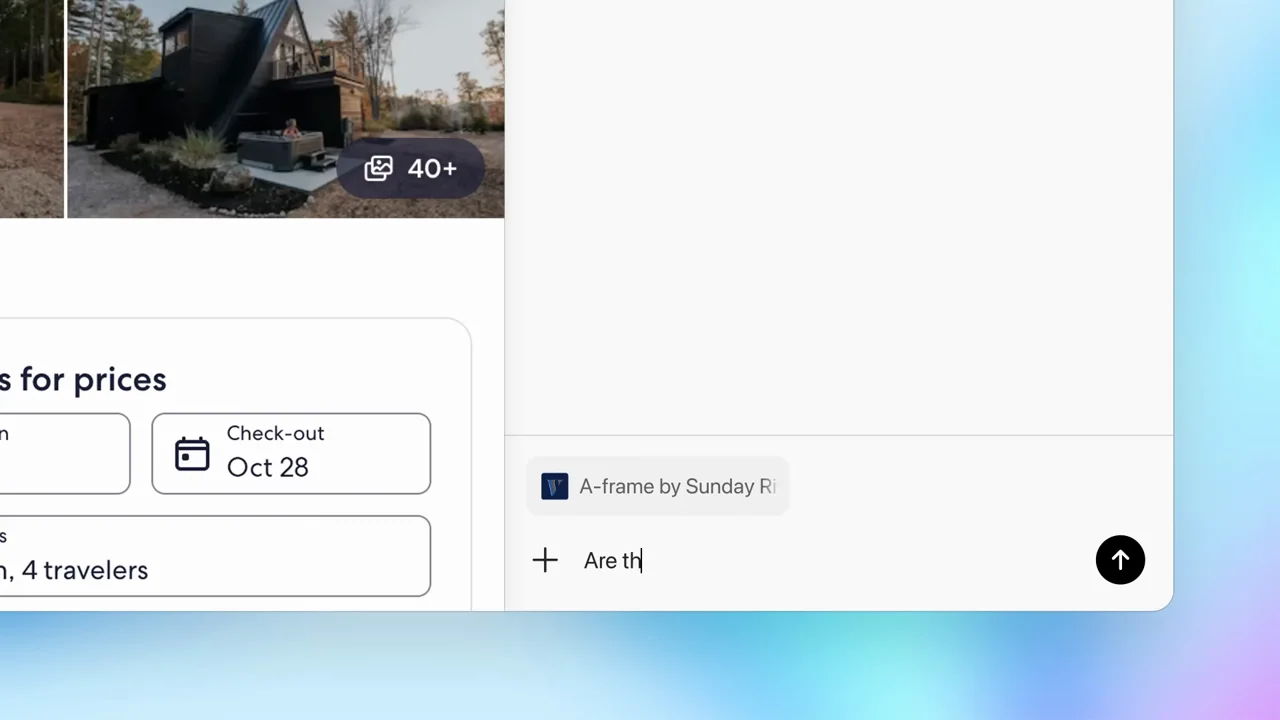
001 / Product film01:37
A repeatable product-film structure: short white chapter cards, a recognizable browser window, then tightly cropped evidence of one action. The shopping sequence stays with a single task through permission, activity, and a visible cart.
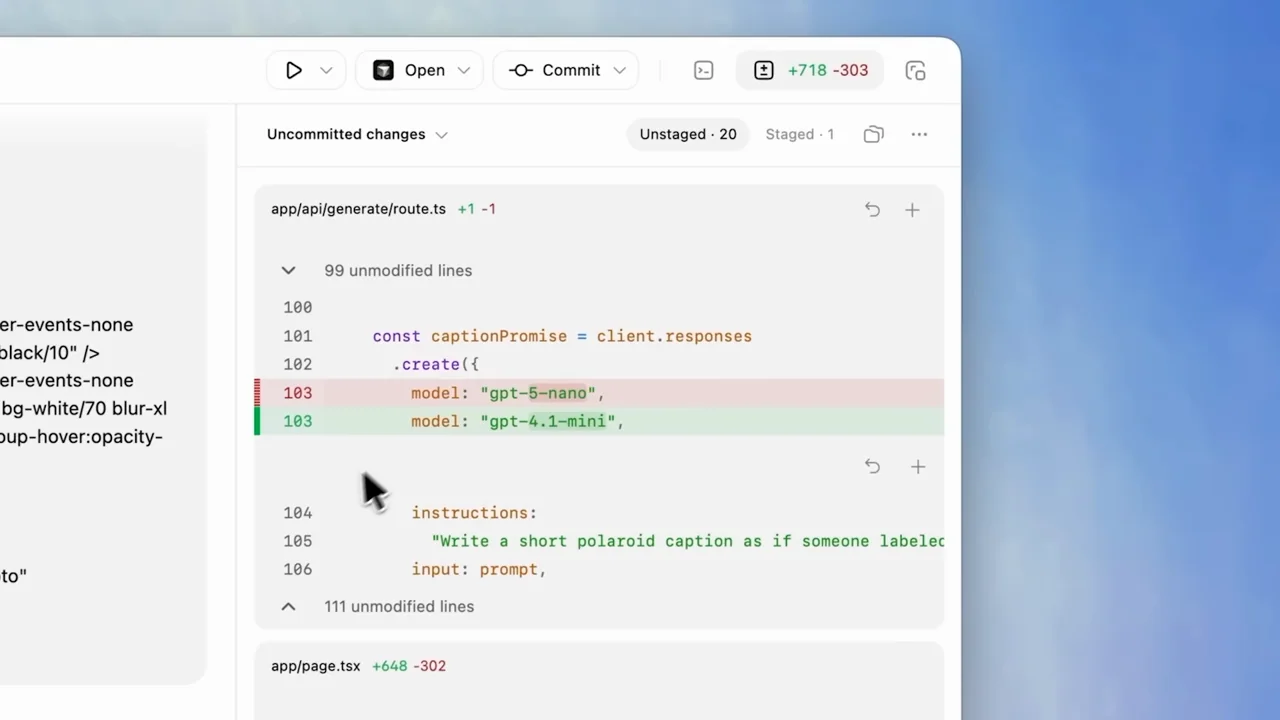
002 / Product film02:12
A desktop tour organized by small chapter cards. A rapid opening push settles before typing; later crops emphasize selectors, voice input, worktrees, skills, schedules, and review rather than moving continuously.
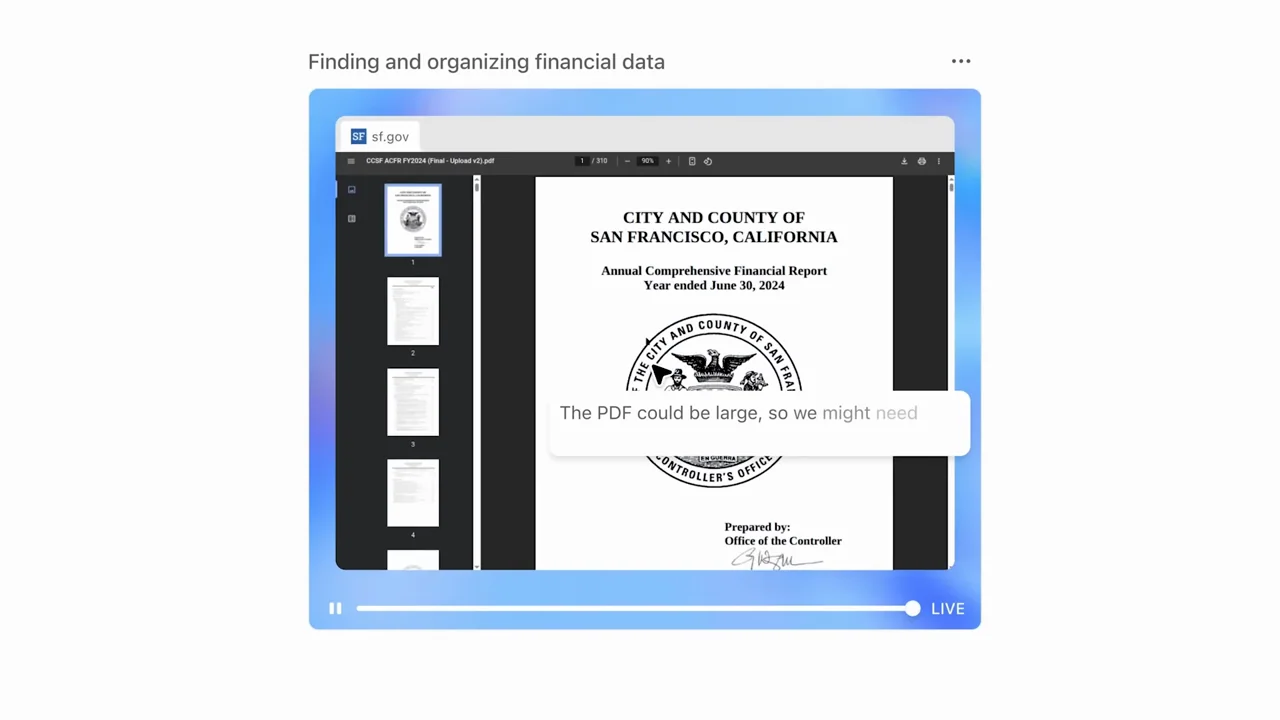
003 / Human + product02:07
Interview coverage and physical laptop shots surround short, highly cropped software examples. Compact browser activity cards lead to concrete files and tables. This is a contrast to the product-only films, not the default layout for a separate presentation video.
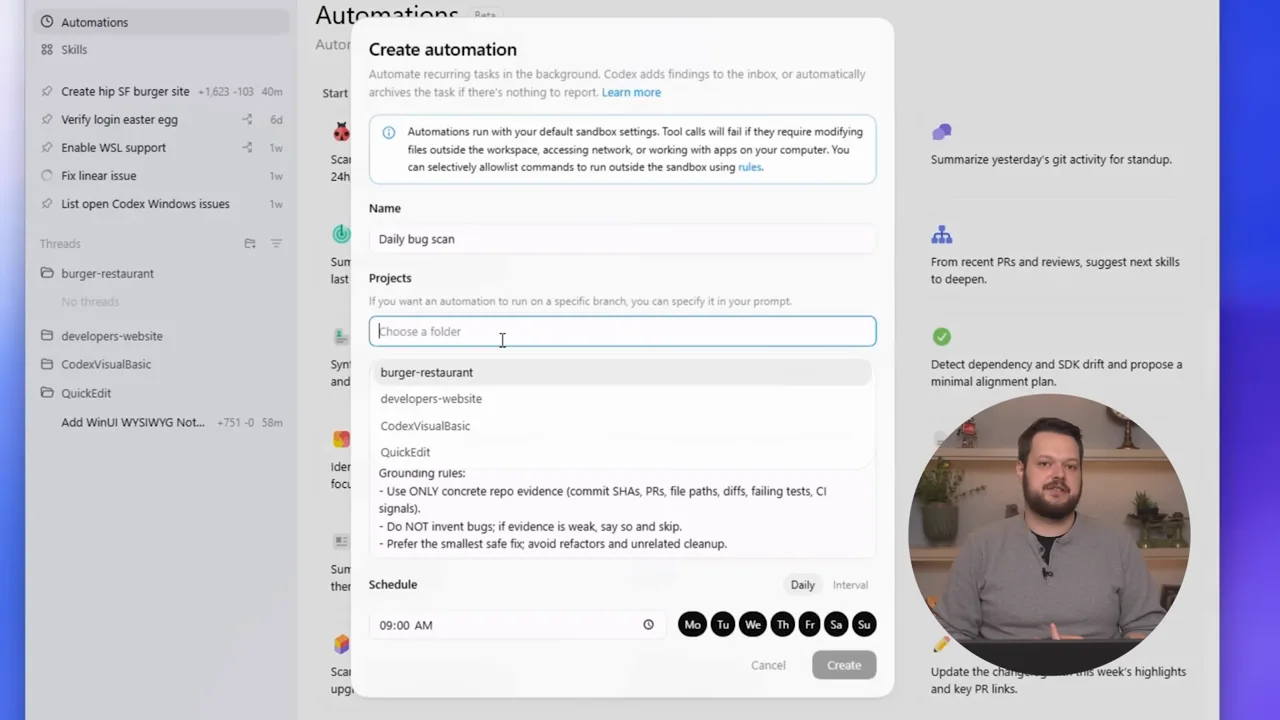
004 / Presenter demo01:06
A presenter-led walkthrough alternates full camera coverage with desktop demos carrying a circular presenter inset. Camera crops follow the active sidebar, modal, or setting; the UI stays recognizable.
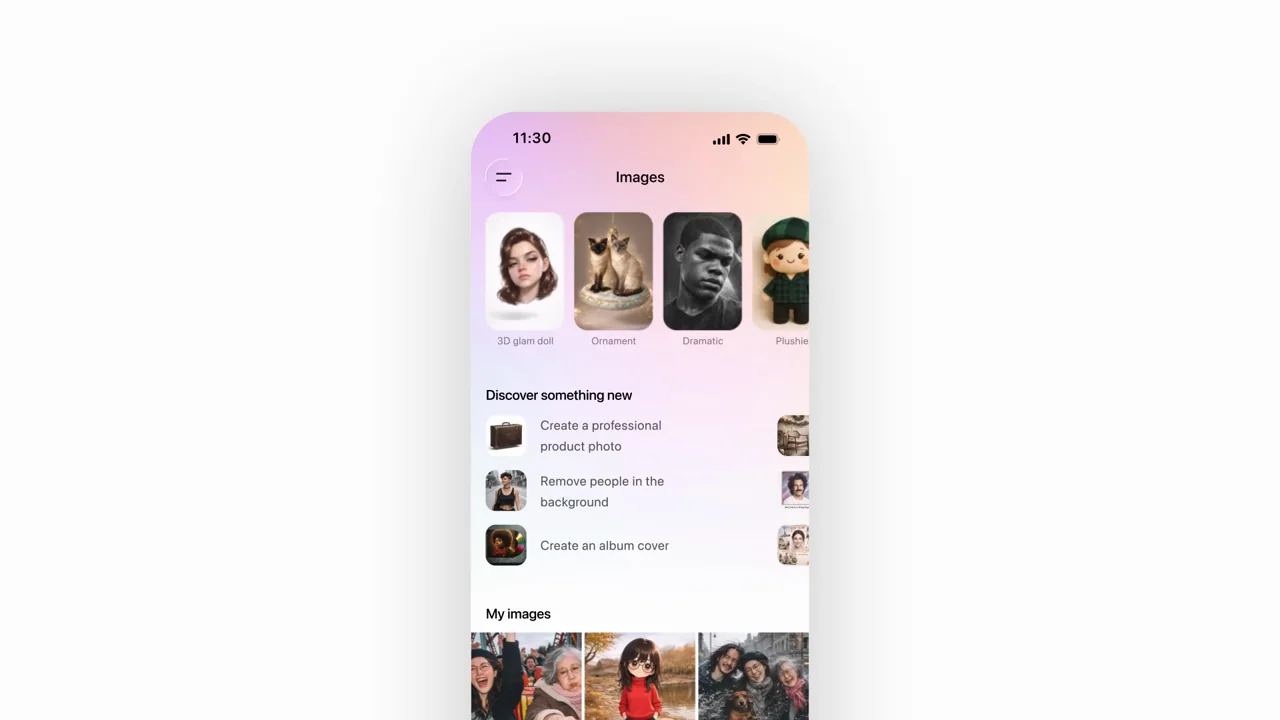
005 / Output montage00:55
Most of this film is an escalating montage of image variations, not an app walkthrough. A recurring subject keeps the collage coherent. Only near the end does a phone show the Images interface.
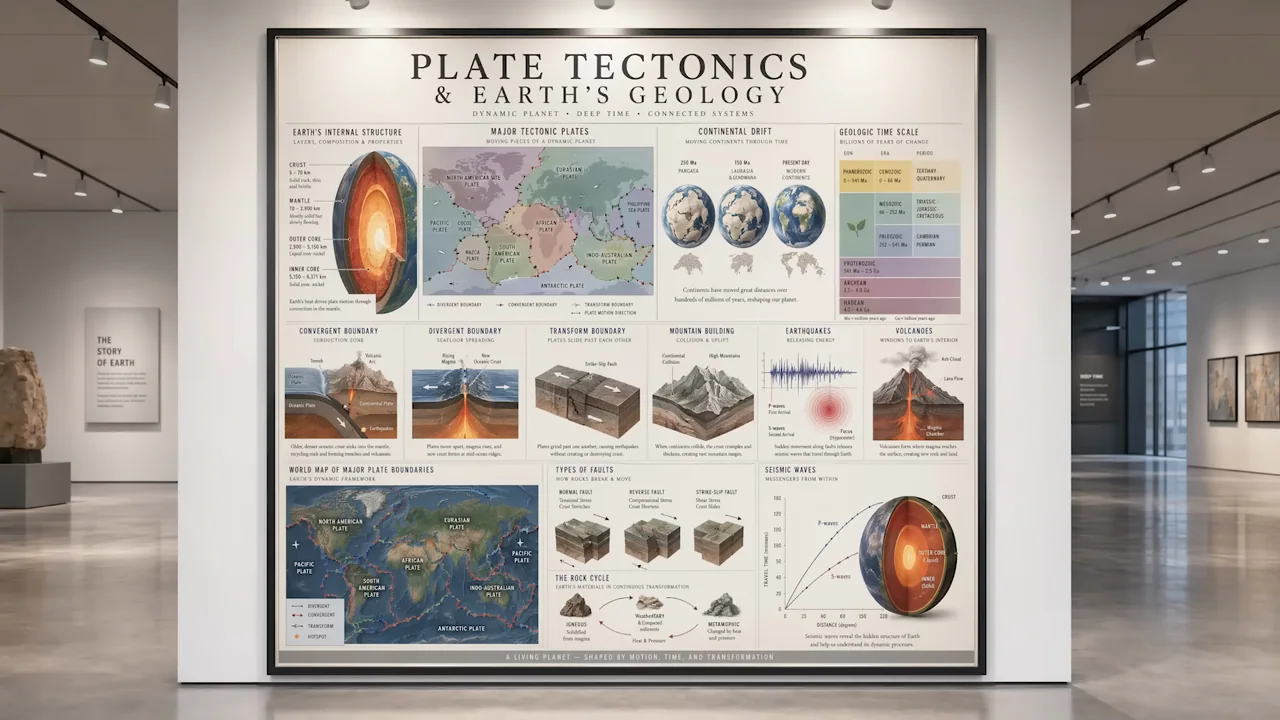
006 / Output montage01:49
A materially rich output film: words appear on physical-looking surfaces, then museum, print, diagram, comic, editorial, and photo examples change rapidly. Device mockups show imagery, not a verified OpenAI app workflow in the inspected samples.
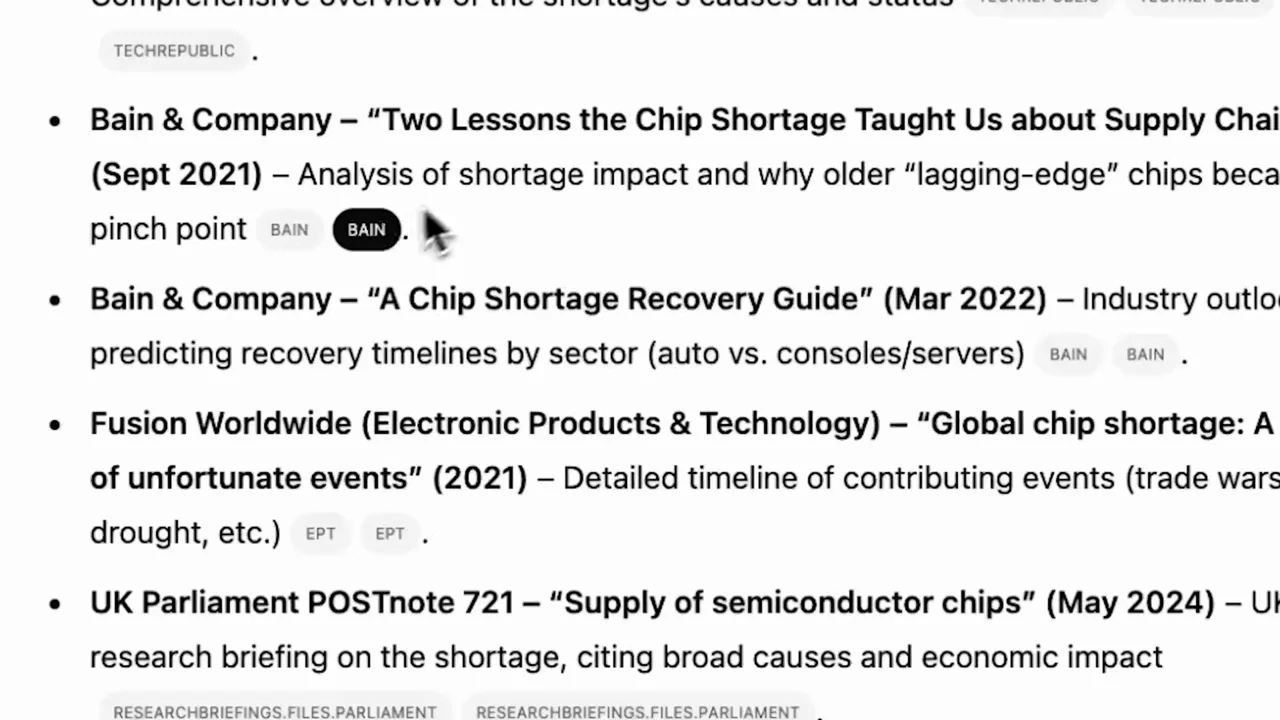
007 / Human + product01:56
A customer-story format uses environment, interview, industry B-roll, and intermittent UI evidence. The most useful software details are the mode selector, research activity, a long report, and the close source list.
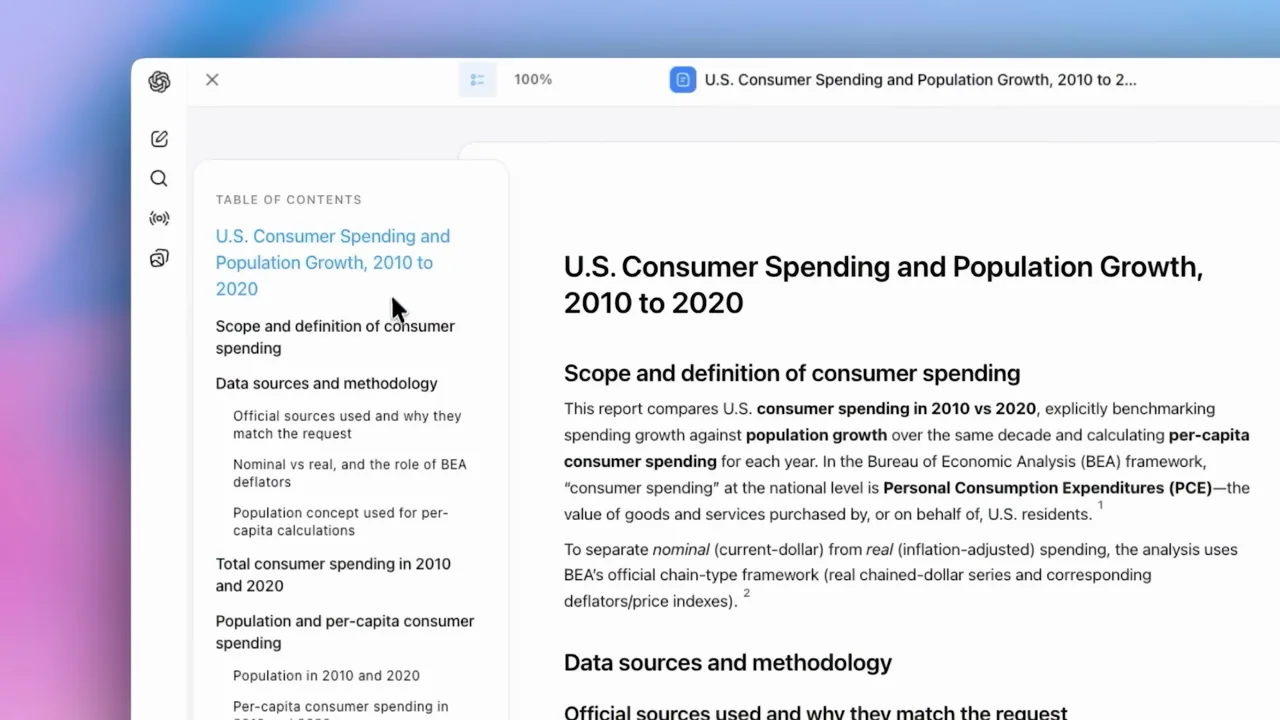
008 / Product film01:19
A focused research workflow: request, source controls, plan, follow-up, report, citations, export. Most of the film is restrained UI framing, with only two short text resets.
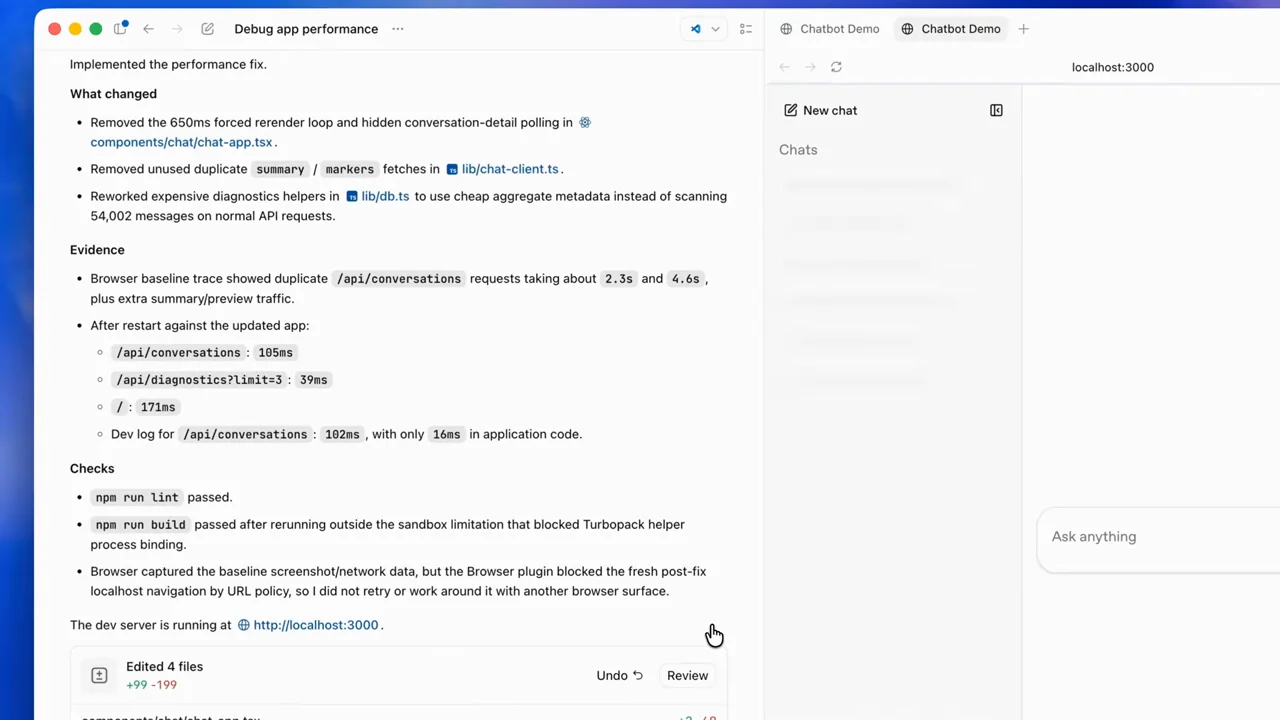
009 / Presenter demo01:27
A camera-led explanation uses short software inserts for a risky setting, approval, a slow application, diagnostic evidence, and the final result. The controls and before/after proof matter more than decorative motion.
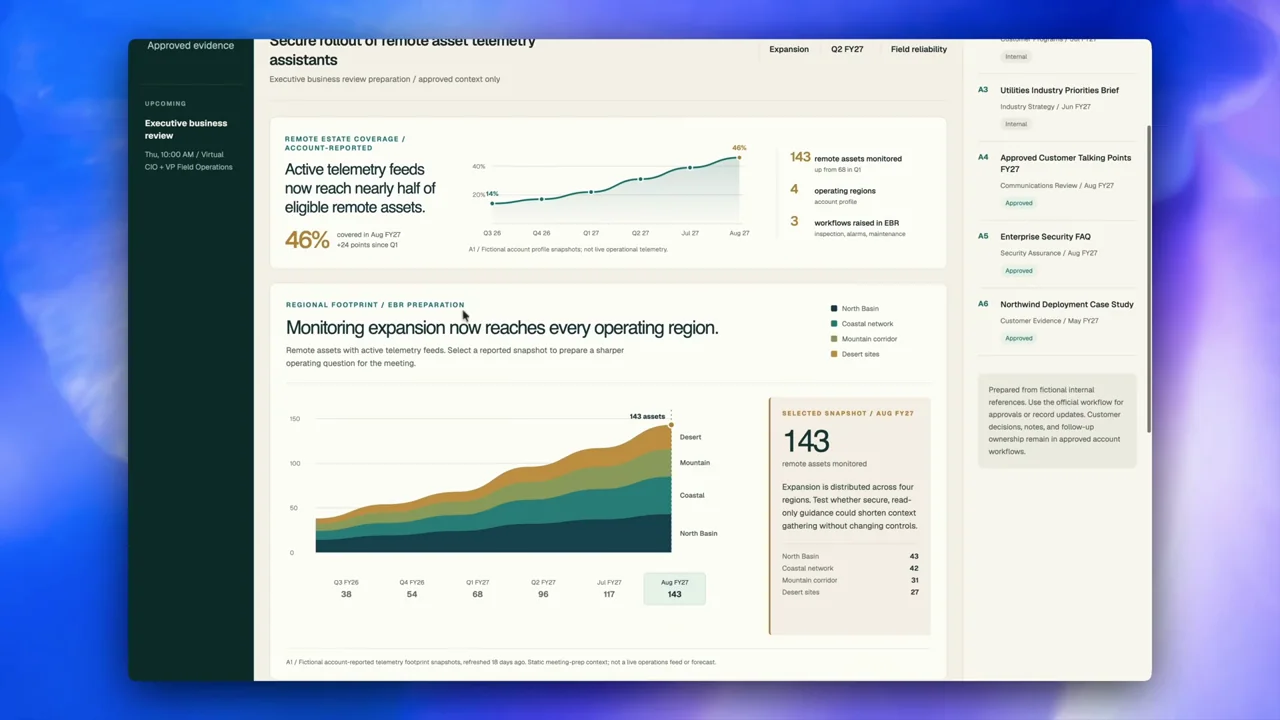
010 / Presenter demo02:13
A presenter-led tour puts finished interactive sites near the start, then shows several different output layouts and finally sharing controls. The strongest lesson is demonstrating what was built, not merely showing the request.
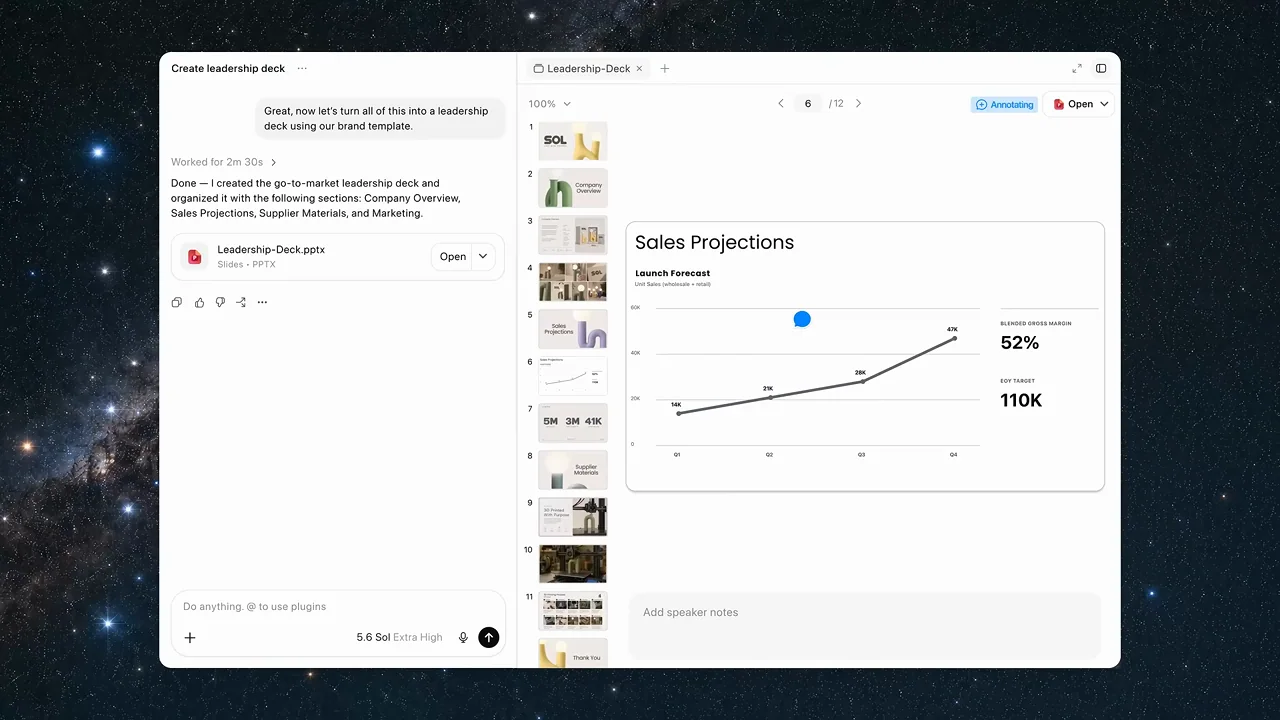
011 / Product film01:40
A product-only film carries one lamp-project story across voice input, connected work, a spreadsheet, imagery, a deck, a chart revision, and mobile follow-up. The coherent task makes many surfaces feel connected.
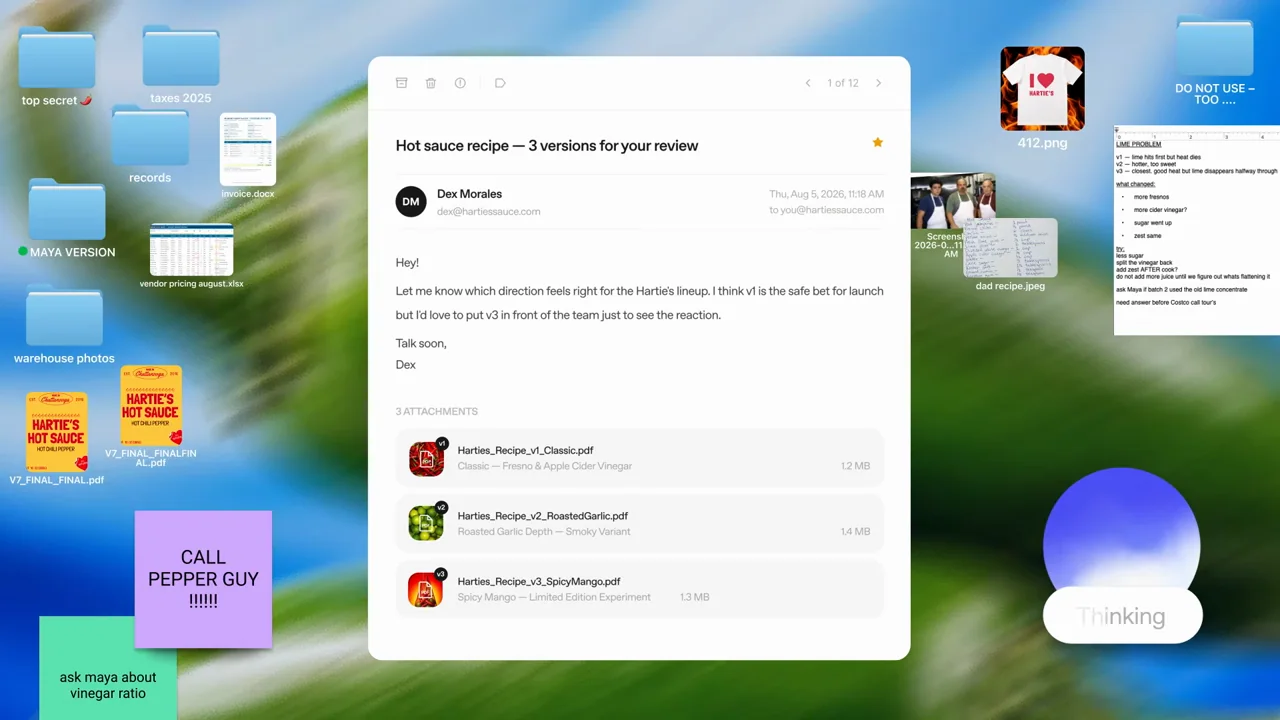
012 / Product film00:39
A short voice story keeps a transcription bubble and orb readable, reduces the voice UI into a floating control, shows the source material on the desktop, and returns to a concise answer.
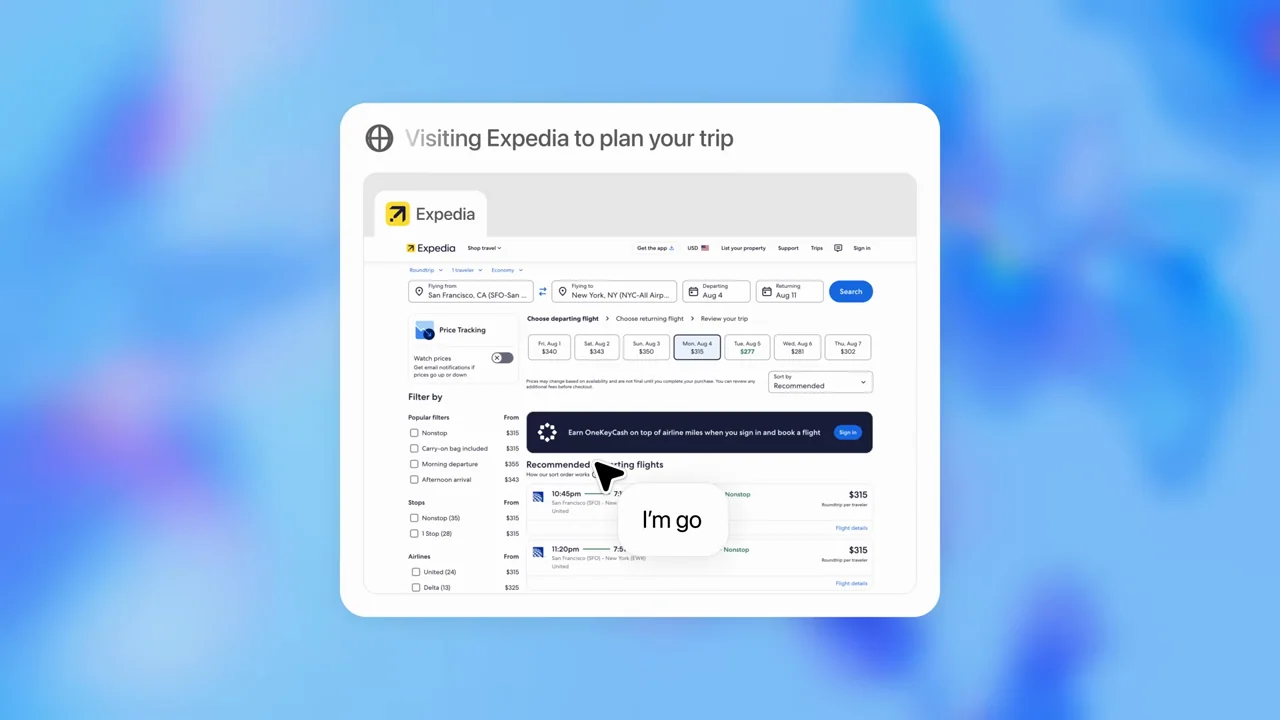
013 / Product film00:46
A compact capability reel keeps one floating task window on a blue field, alternating browser evidence with explanatory cards.
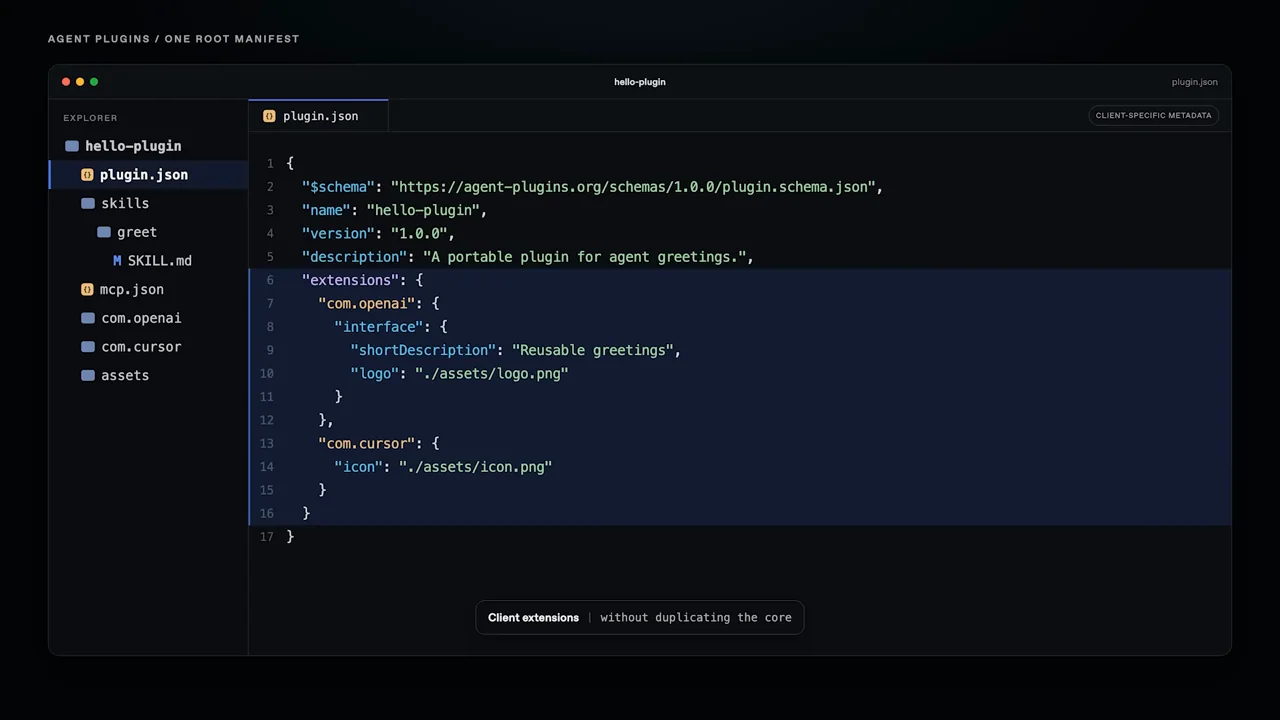
014 / Presenter demo01:35
A presenter-led explanation switches to a dark specification page and code editor. Selected JSON blocks carry the technical emphasis.
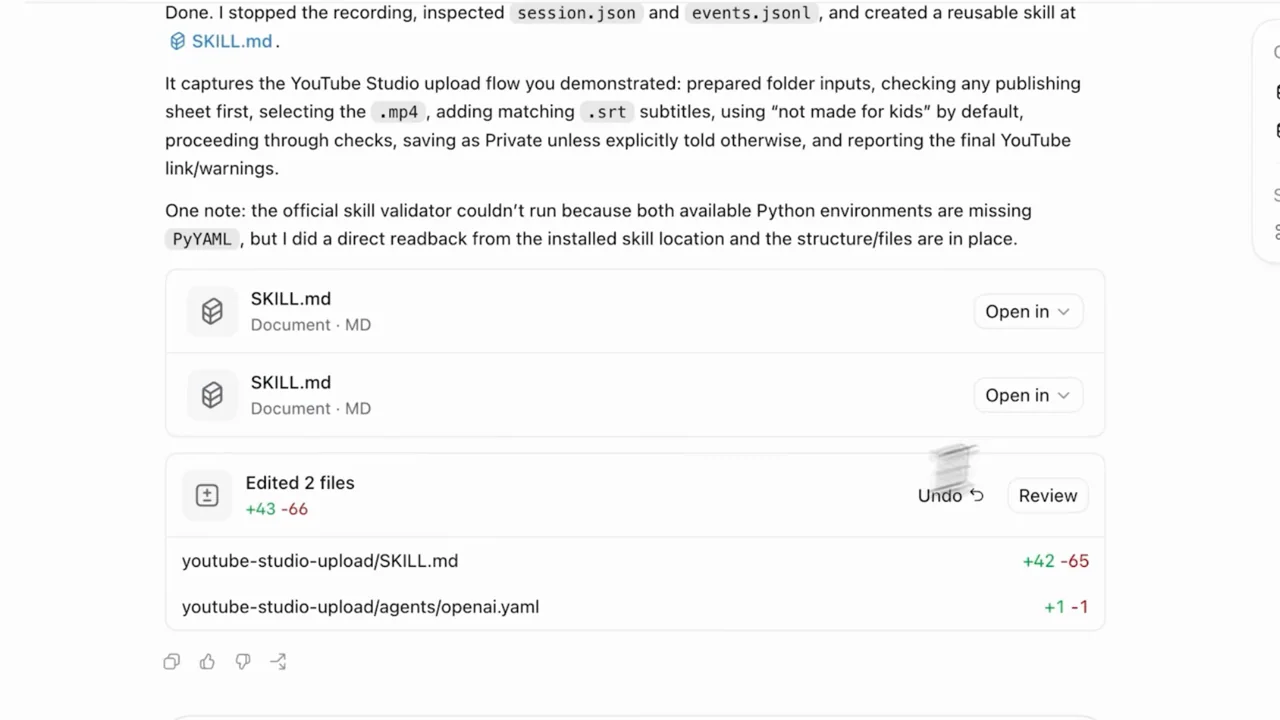
015 / Presenter demo02:04
A recorded publishing workflow is followed by a generated skill and a second upload that reuses it. The repeated task makes before-and-after comparison concrete.
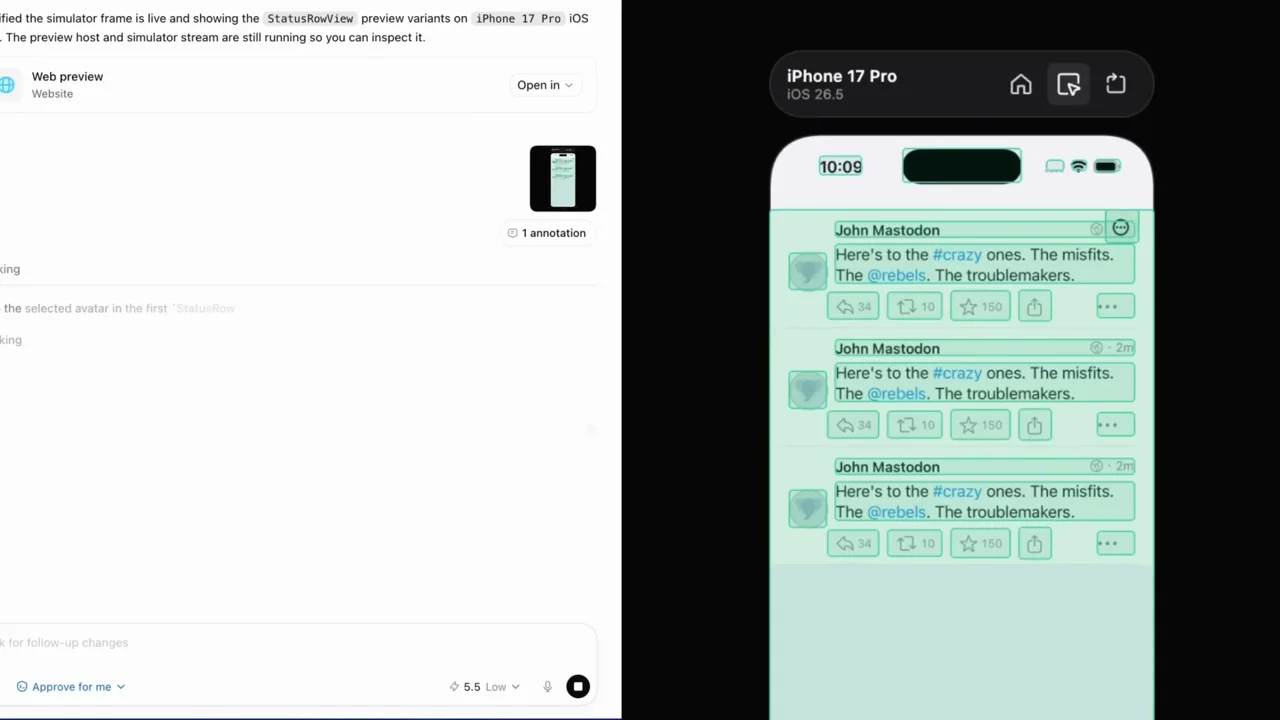
016 / Product film00:41
A compact app-only sequence moves from a request to an embedded phone simulator, element inspection, a code change, and a working share sheet.
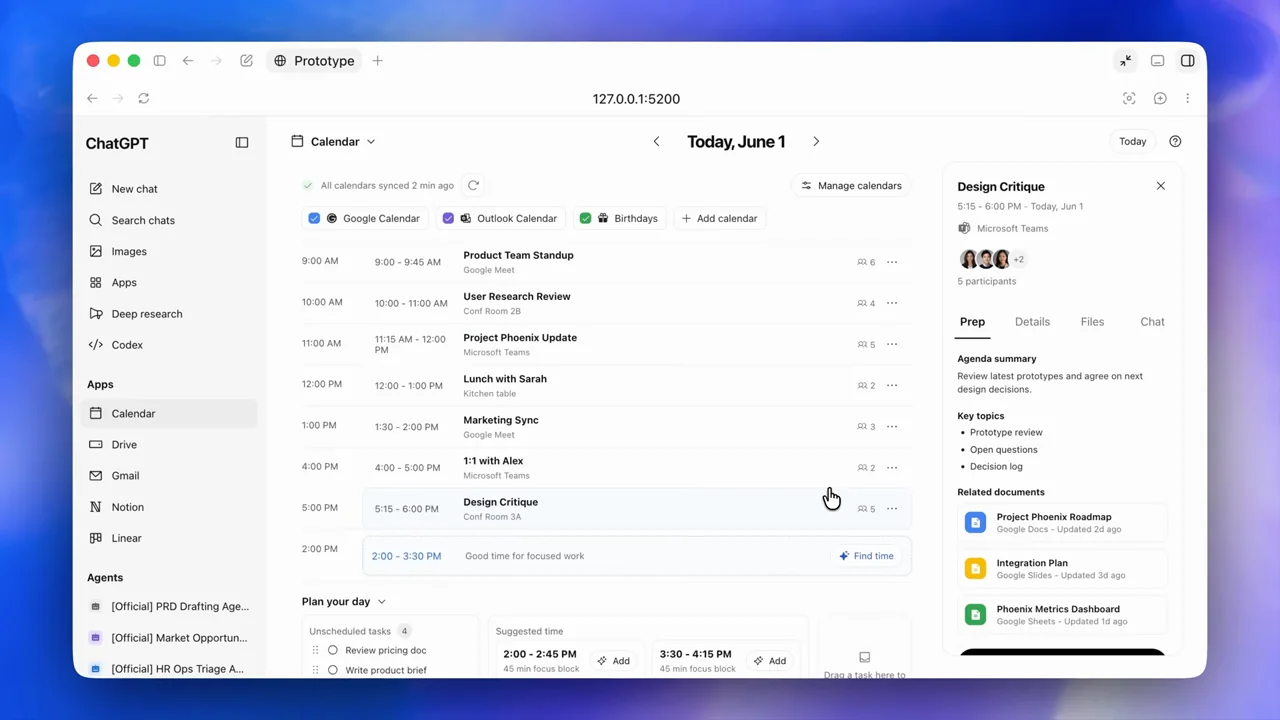
017 / Product film02:28
A screen-only walkthrough develops a calendar concept through clarification, design alternatives, an interactive prototype, a design-file handoff, and a shared browser version.
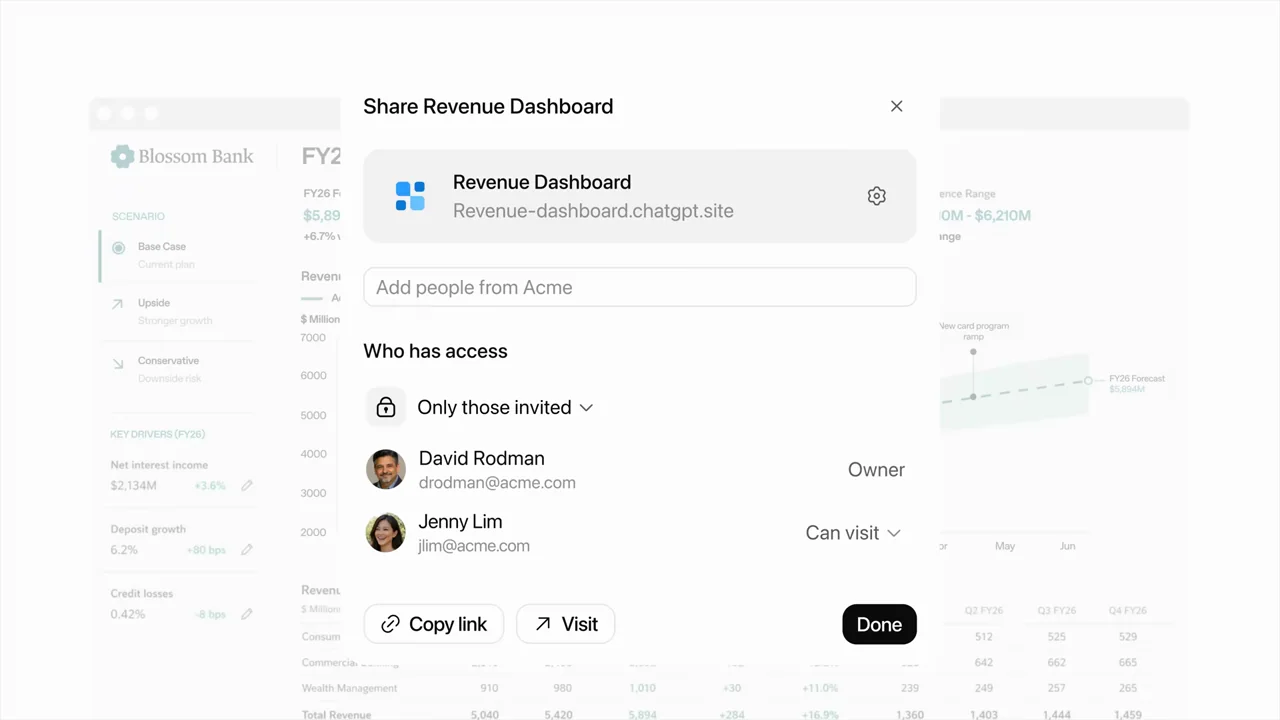
018 / Product film00:46
A short launch film interleaves bracketed kinetic type, tight composer crops, real sharing controls, and a collage of example outputs.
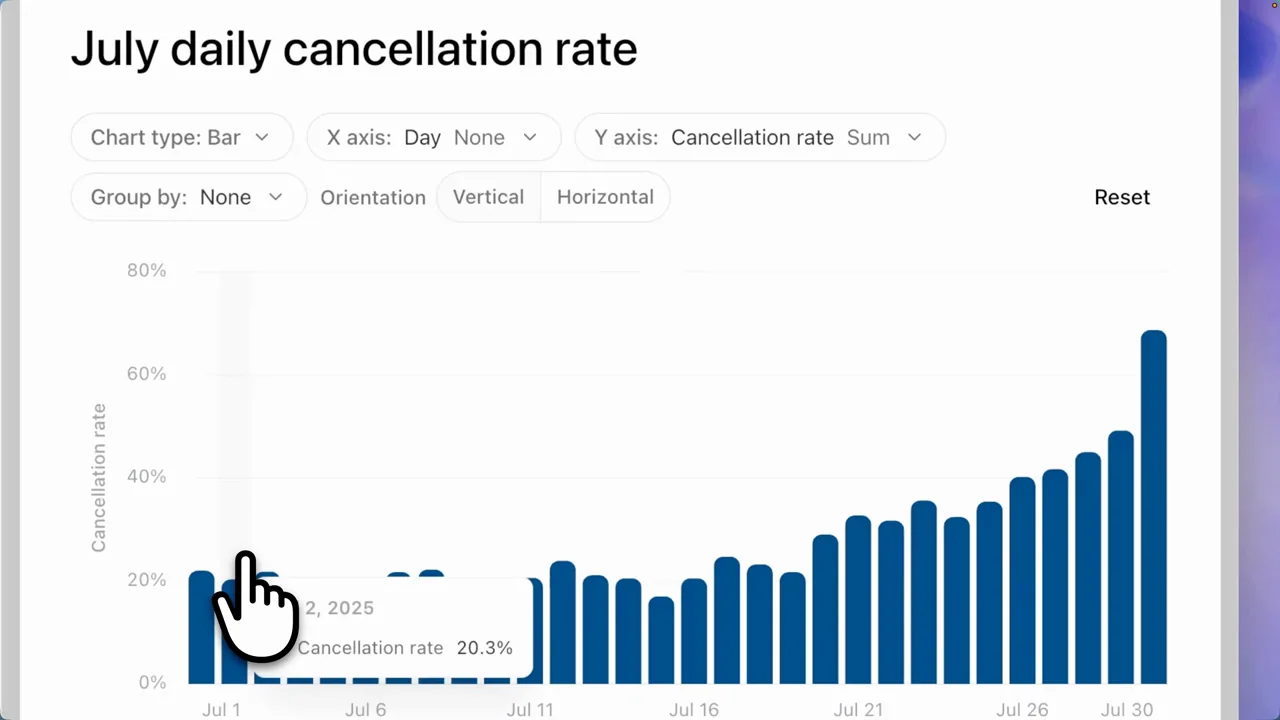
019 / Product film01:40
A data-analysis request becomes an interactive report, an editable chart, a visible query source, and a presentation export.
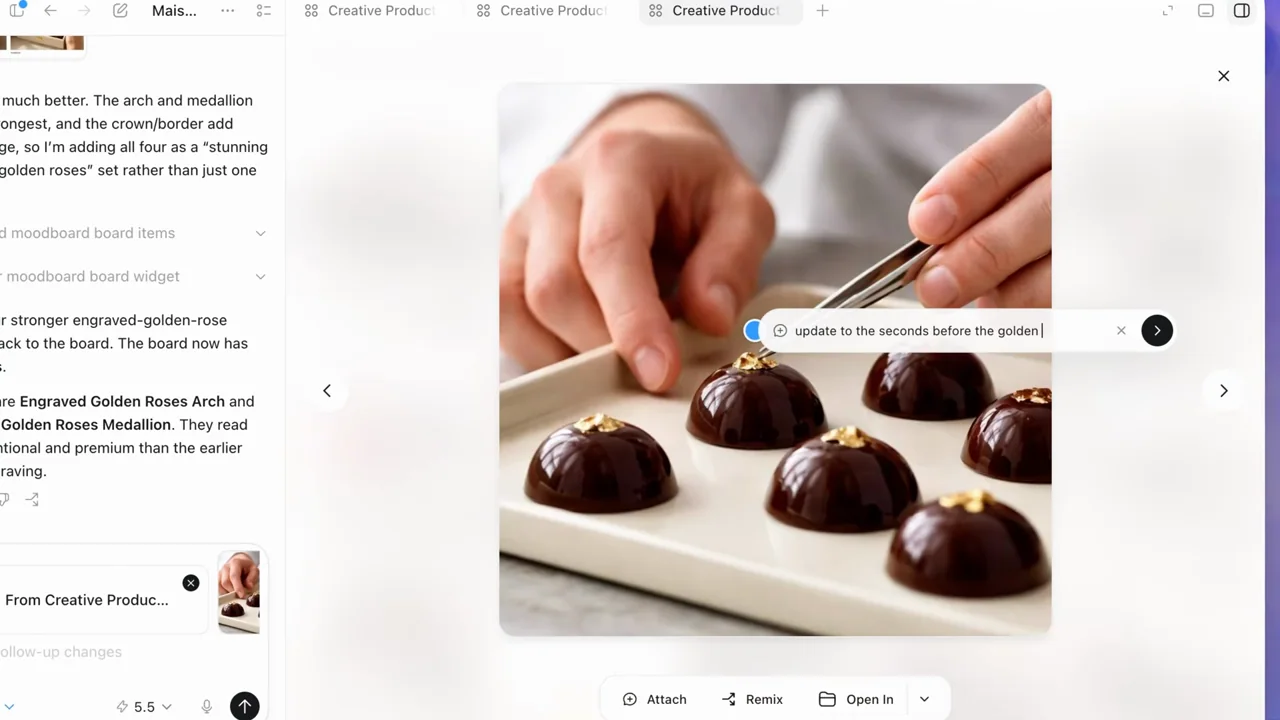
020 / Product film01:42
A creative brief grows into a mood board, a localized image revision, style variants, campaign formats, and an editable external design.
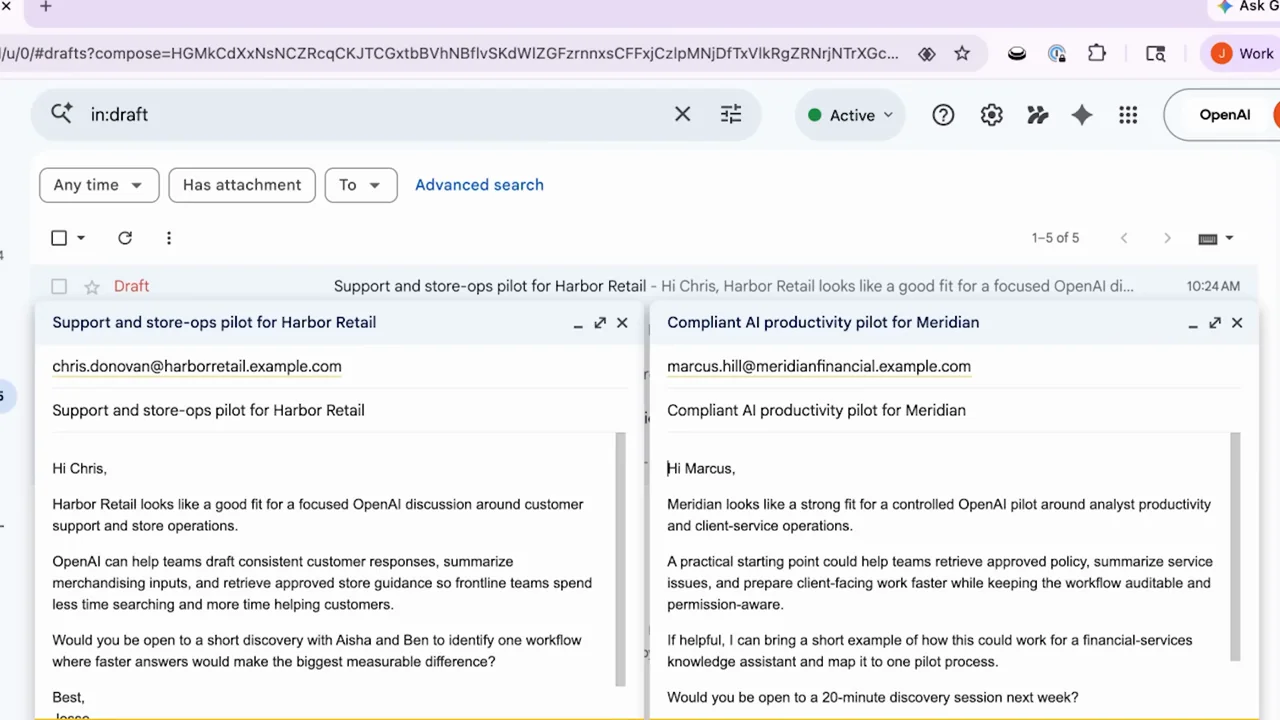
021 / Product film02:17
A sales workflow moves from ranked accounts to a pursuit deck, draft emails, and a recurring task. The strongest evidence is in the opened deliverables.
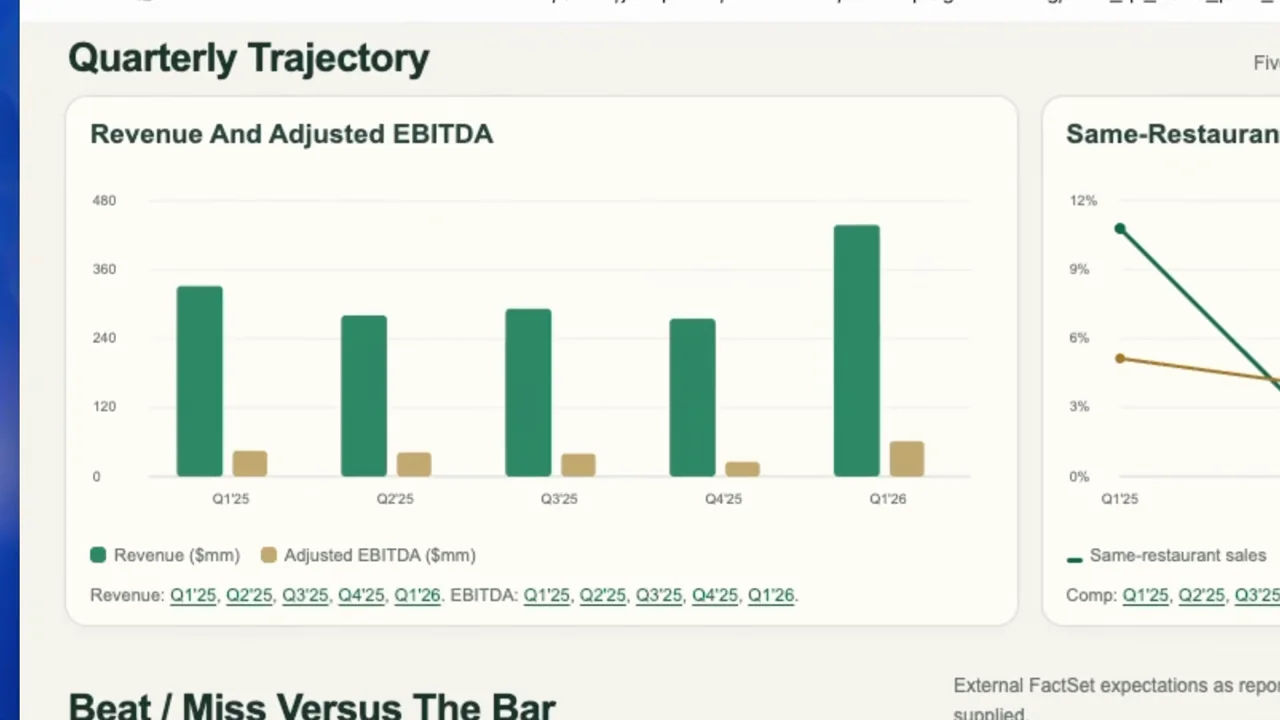
022 / Product film01:28
A research request opens into a long-form analytical report. Alternating overview and close detail makes charts, scenarios, and source limitations the visual subjects.
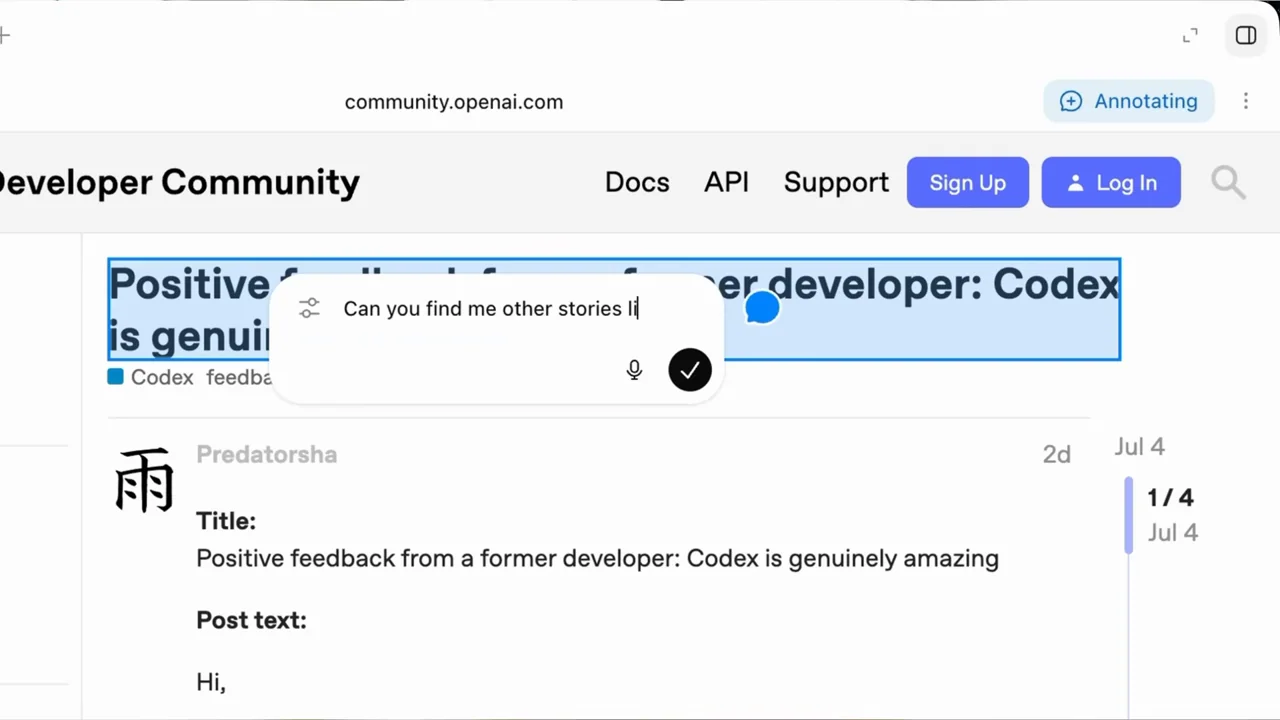
023 / Presenter demo01:19
A presenter-led demo spans browser research, an annotated web page, an expense form, and a native Notes task. It makes application boundaries visible.
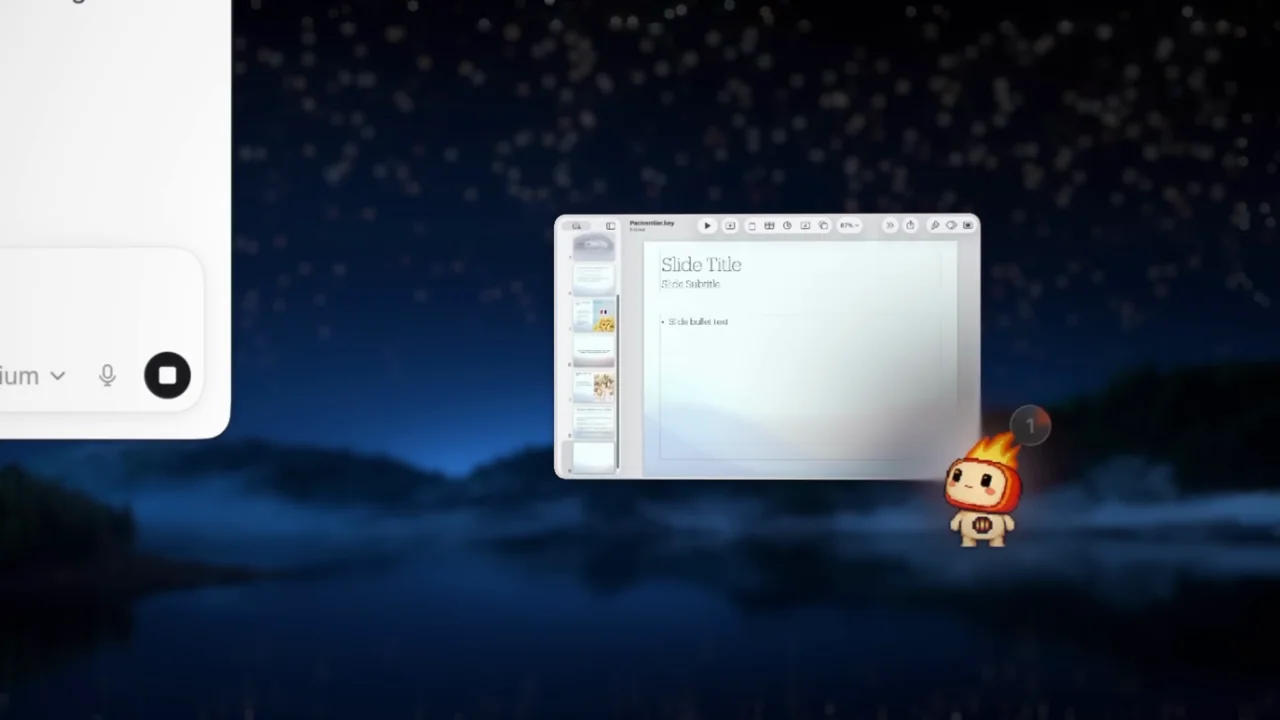
024 / Product film00:55
A scenic desktop and animated companion frame a picture-in-picture demonstration. Small working windows stay visible while the foreground context changes.
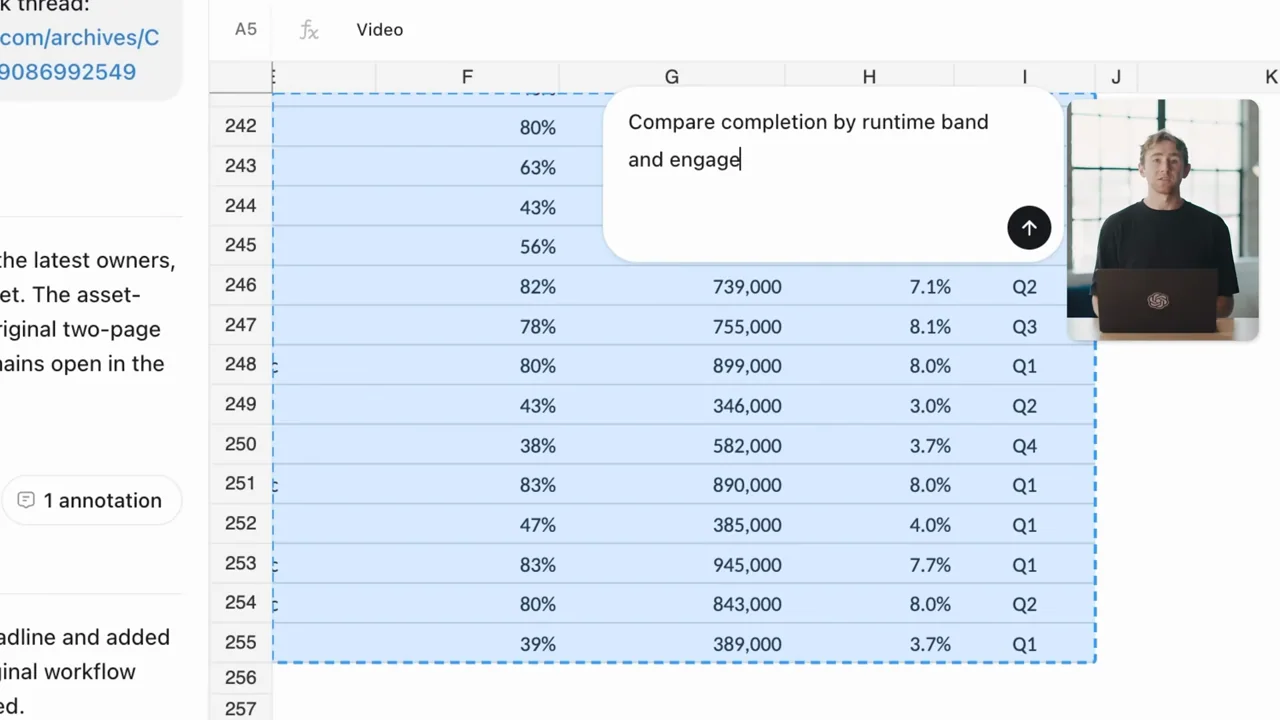
025 / Presenter demo01:27
A document, spreadsheet, and slide deck remain in one artifact workspace. Selection-driven changes link the launch plan, analysis, and final presentation.
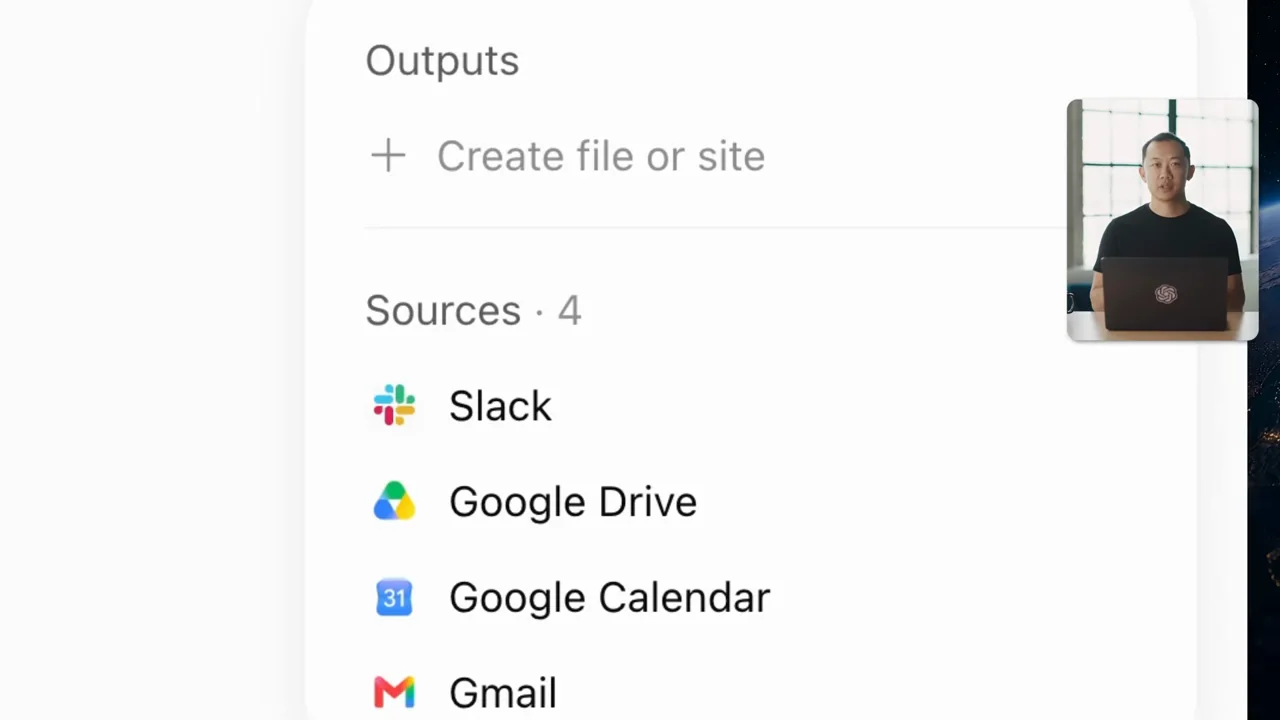
026 / Presenter demo01:59
A presenter-led overview connects a plugin catalog to two tasks: creative output and a multi-source meeting brief. The source rail is the clearest evidence treatment.
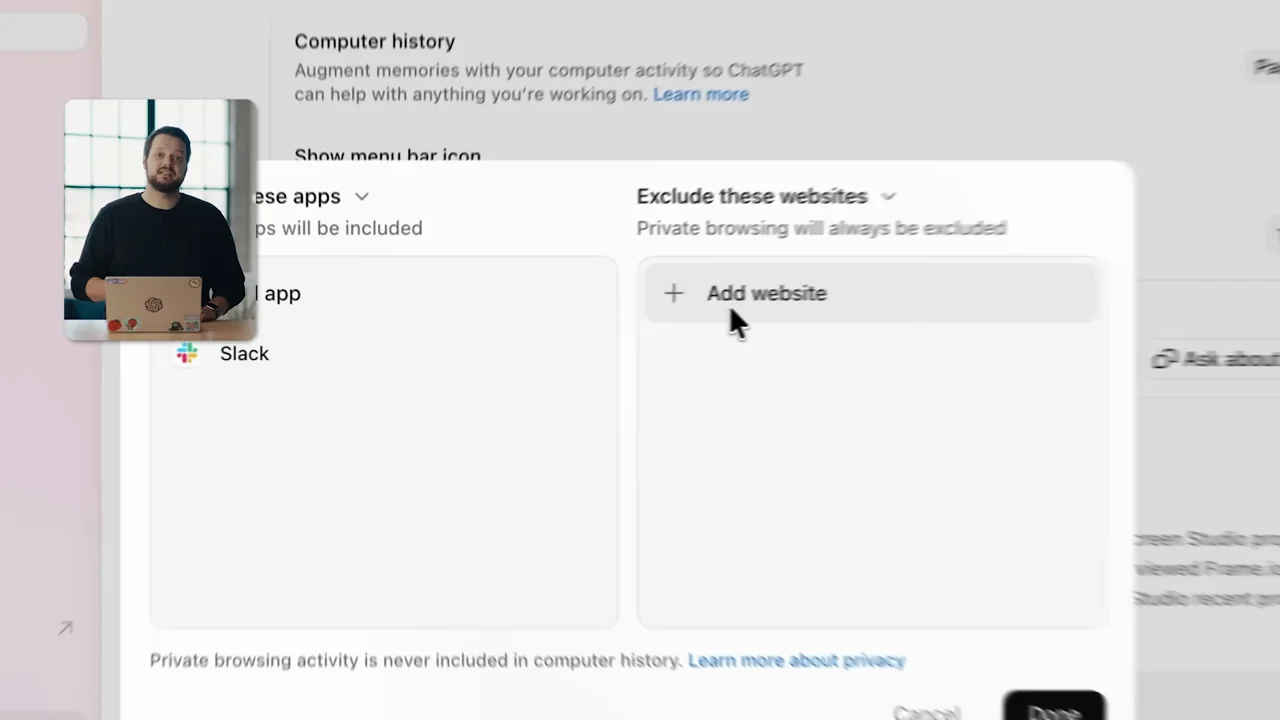
027 / Presenter demo03:10
A context-recall demonstration is followed by explicit app and website exclusions, a history timeline, and a suggested-skill handoff. Privacy controls receive actual screen time.
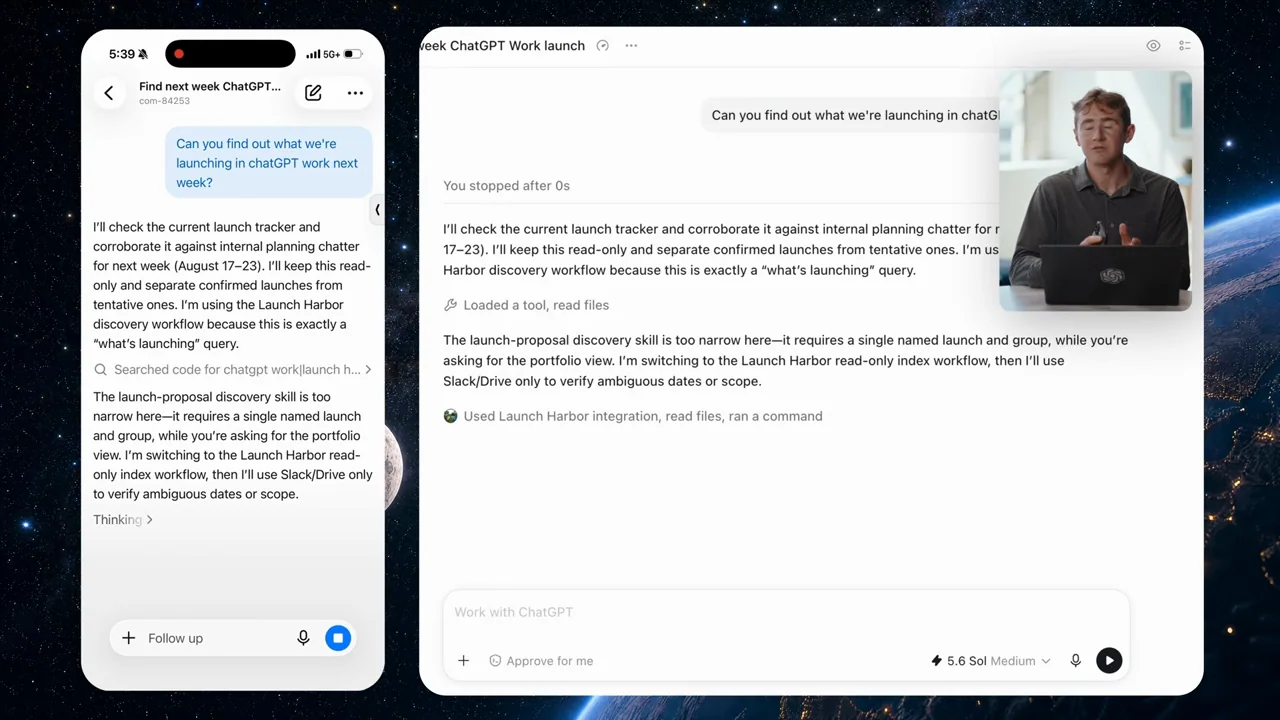
028 / Presenter demo01:54
A mobile walkthrough combines voice input, readable task results, desktop pairing, and a side-by-side phone-to-desktop handoff.
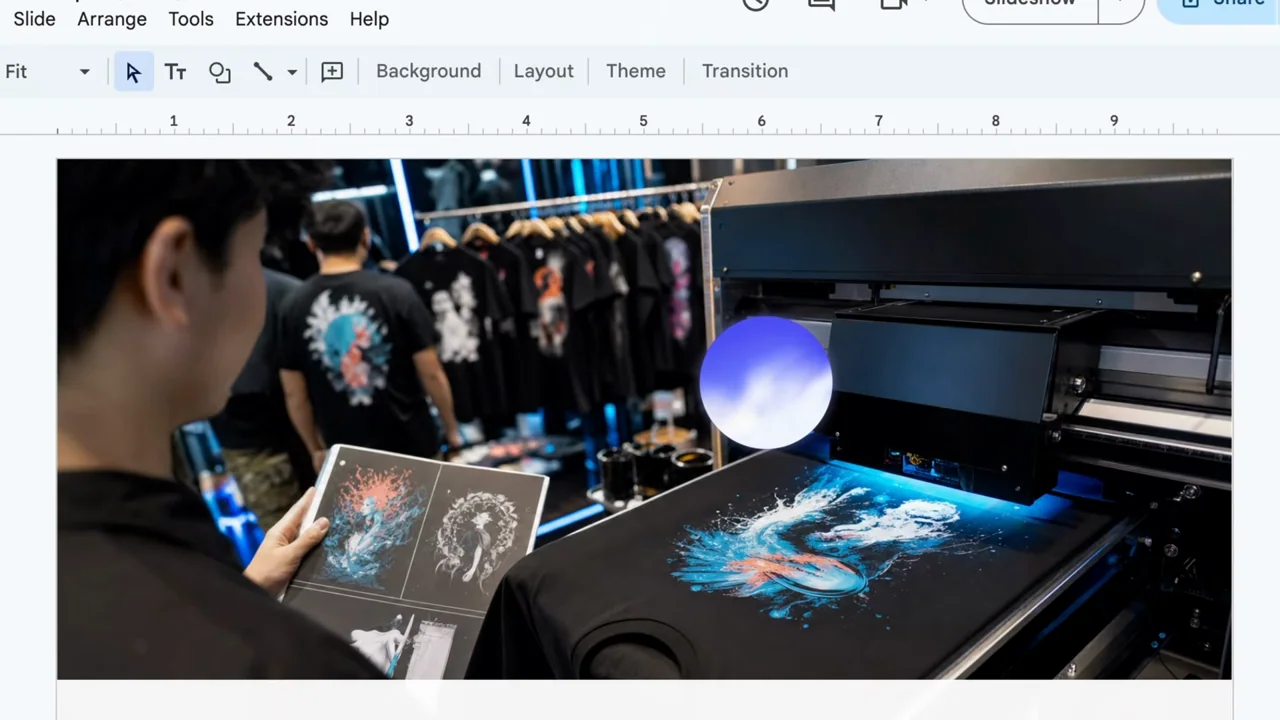
029 / Presenter demo01:50
A voice orb remains over native Notes and slide content while the presenter alternates with screen capture. Long listening holds contrast with short output reveals.
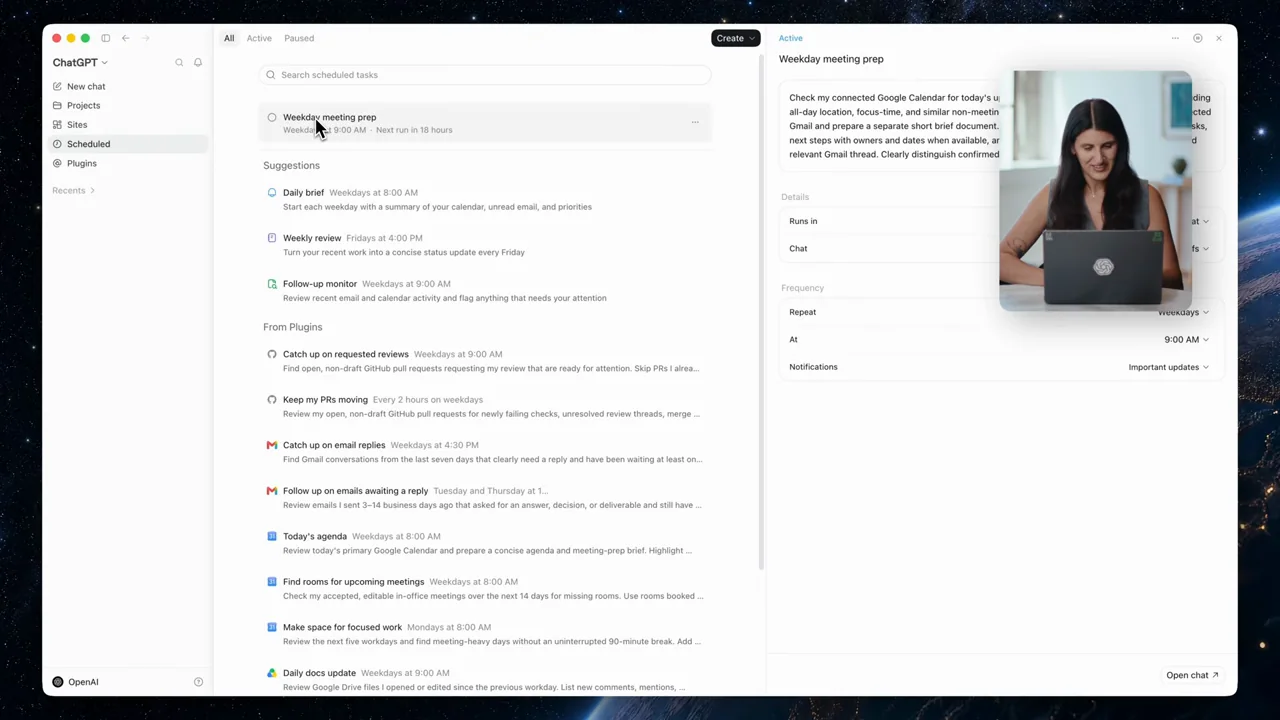
030 / Presenter demo02:09
A meeting-preparation task is tested once, converted into a schedule, inspected in the task list, and refined with a reusable skill.
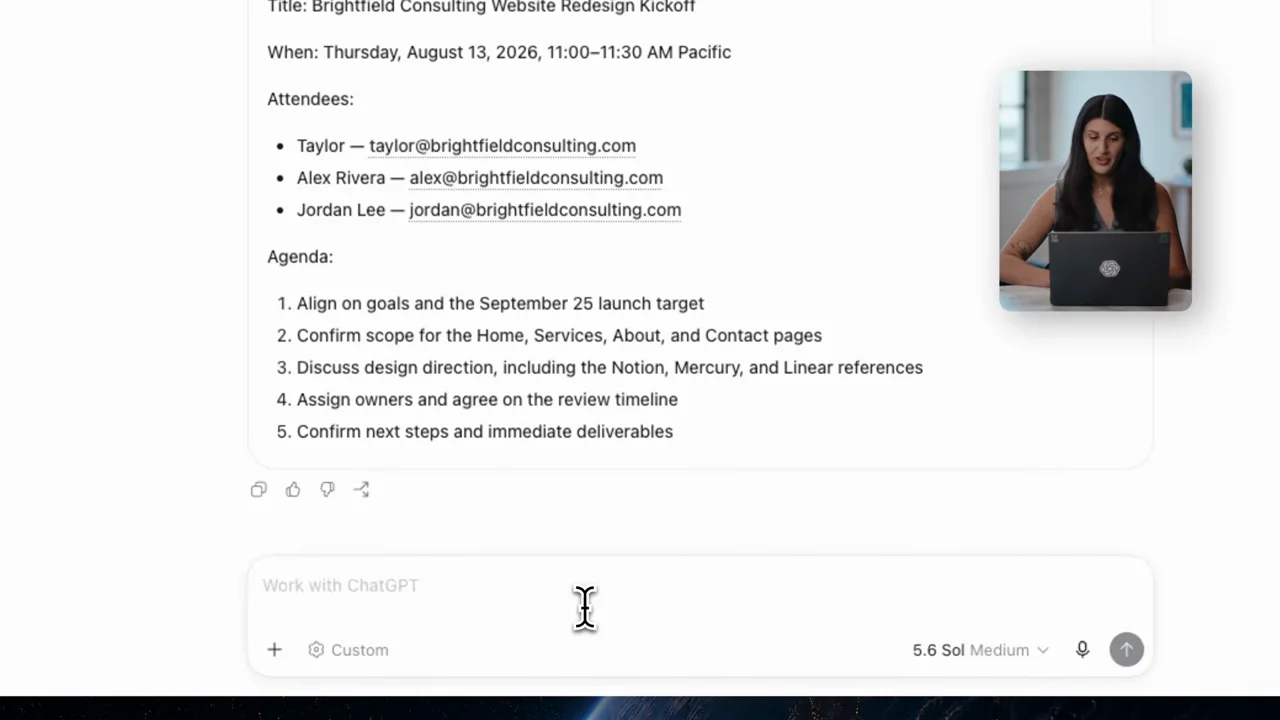
031 / Presenter demo02:45
A calendar-and-mail task progresses from connection setup to proposed event details, explicit approval, a meeting brief, and a reusable skill.
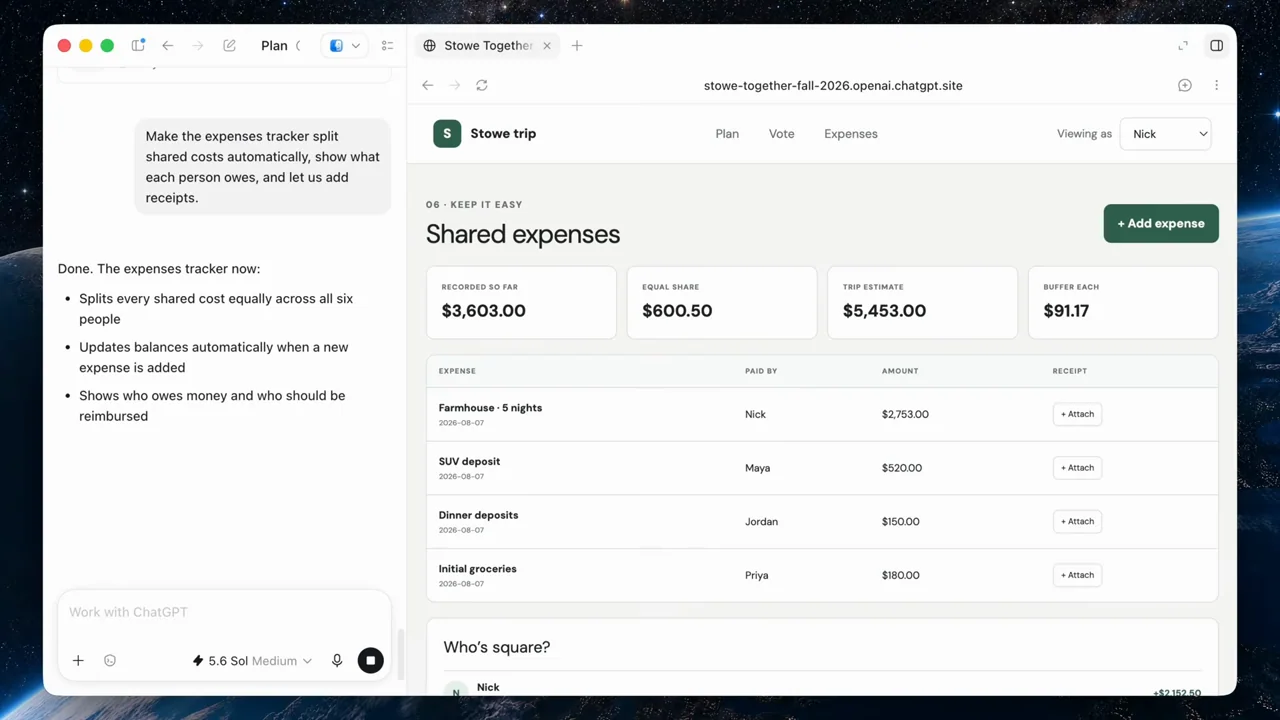
032 / Presenter demo02:20
An outcome-first website teaser leads into a private trip-site build, an expense-tracker revision, a sharing request, and a recurring dashboard example.
033 / Presenter demo03:53
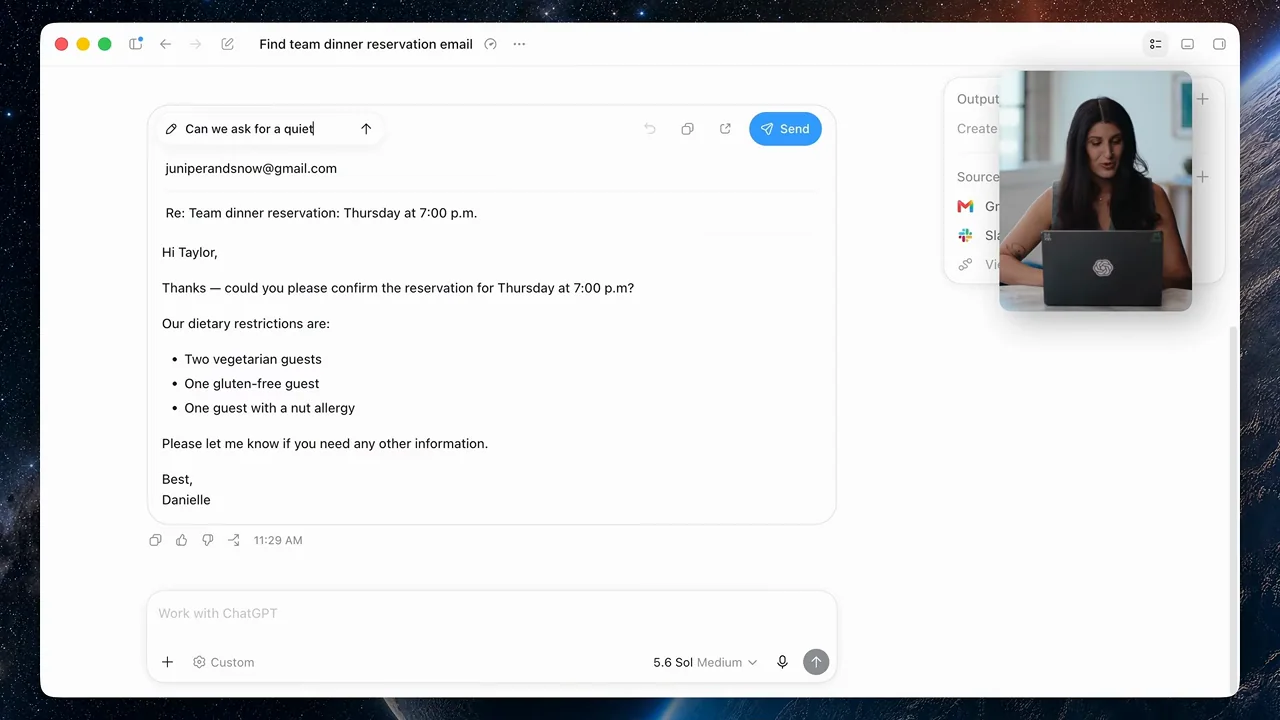
An onboarding walkthrough shows installation, mode selection, integration consent, source review, draft editing, and an explicit send action. Setup is treated as part of the workflow.
034 / Presenter demo03:17
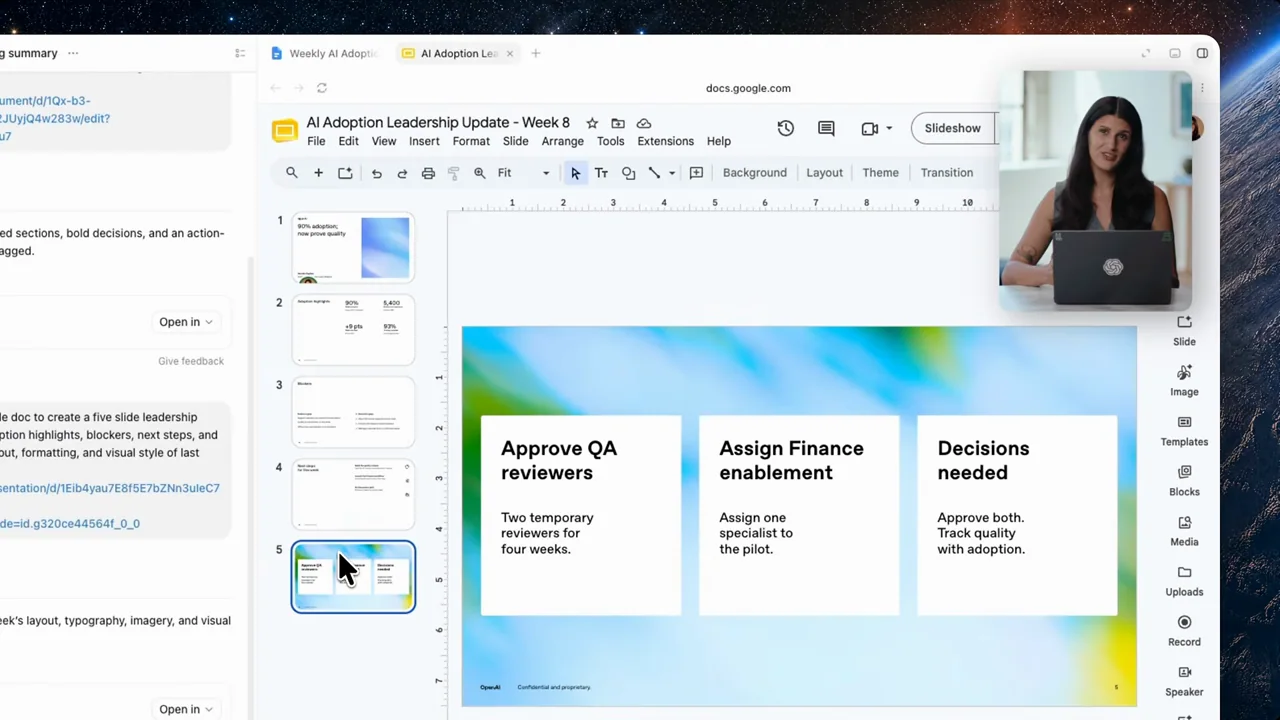
A meeting transcript becomes a structured document, a leadership deck, reusable templates, and a second set of outputs. The workflow distinguishes source, format, and reuse.
035 / Presenter demo01:26
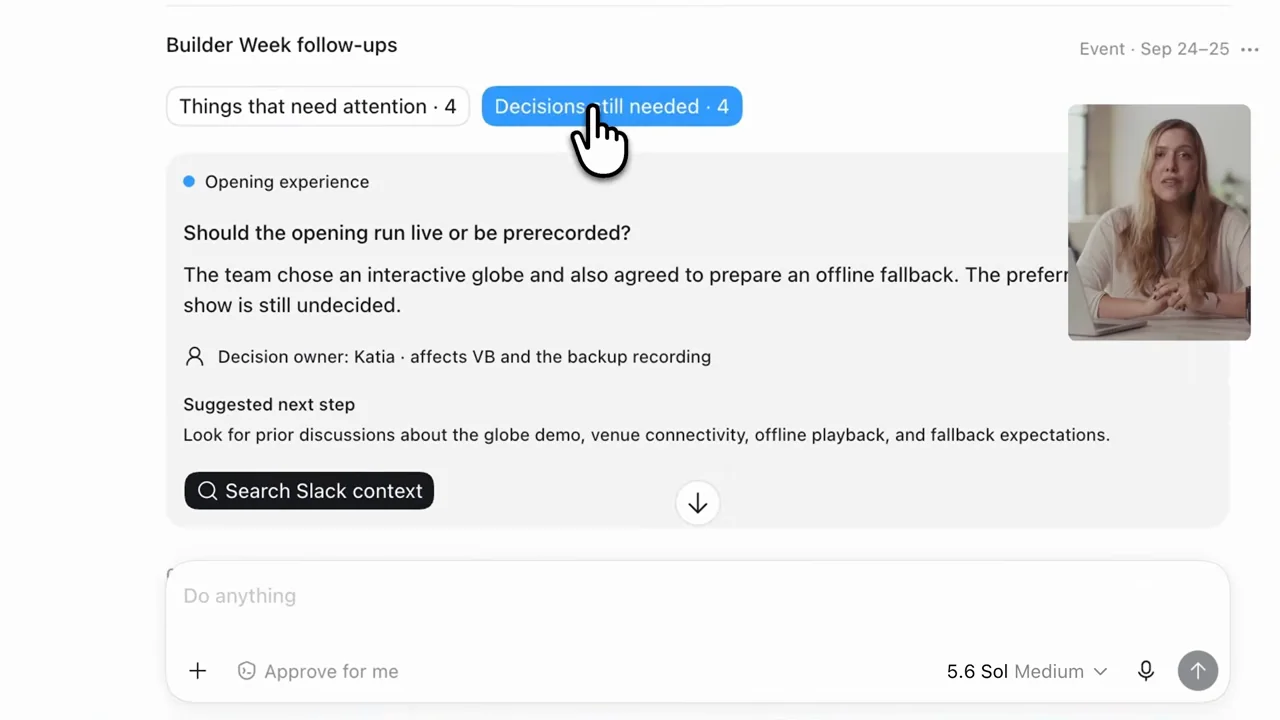
A meeting summary becomes a structured visual, a calendar view, and actionable follow-up cards. The film shows a different representation rather than merely restyling text.
036 / Presenter demo02:07
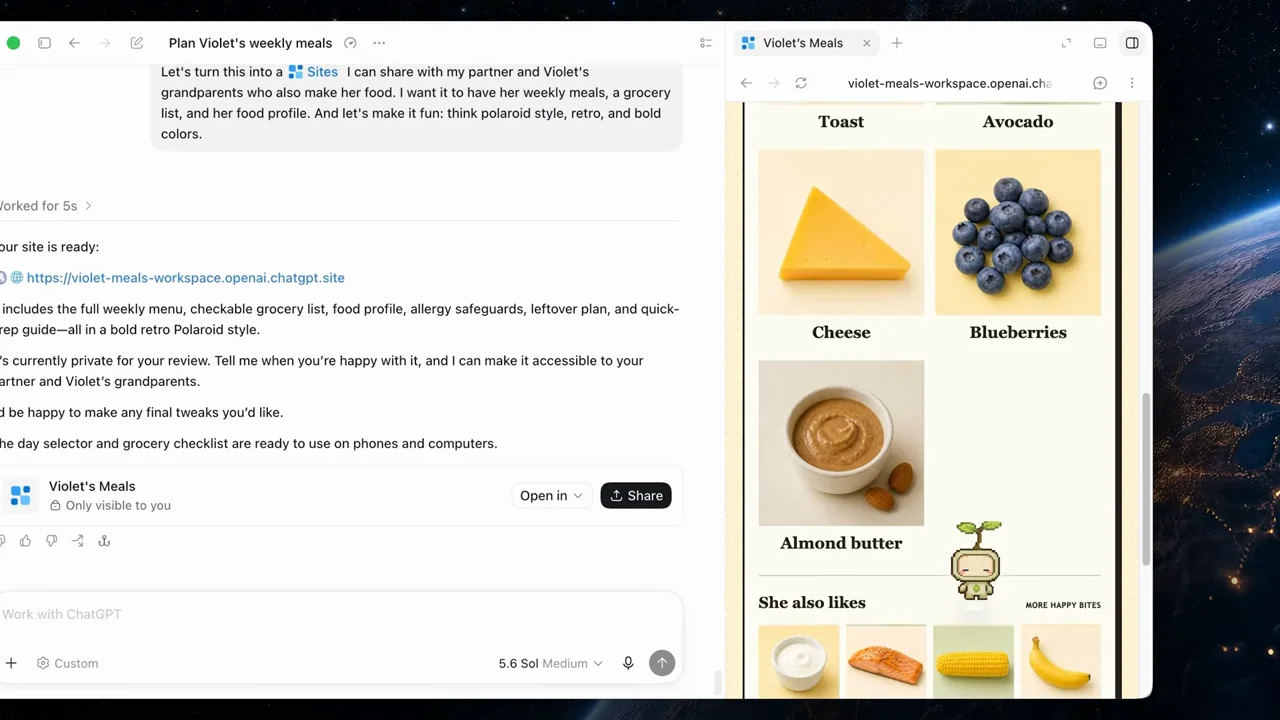
A personal planning task becomes a colorful site, grocery handoff, mobile feedback form, recurring reminder, and draft message. Each stage adds a different interaction surface.
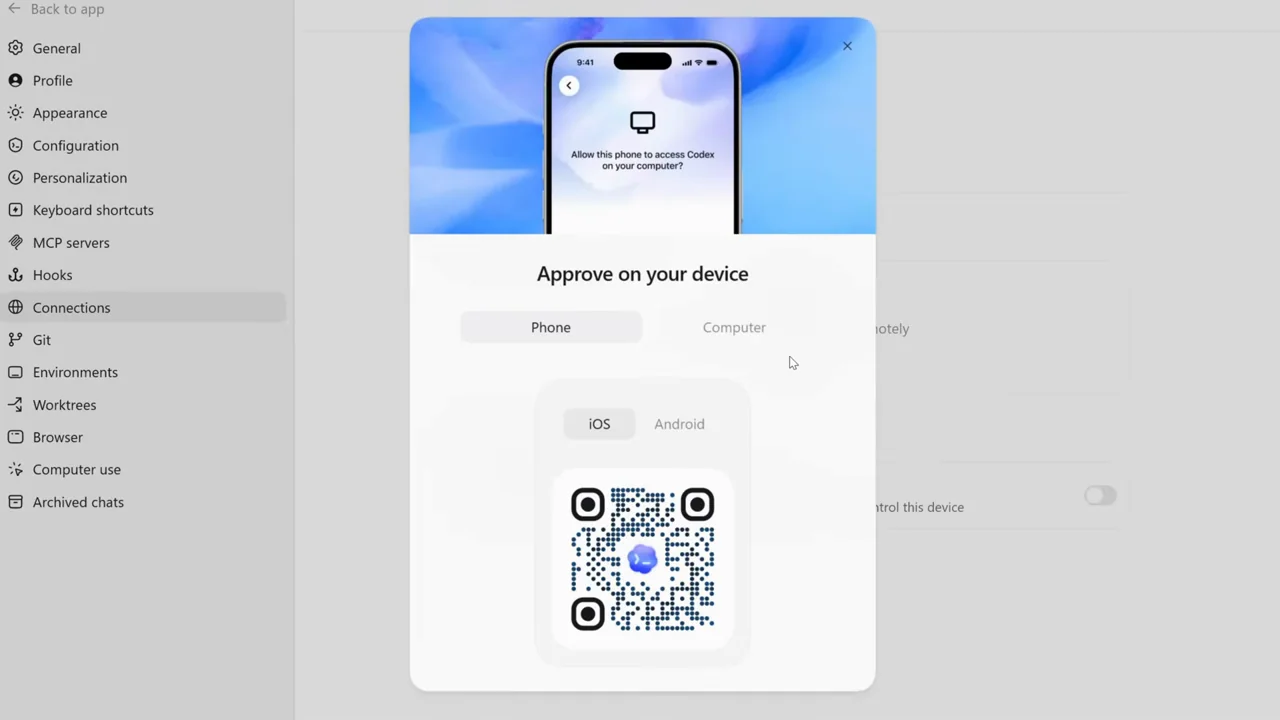
037 / Presenter demo01:49
A presenter separates desktop computer-use setup from mobile pairing, with readable settings inserts between explanations.
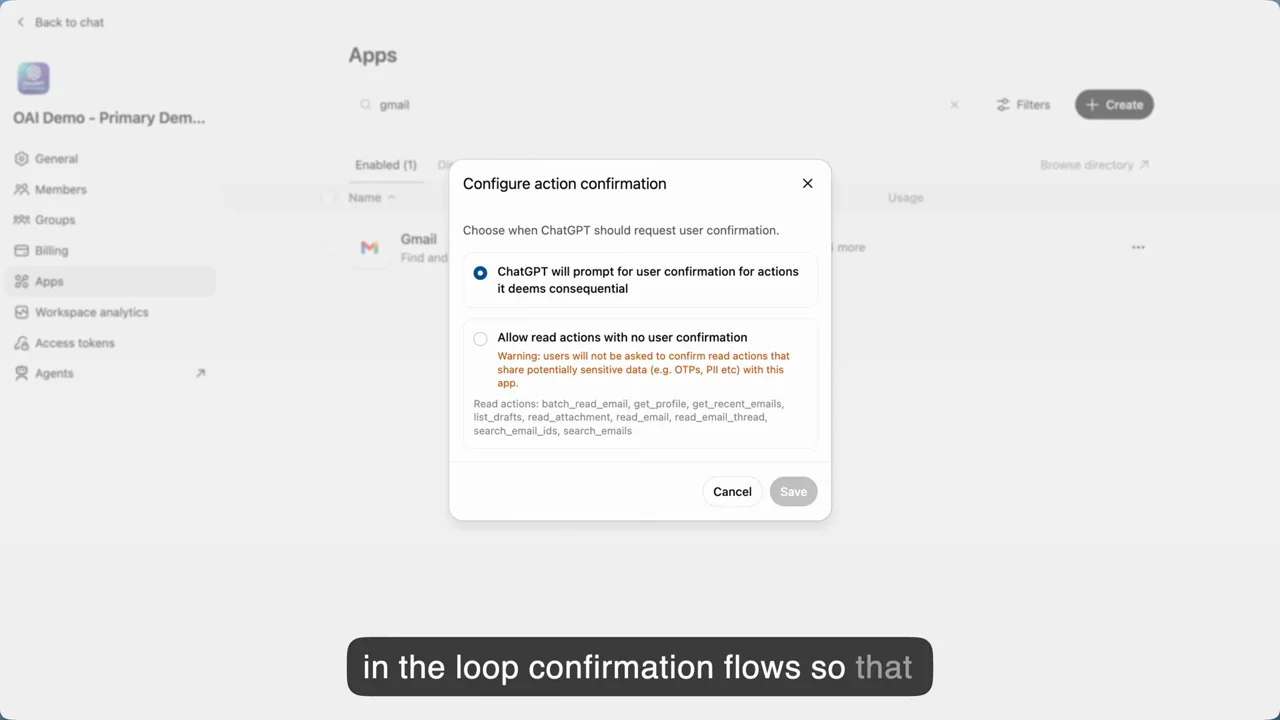
038 / Screen tutorial02:17
A screen-led tutorial moves from an agent definition to Slack output and then increasingly specific administrative controls.
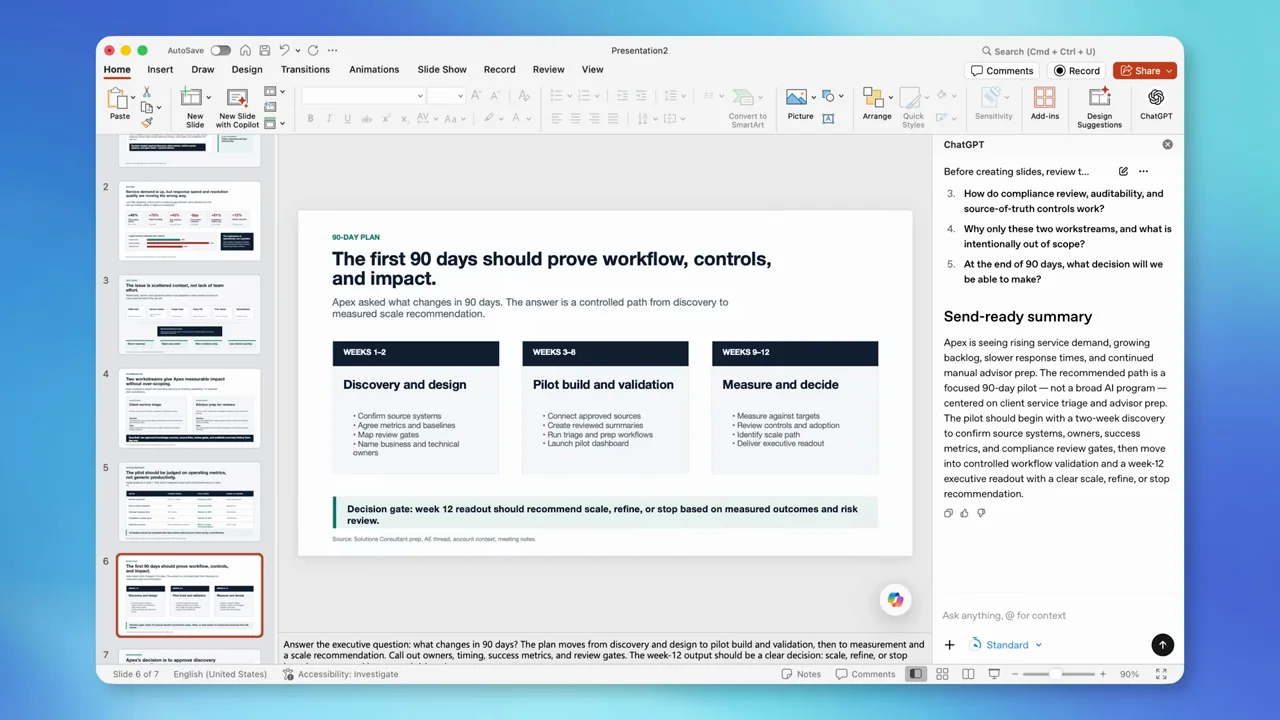
039 / Screen tutorial01:51
A blank PowerPoint deck becomes a populated presentation while the assistant remains in a right-hand pane.
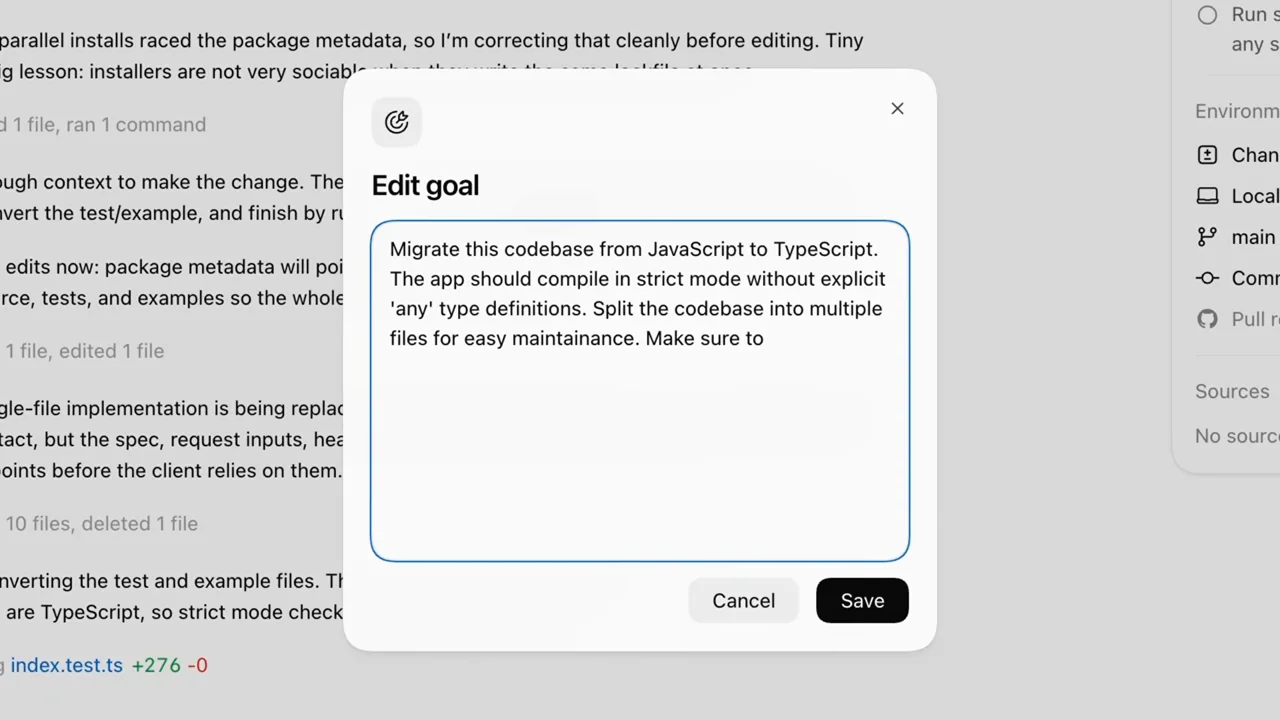
040 / Presenter demo01:38
Presenter segments alternate with goal entry, visible work, pause controls, and an editable goal dialog.
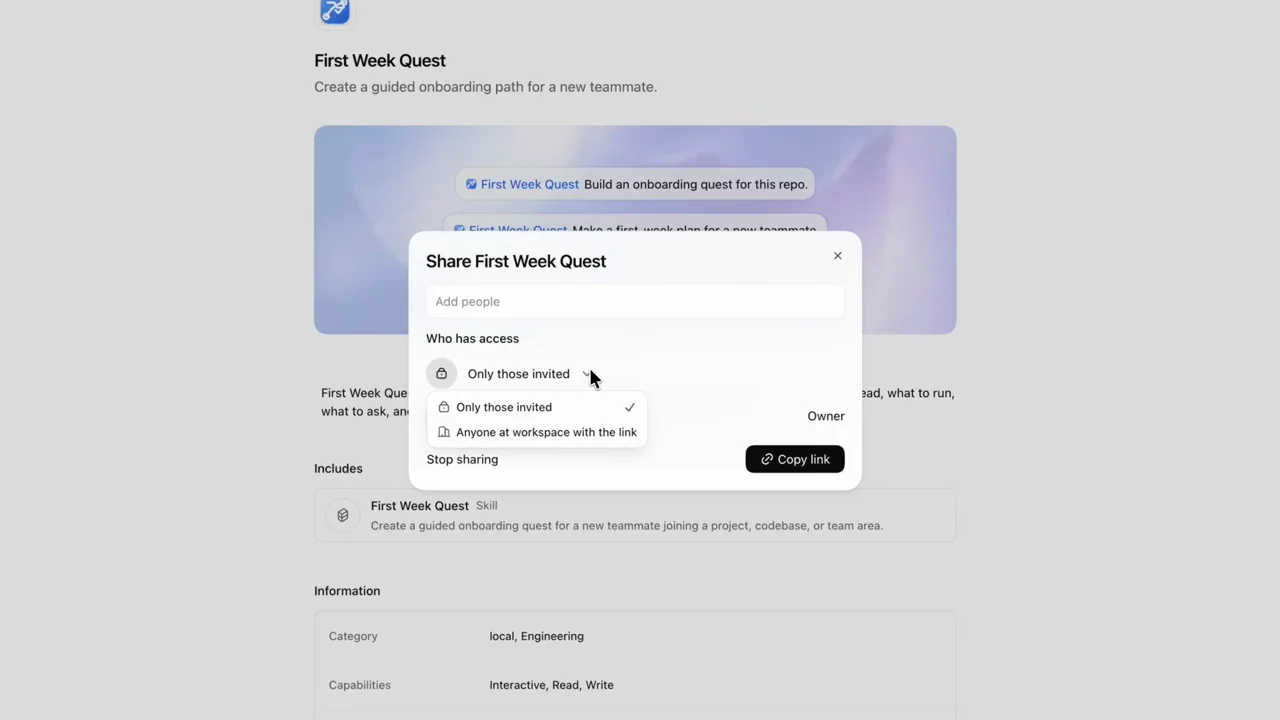
041 / Presenter demo01:39
A plugin sharing tutorial distinguishes audience selection, installation, and a browser-to-app deep link.
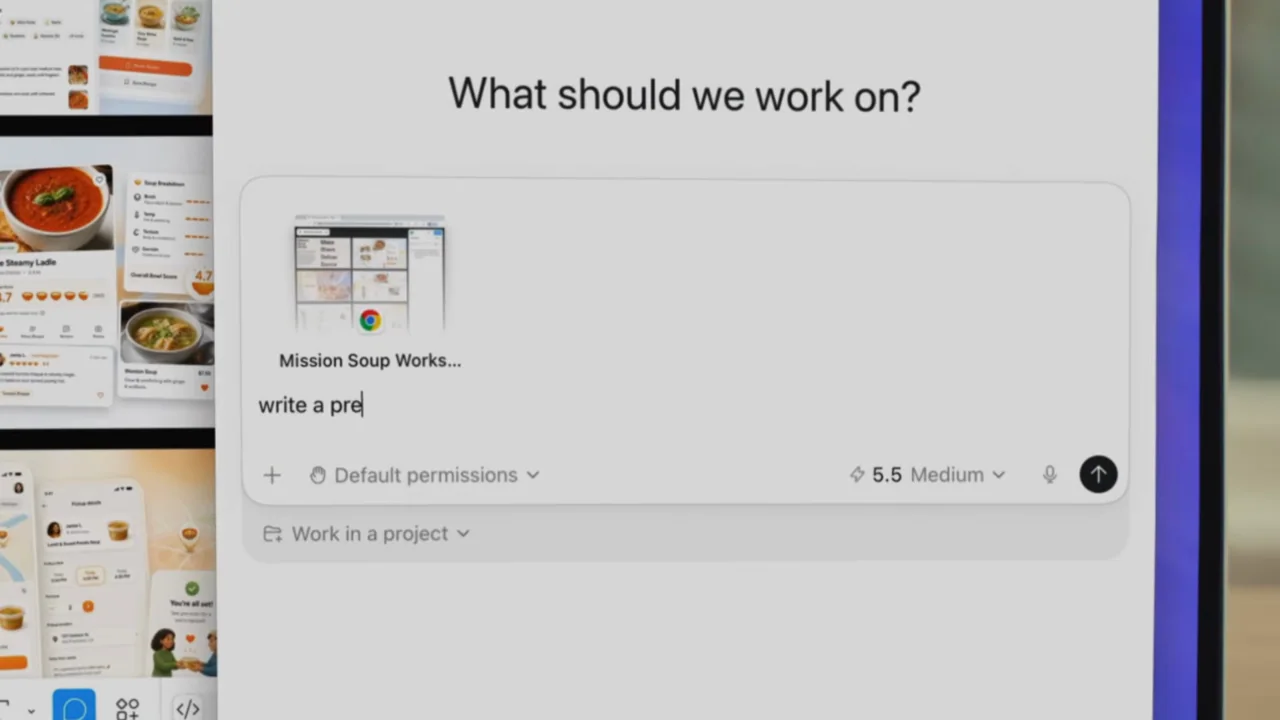
042 / Product film00:45
A short film moves from a physical laptop into close-ups of captured app context and several resulting tasks.
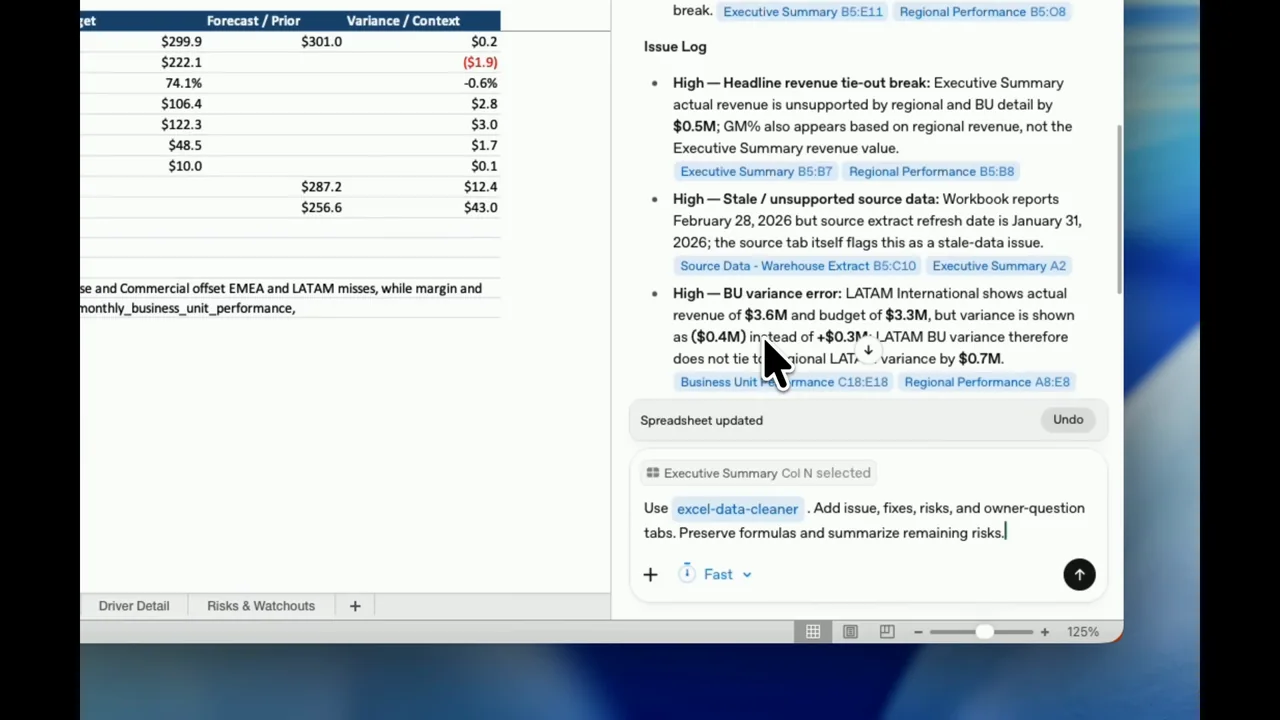
043 / Screen tutorial02:45
A spreadsheet tutorial keeps the model and assistant side by side, using brief crops and sheet changes to expose the audit trail.
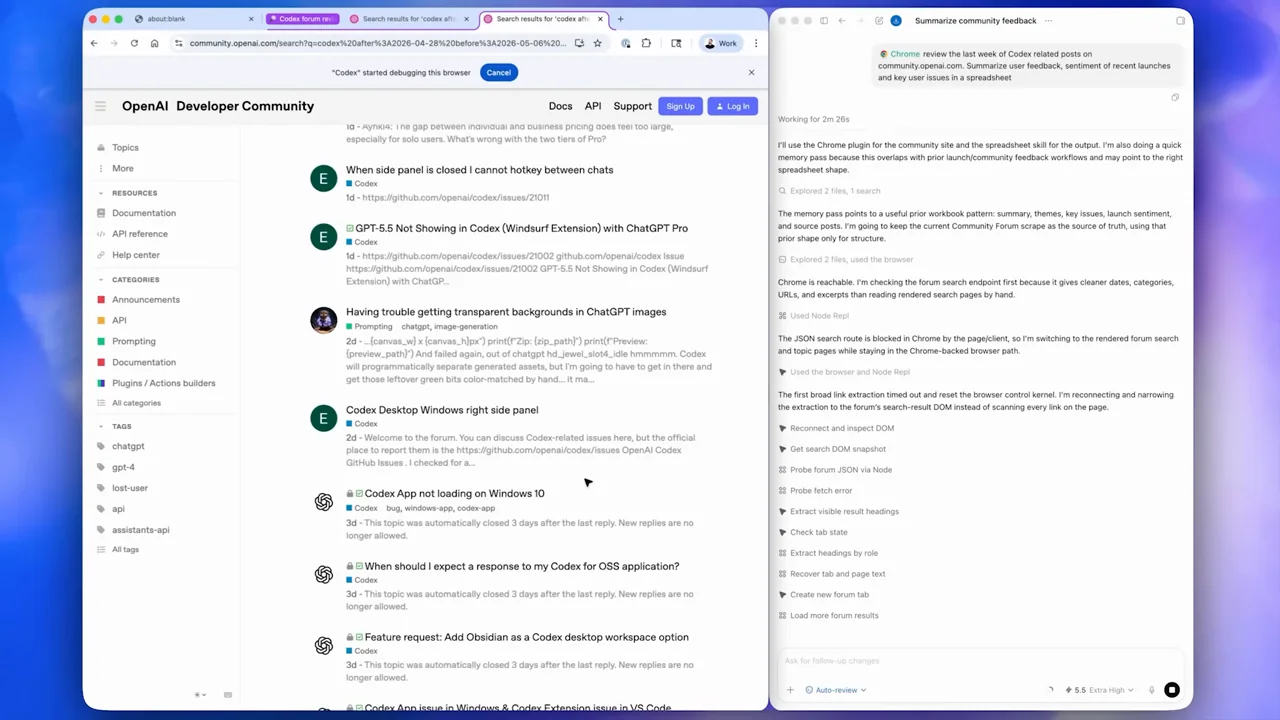
044 / Presenter demo02:34
A two-angle presenter introduction leads through extension setup, browser research, receipt entry, and a drawing game.
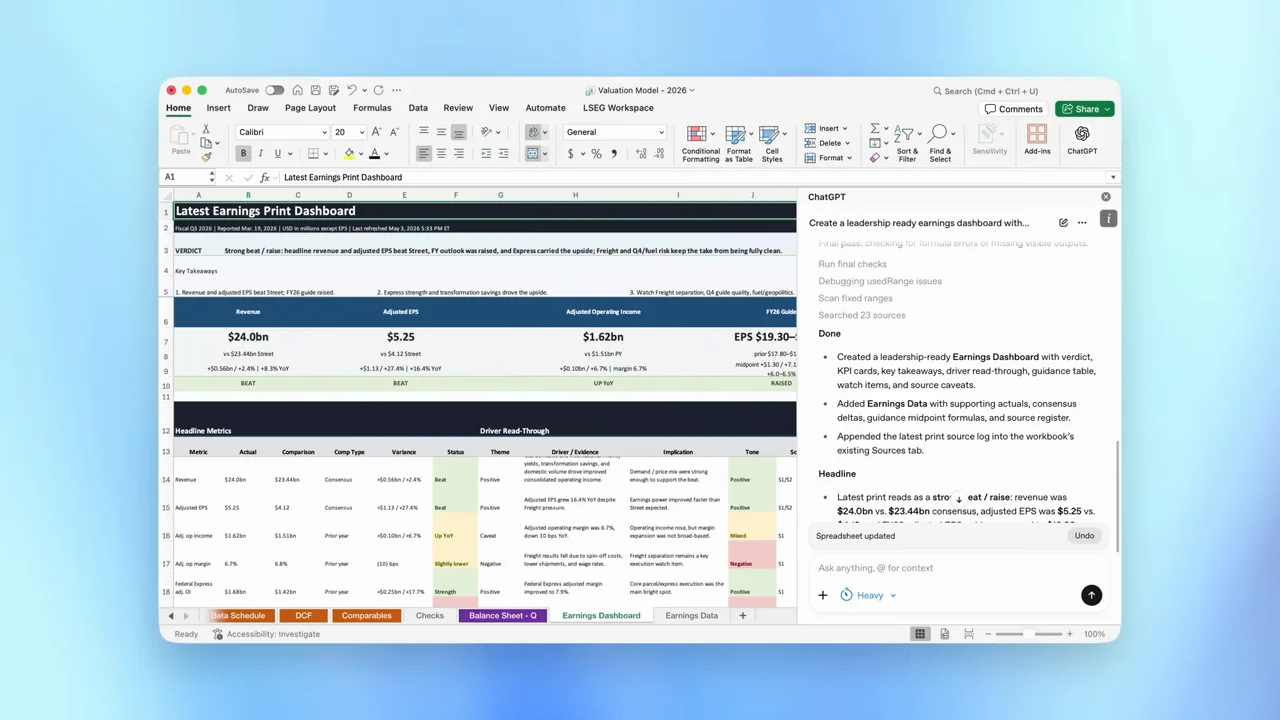
045 / Product film00:51
Two spreadsheet tasks use the same input-close-up, full-workbook, result-detail pattern, separated by a statement card.
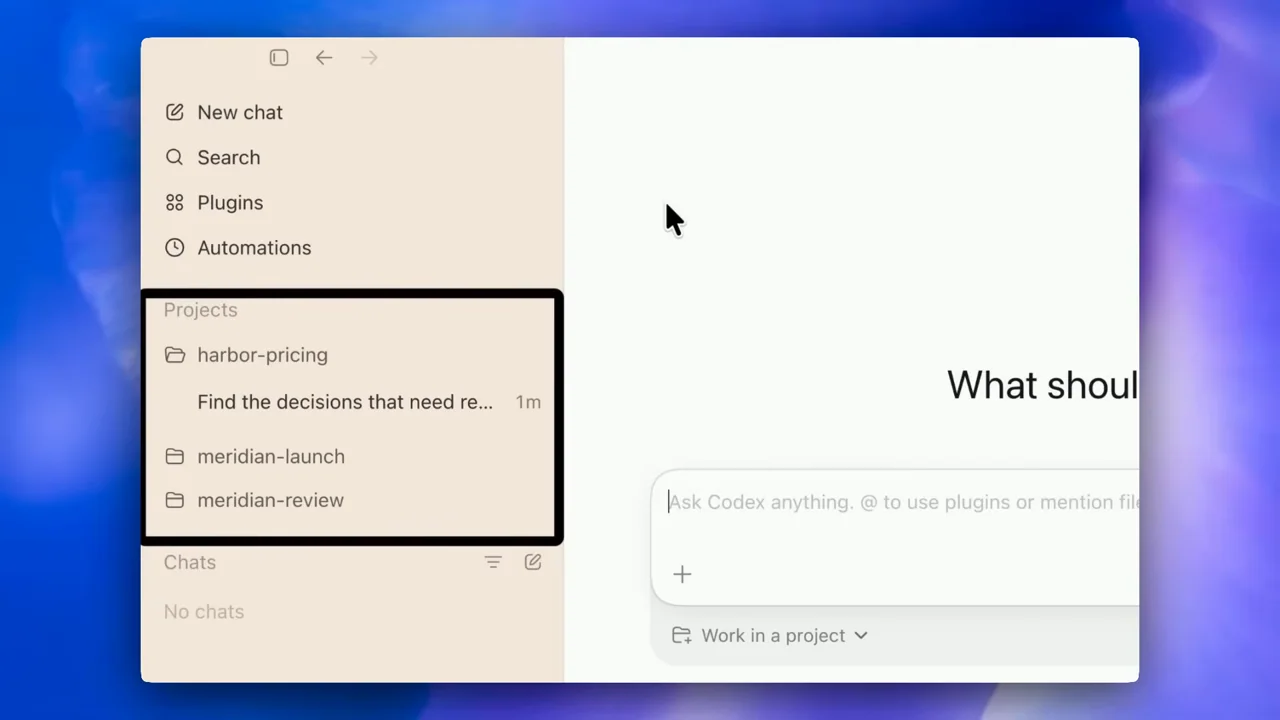
046 / Screen tutorial01:19
Onboarding choices lead into a plugin inventory, highlighted navigation, and a source-informed meeting brief.
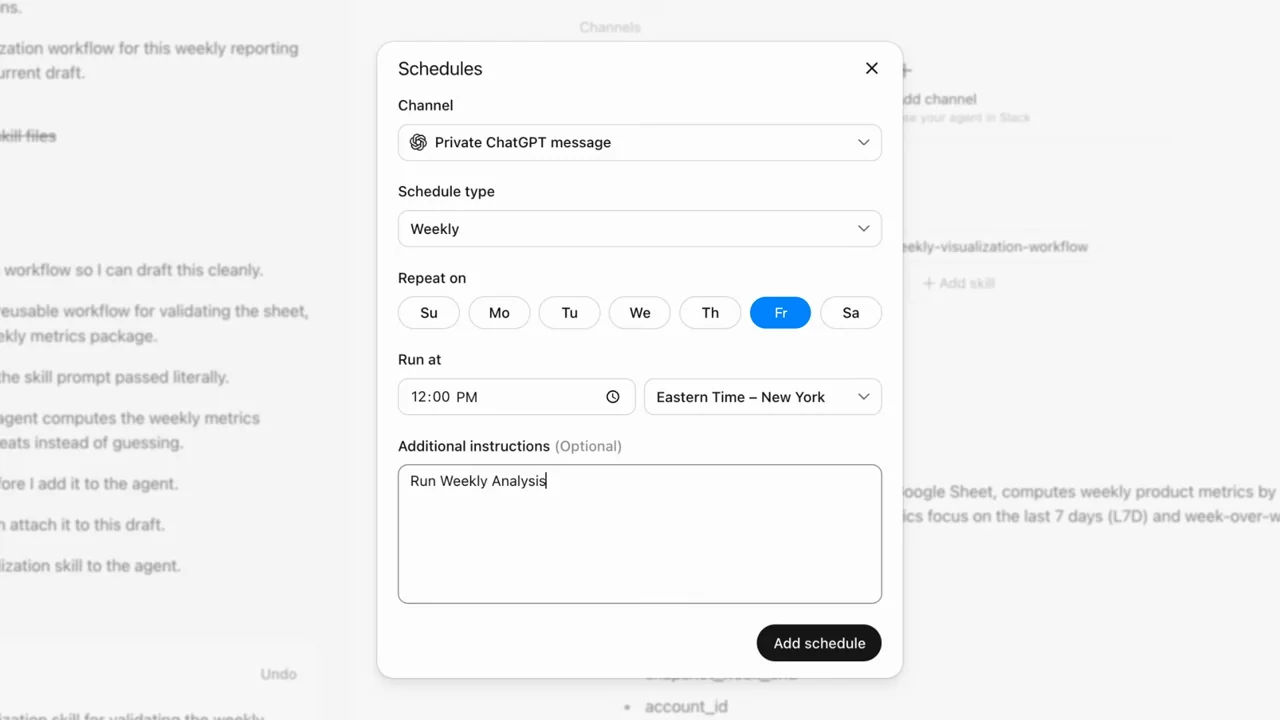
047 / Screen tutorial02:36
An agent configuration demonstrates connection identity, reusable instructions, scheduling, run history, and a report.
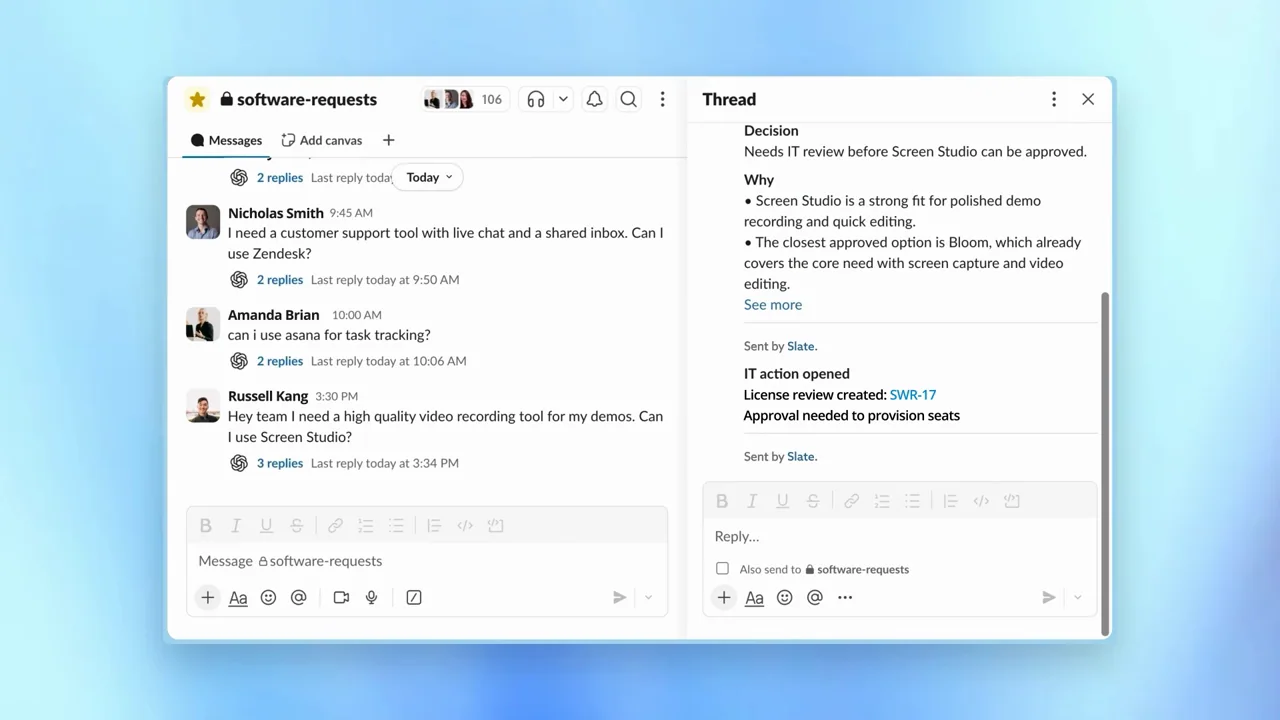
048 / Screen tutorial01:32
A software-purchase review agent moves from written rules to Slack requests and a threaded decision.
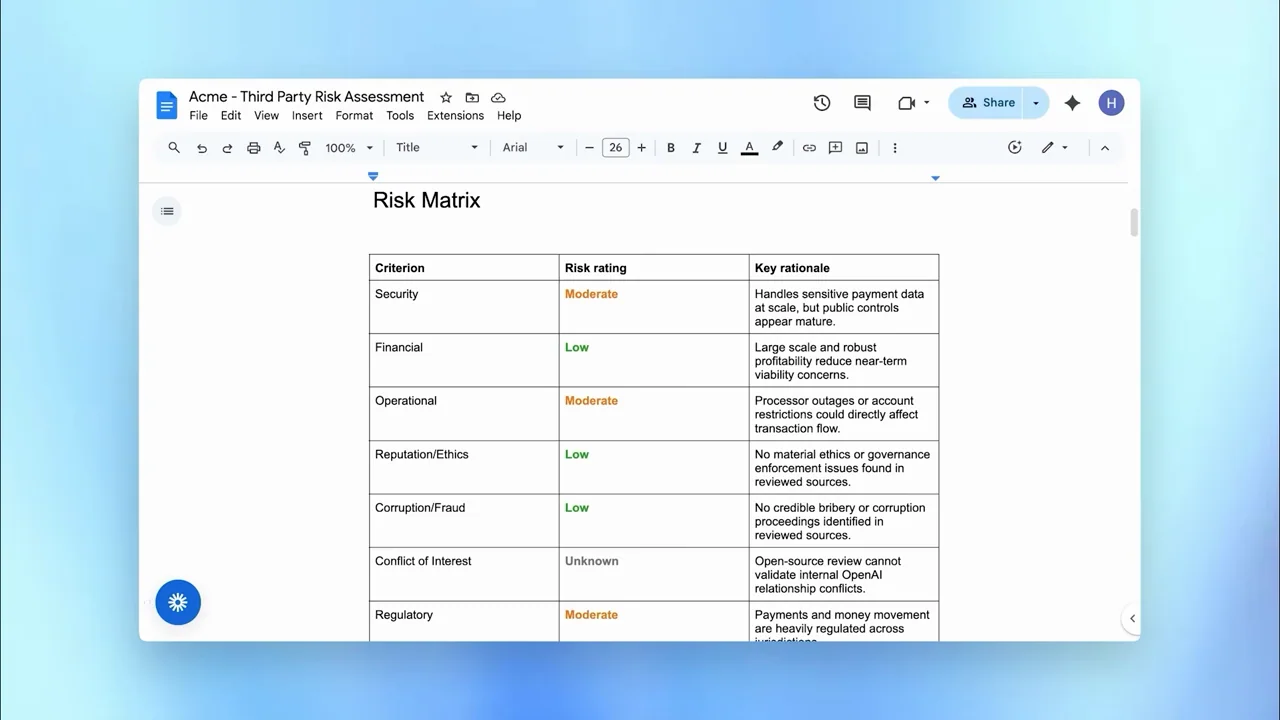
049 / Screen tutorial02:06
A vendor-risk agent is built from an instruction and file, tested, and shown producing a structured document.
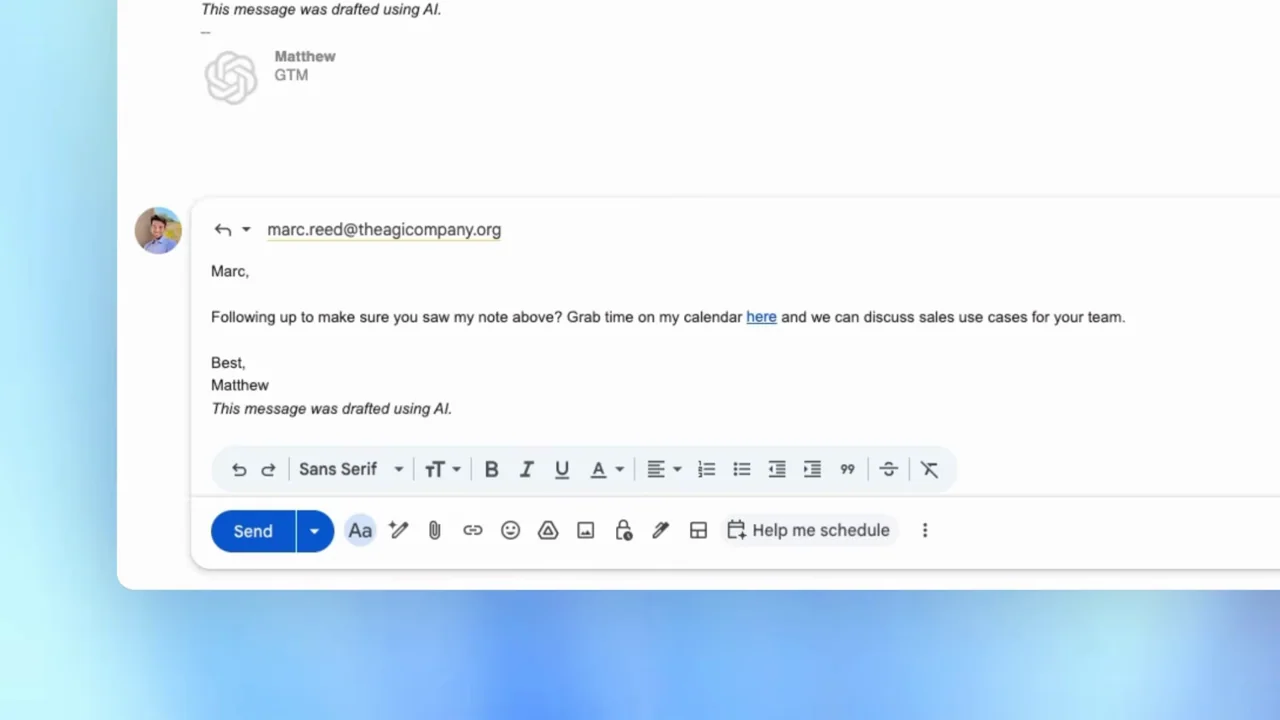
050 / Screen tutorial01:50
An agent build is followed by a lead form, background-task view, and prepared email.
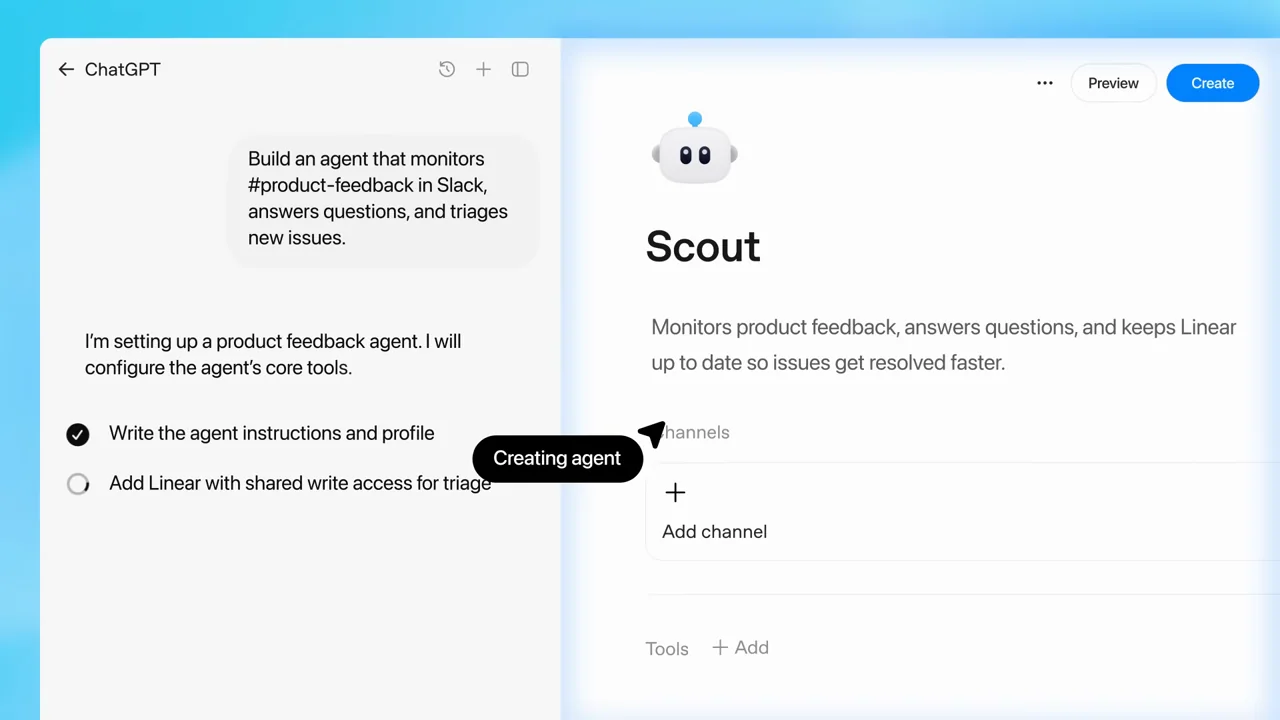
051 / Product film01:10
A compact introduction alternates statement cards with a builder, task checklist, and Slack conversation.
052 / Presenter demo02:48
An interview uses hands-on-laptop inserts to introduce three image tasks, then shows clean output close-ups.
053 / Presenter demo02:15
Interview coverage alternates with extreme prompt crops and output examples that make concrete instruction details visible.
054 / Presenter demo02:05
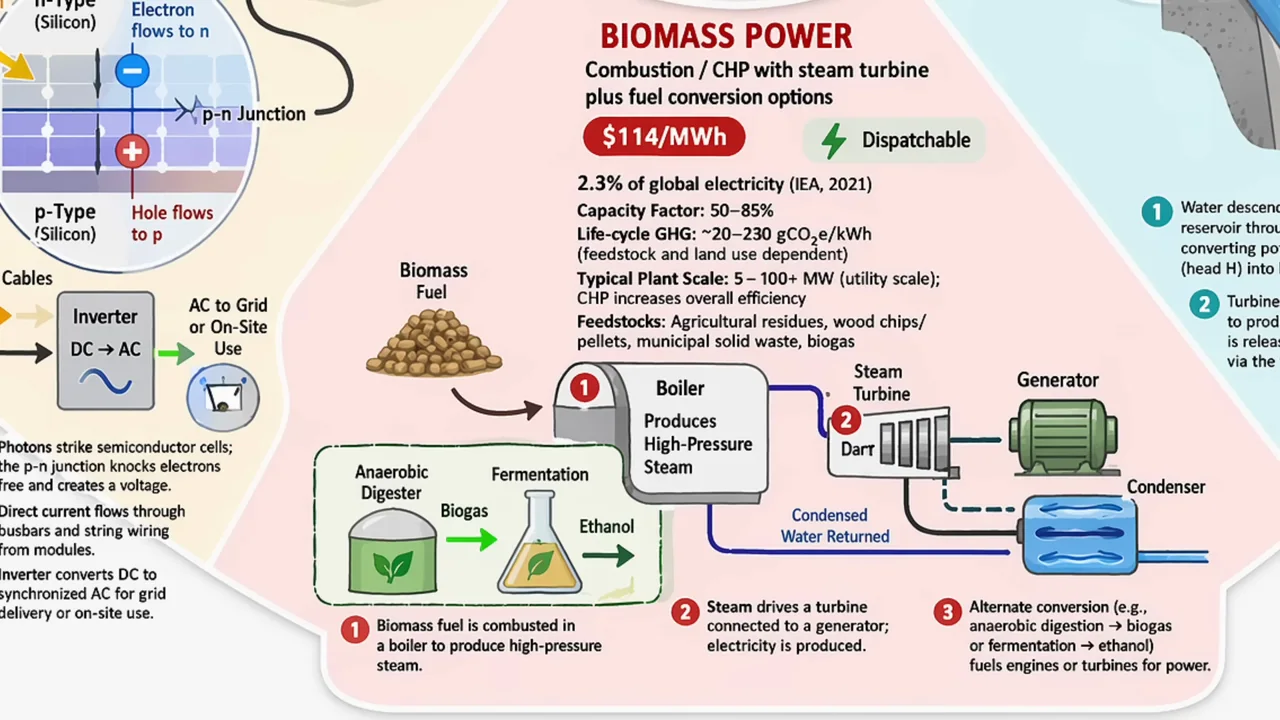
A presenter moves from a detailed prompt to an infographic, then to paper-derived slide and chart examples.
055 / Presenter demo02:17
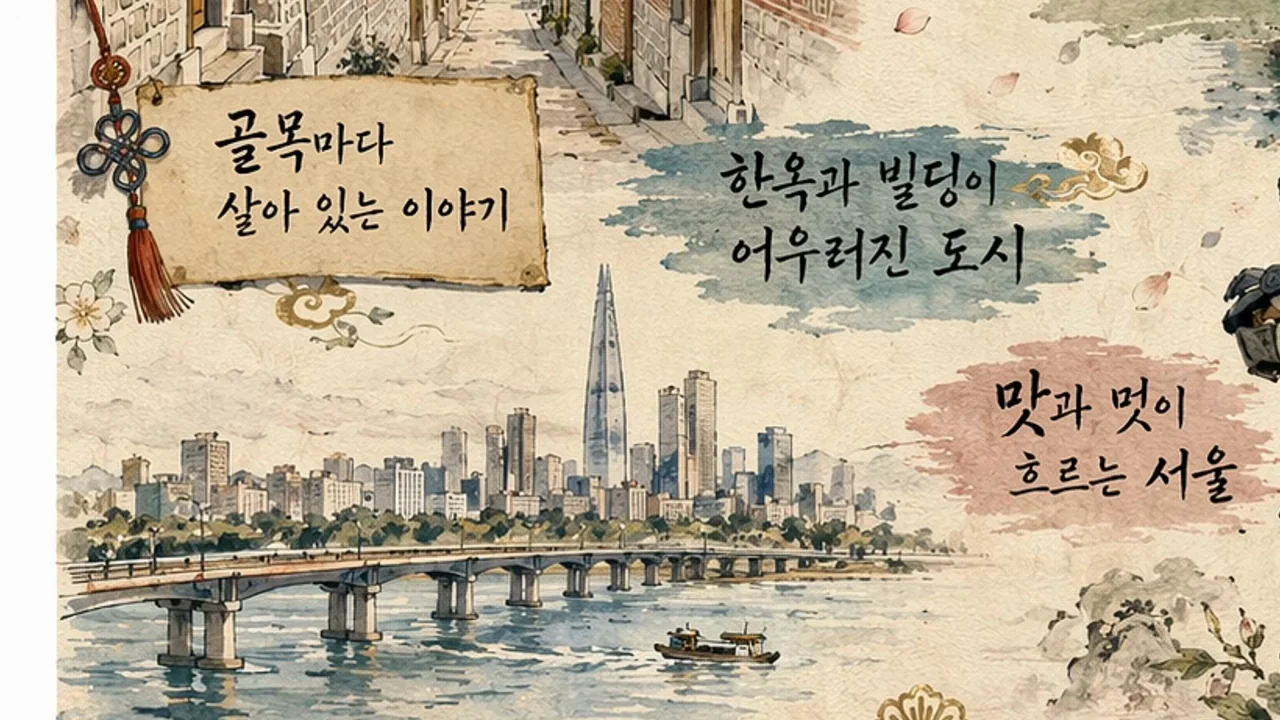
Travel-poster examples are shown first as complete compositions and then as close text details, with people reacting between outputs.
056 / Presenter demo02:31
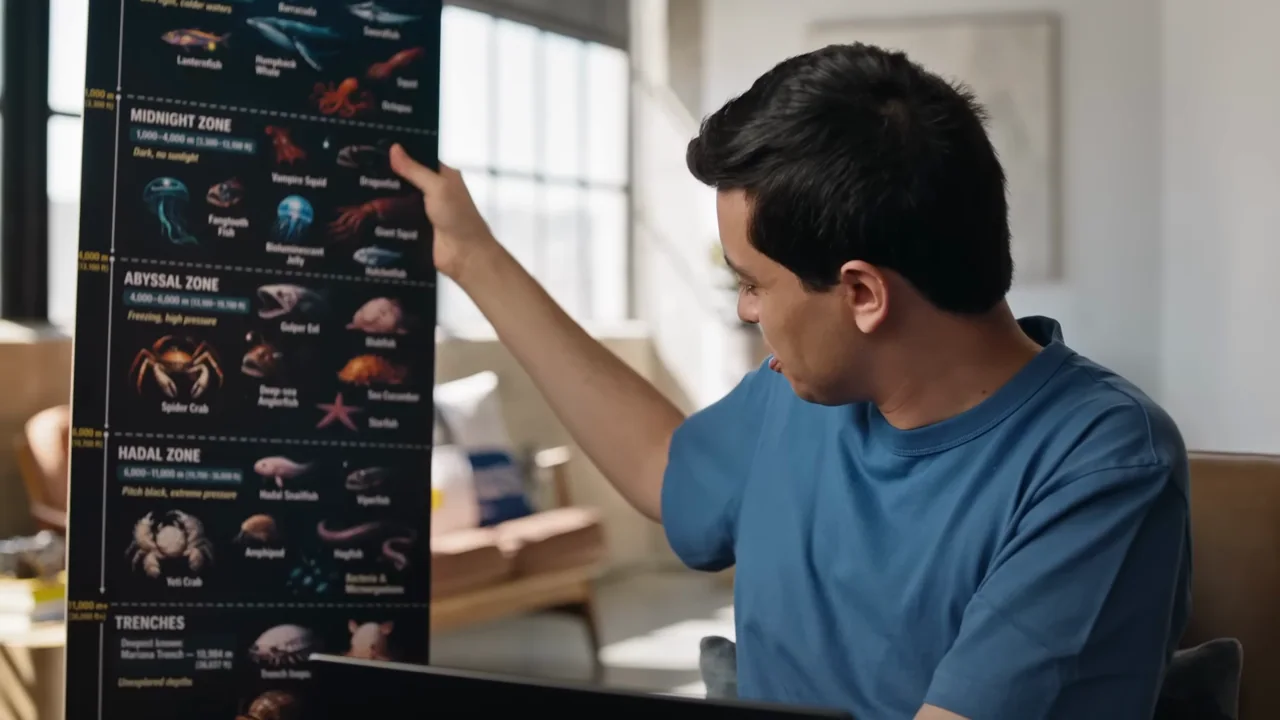
Aspect ratios are explained through a tall infographic, a physical print, texture detail, and a panoramic viewer.
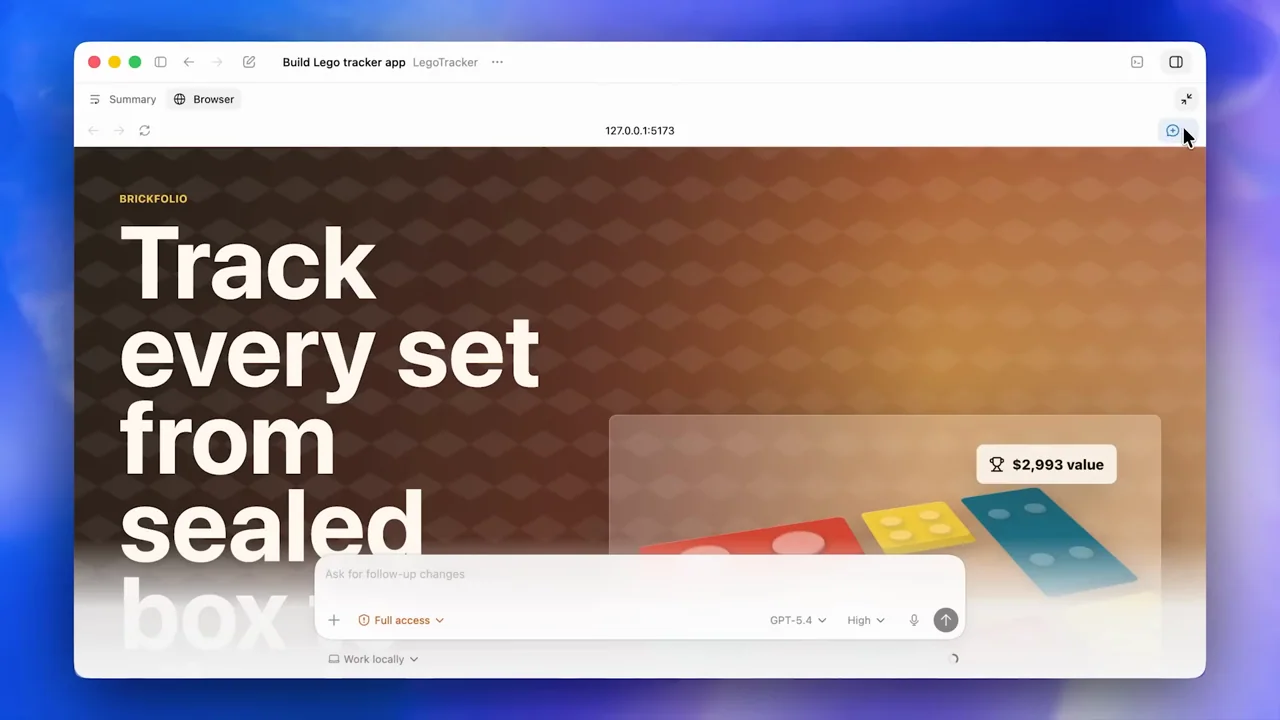
057 / Product film01:39
A capability reel uses statement cards to separate computer interaction, browser inspection, image creation, connectors, planning, and file viewing.
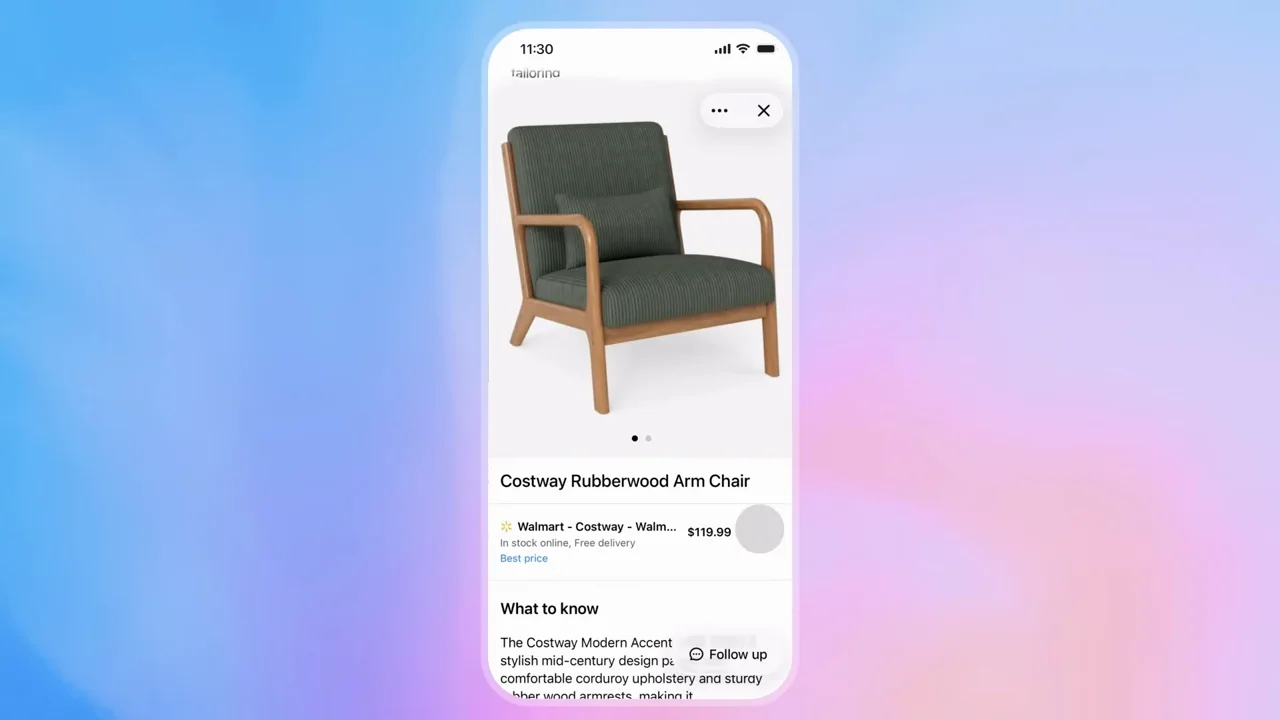
058 / Product film00:42
An isolated image prompt expands into a phone conversation, refined recommendations, and a product detail sheet.
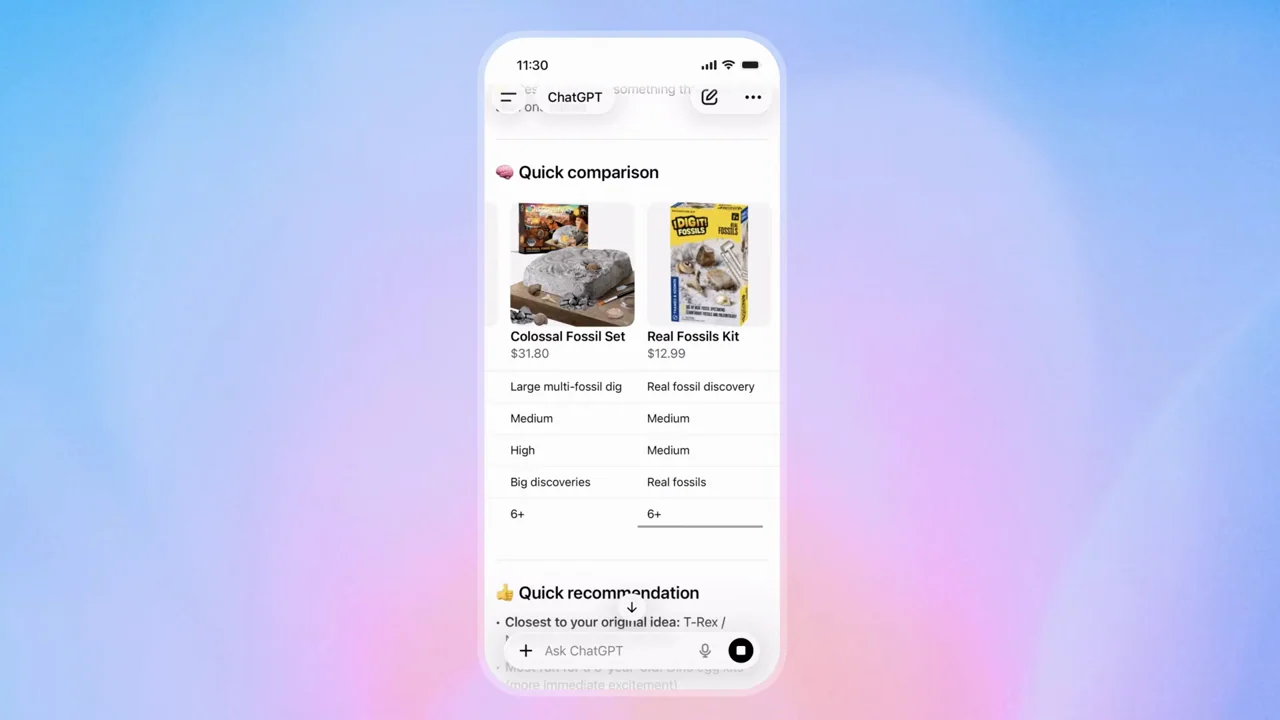
059 / Product film00:52
A gift prompt becomes a phone-based recommendation flow, comparison, and selected item.
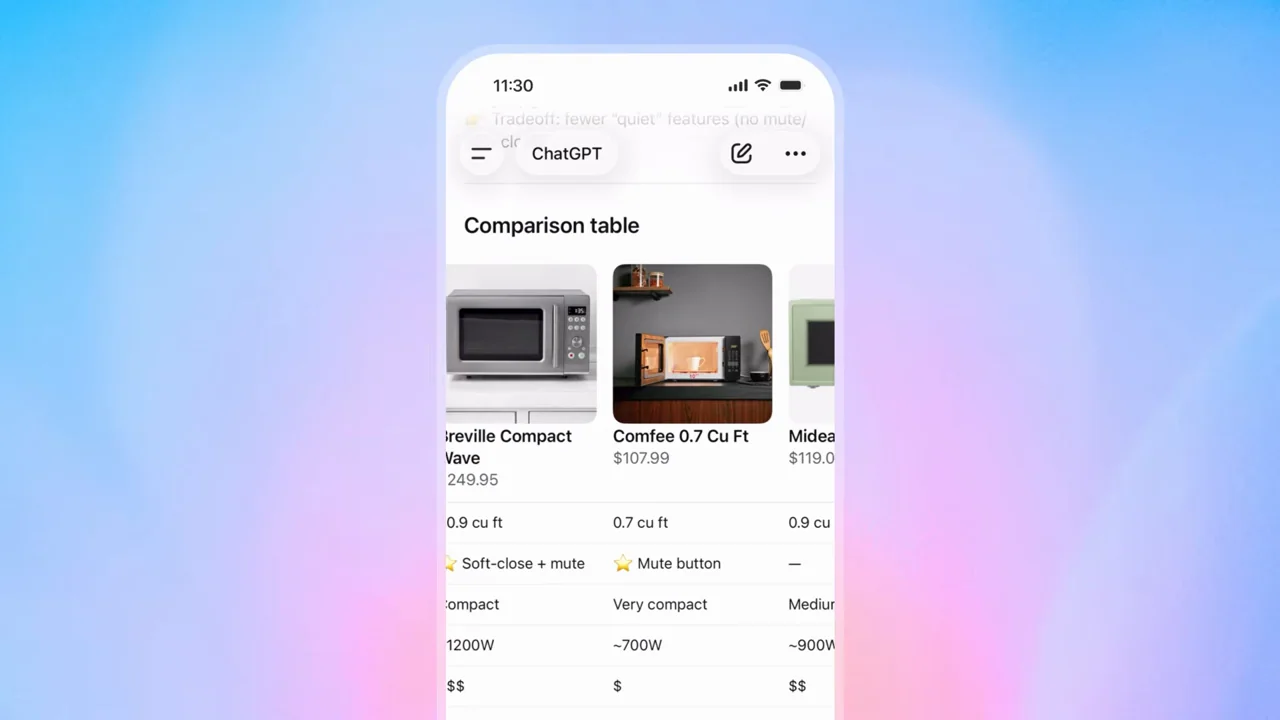
060 / Product film00:39
A compact microwave search moves from constraints to product details, review summaries, and a side-by-side table.
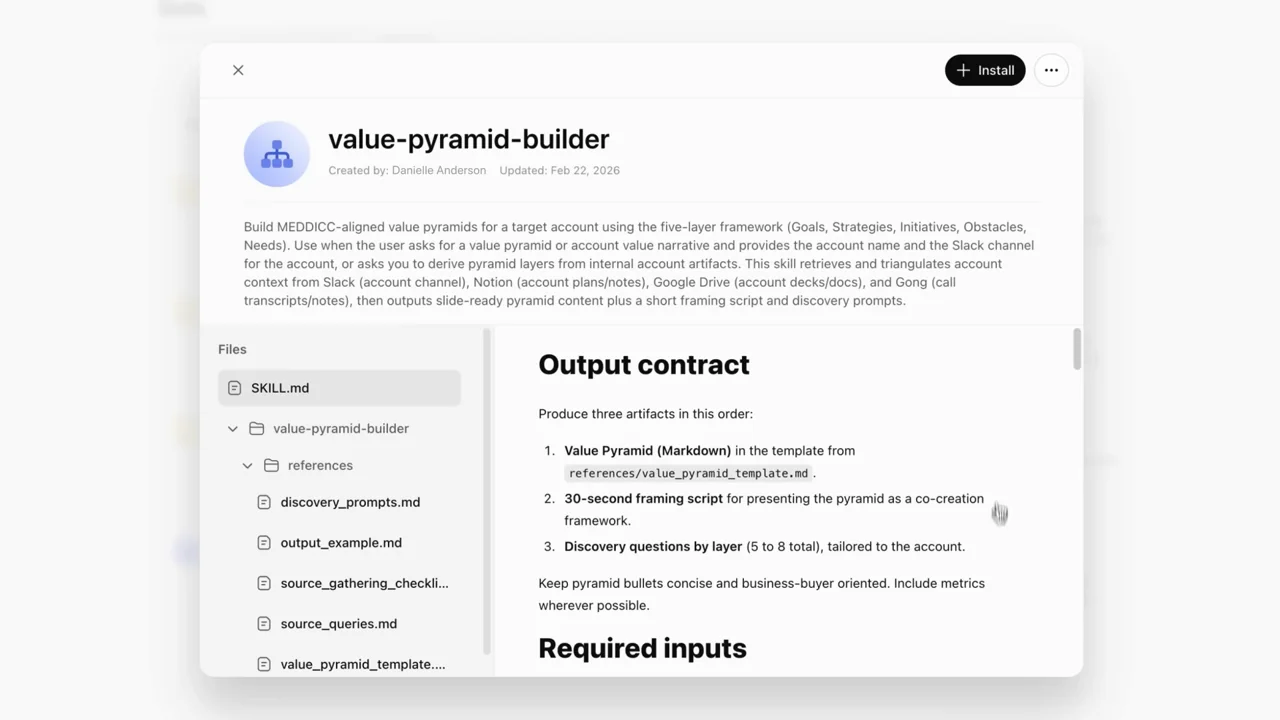
061 / Product film01:01
A skill-creation request produces an installable object, followed by a document task and a separate sharing chapter.
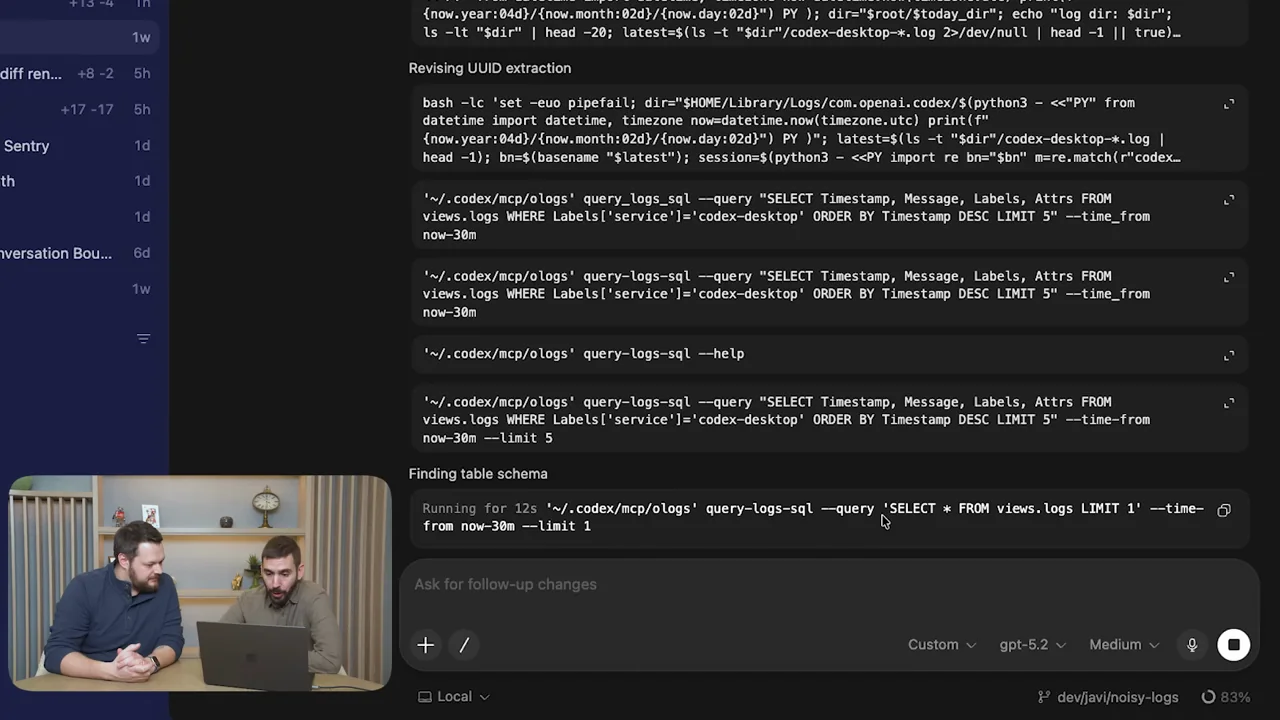
062 / Presenter demo02:23
A two-person conversation switches to a dark code workspace with a small persistent presenter inset.
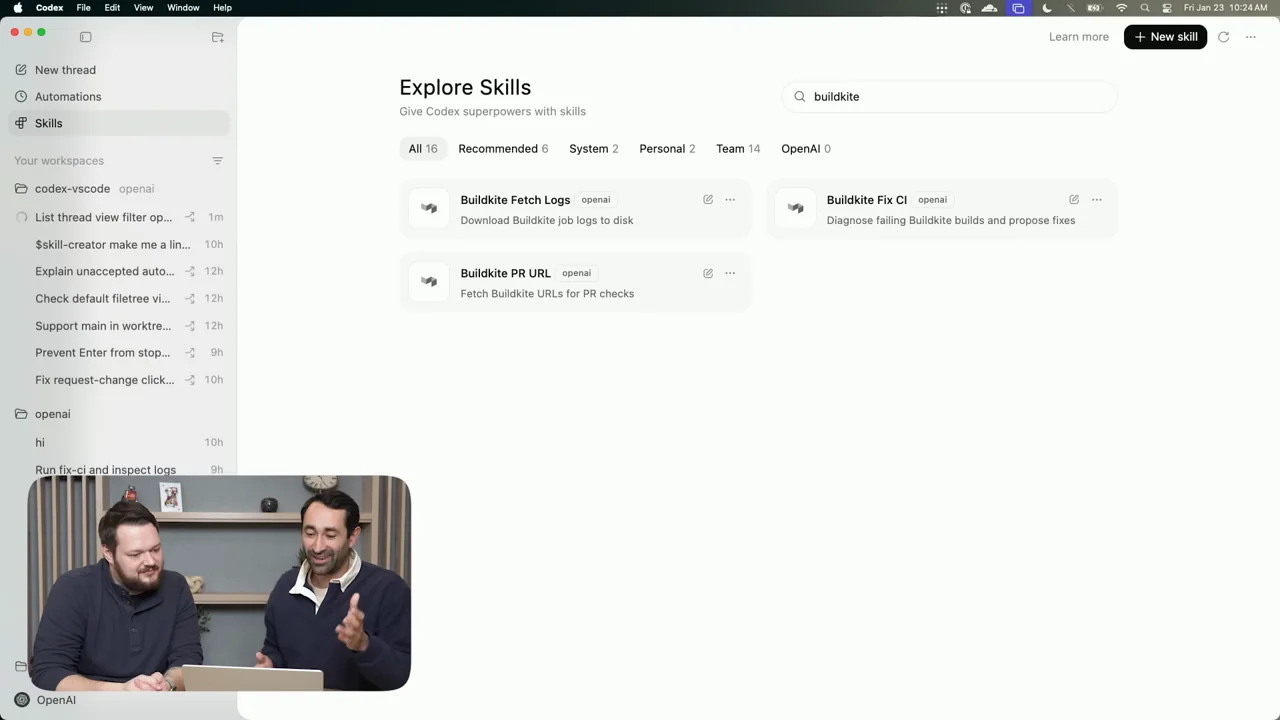
063 / Presenter demo02:19
A product-management interview uses a light conversation view, highlighted text, and a skills catalog with a persistent two-person inset.
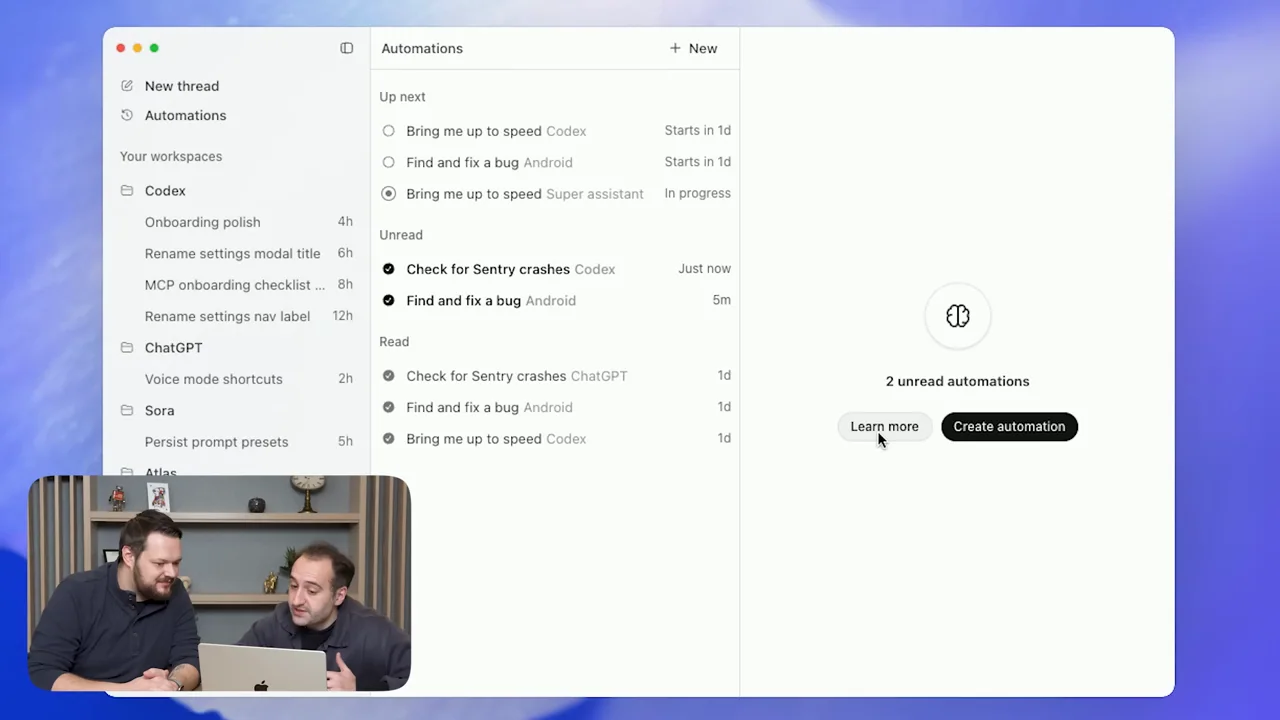
064 / Presenter demo01:55
A design interview shows a Figma reference beside a conversation, then a browser-hosted interactive prototype.
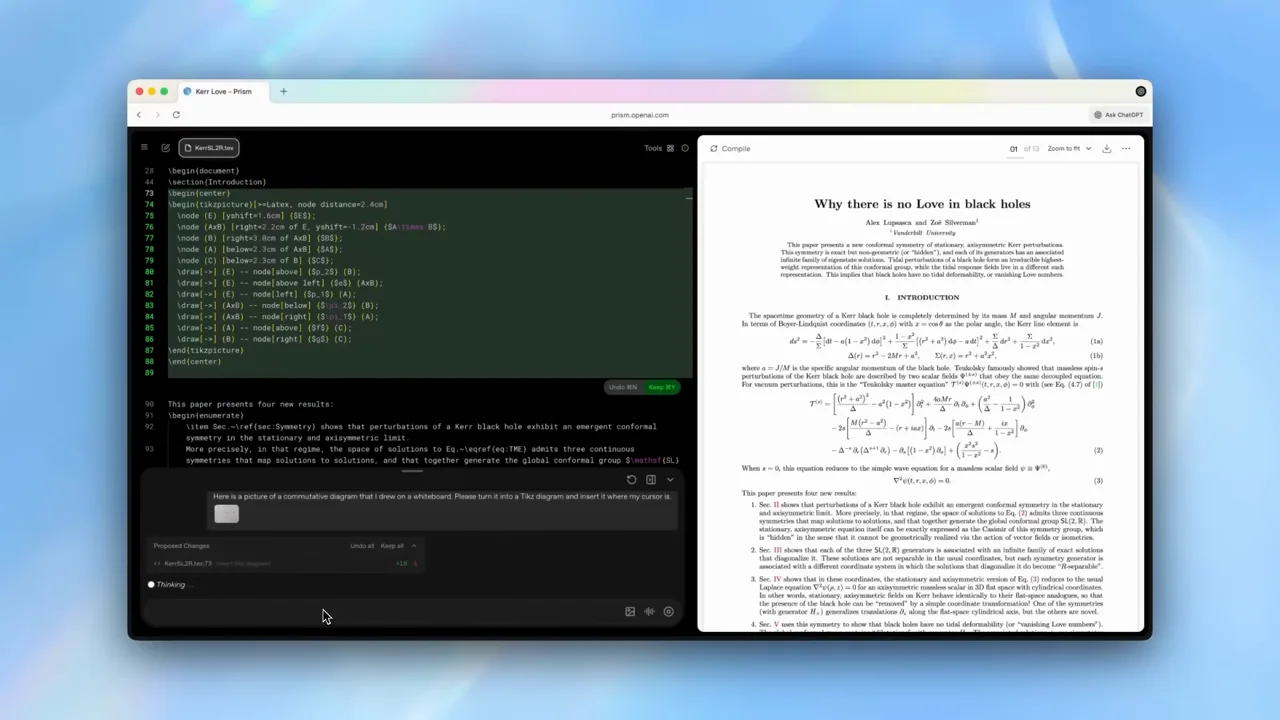
065 / Product film01:59
A dark writing workspace and white paper preview remain paired through edits, image input, references, and checking.
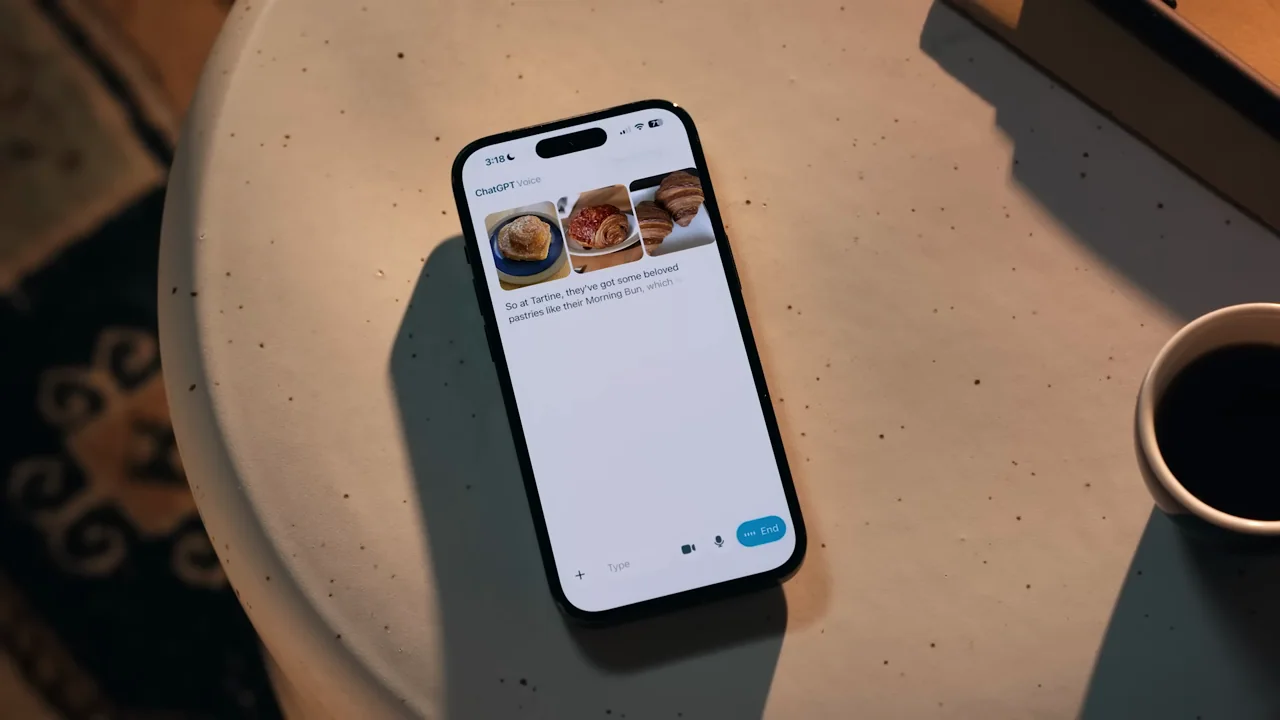
066 / Product film01:04
An overhead phone on a table stays fixed while text, map results, and food imagery appear during a voice conversation.
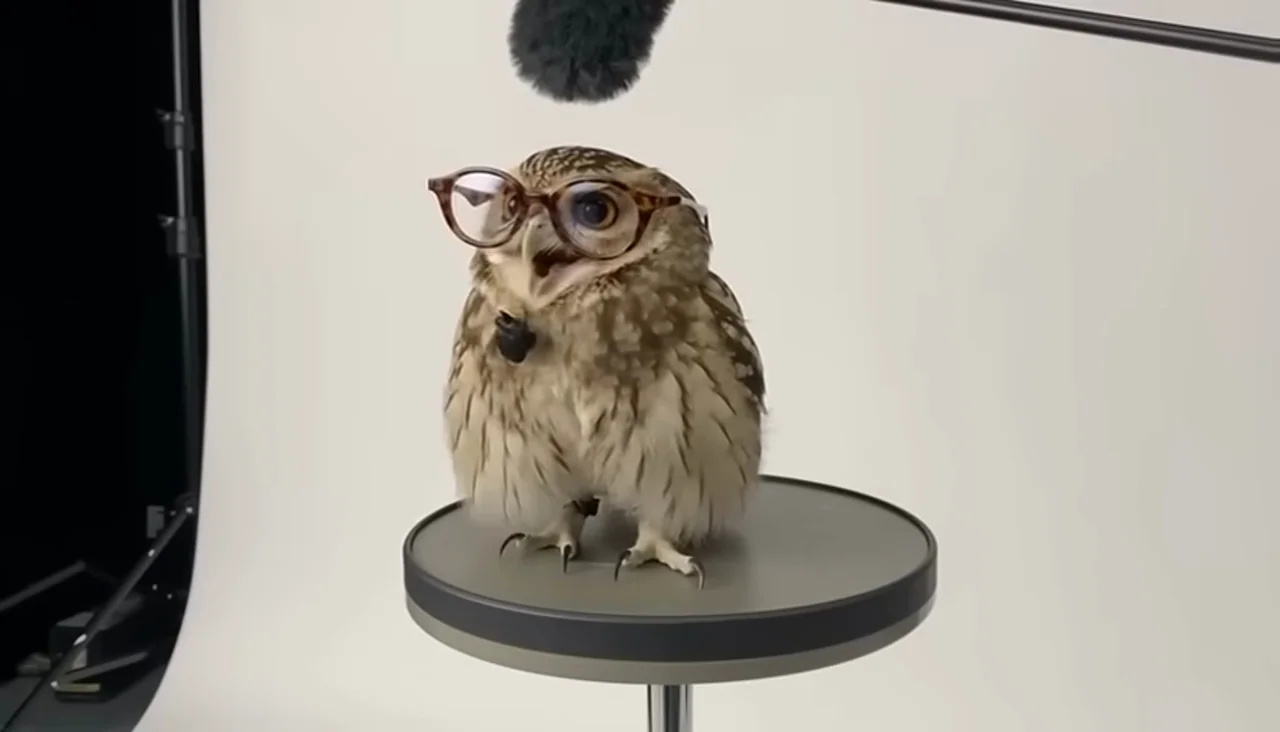
067 / Output showcase01:01
A character audition motif presents creatures and people on a white studio set, including staged production equipment.
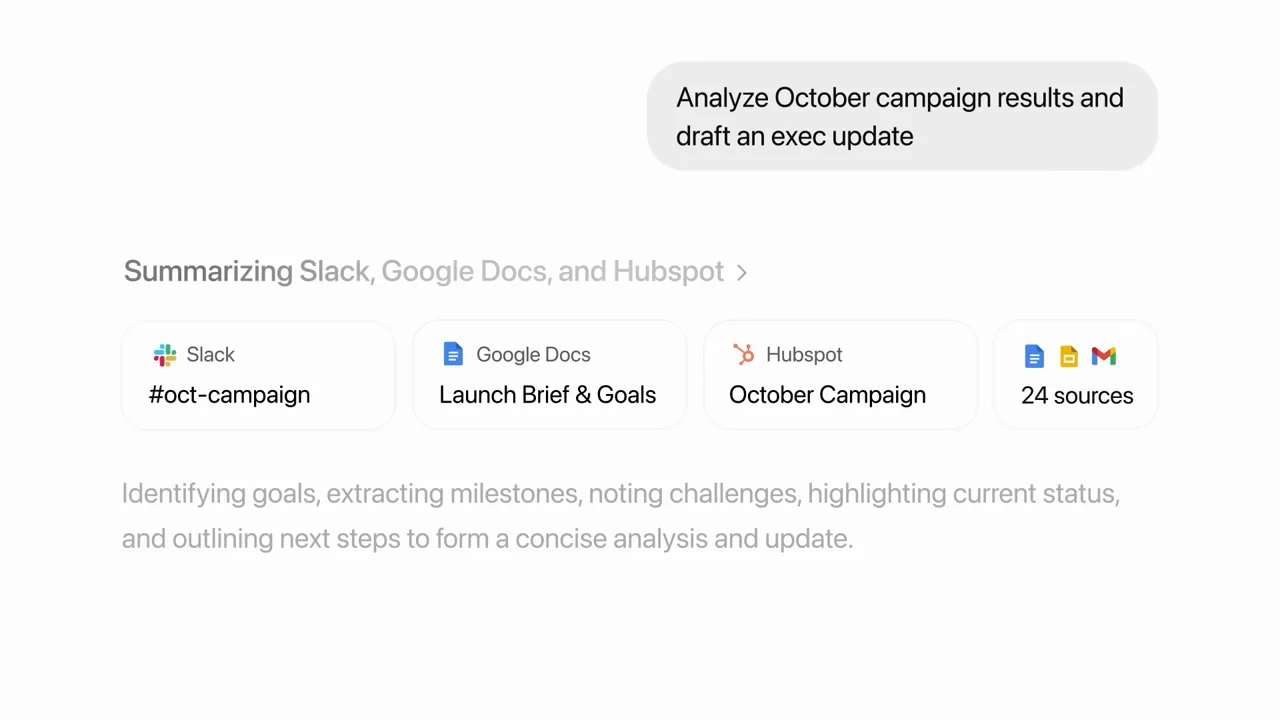
068 / Product film00:37
A minimal feature label becomes connected-source icons, a composer, search status, and source cards.
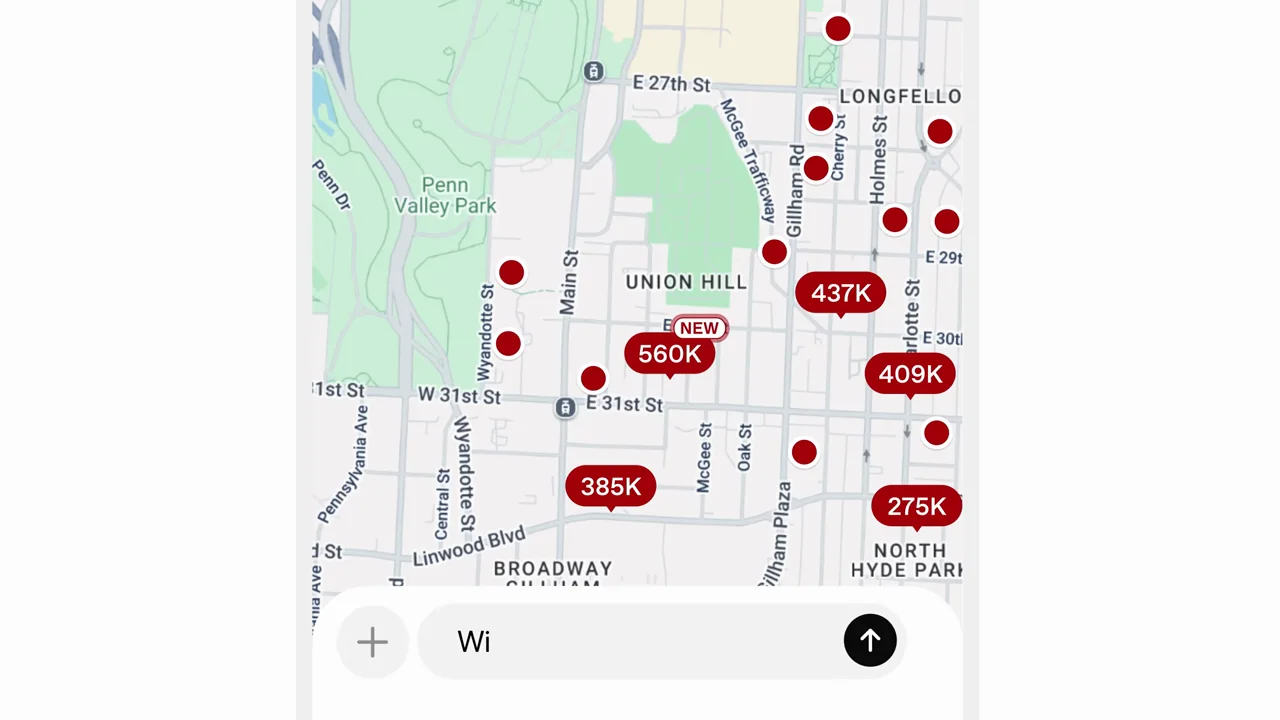
069 / Product film01:09
App-tagged prompts become phone results, with statement cards separating music, maps, presentations, and travel.
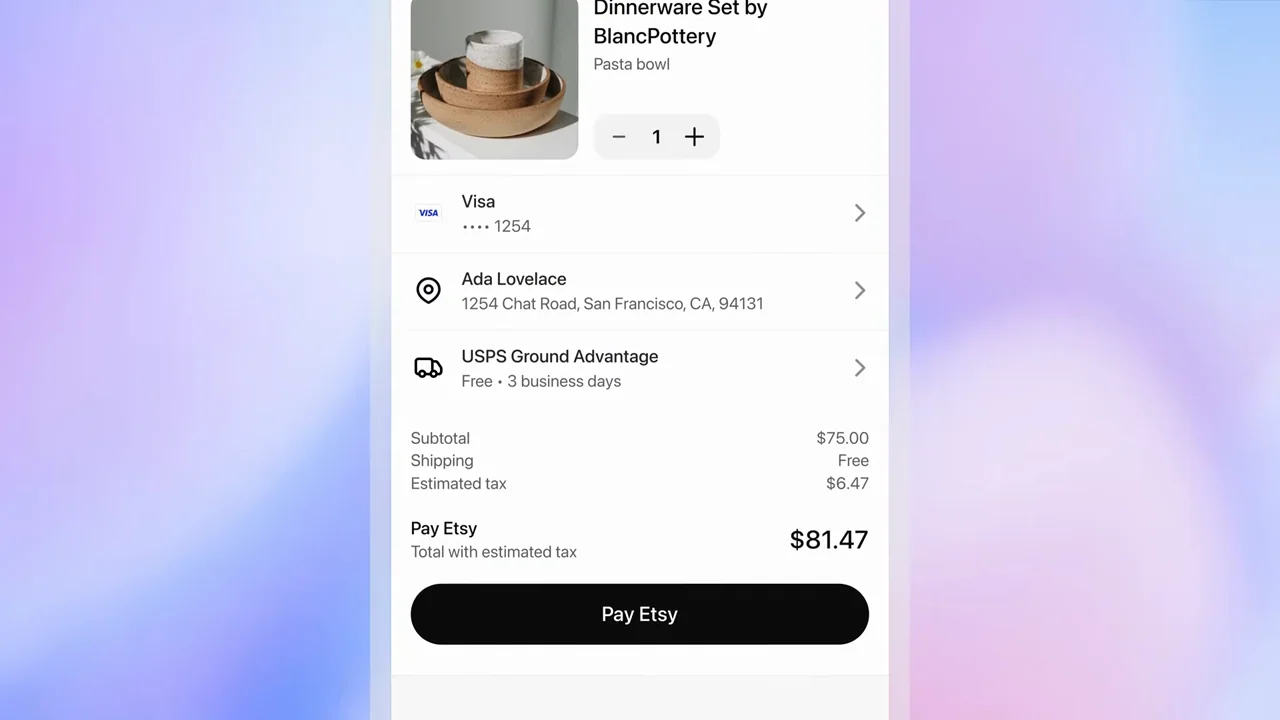
070 / Product film00:29
A gift request moves into a phone, product options, a payment sheet, and a confirmation-state screen.
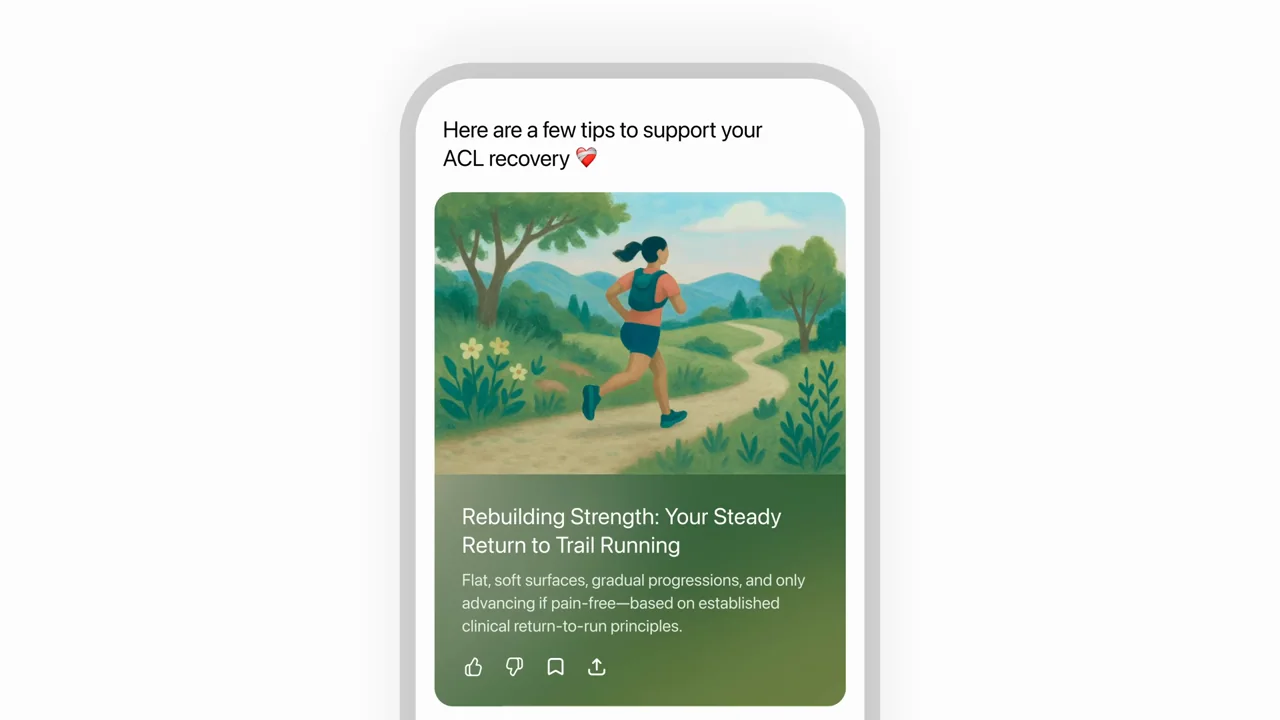
071 / Product film01:07
Illustrated cards enter a phone, open into detailed content, and lead to follow-up questions and preference input.
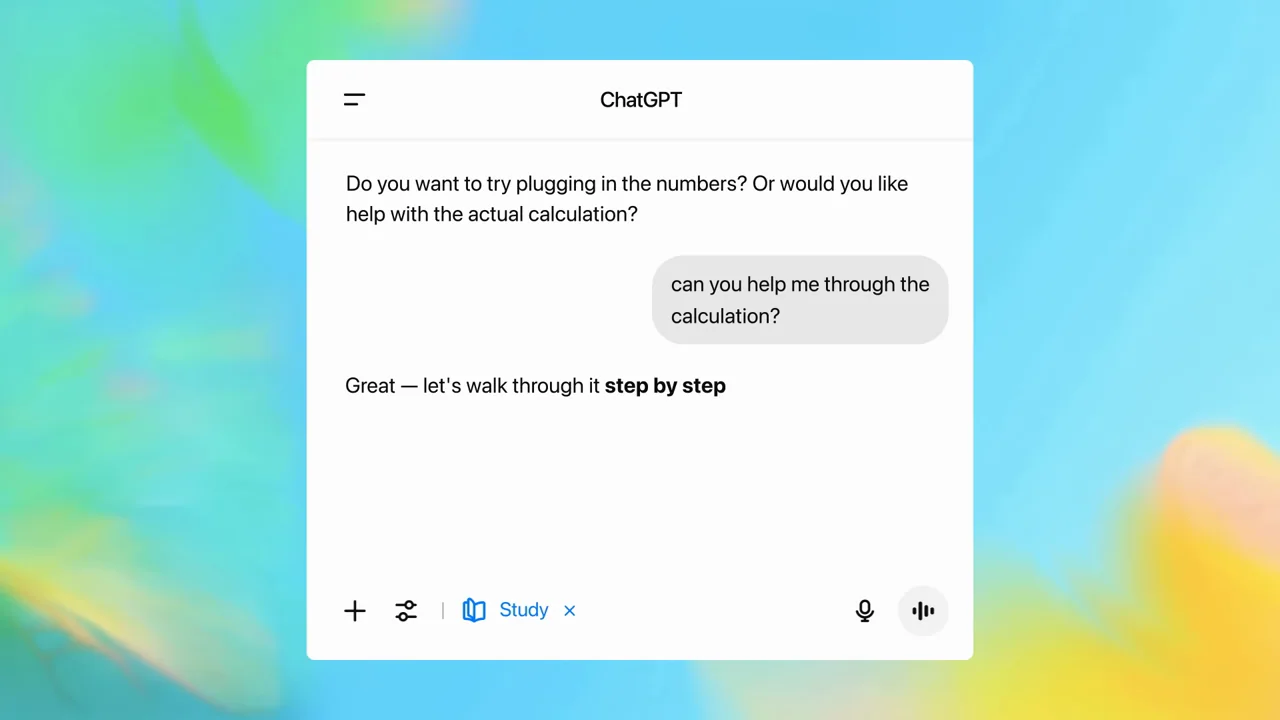
072 / Product film01:03
A study conversation advances one question at a time, with a chapter separating worked calculations from practice questions.
073 / Presenter demo01:53
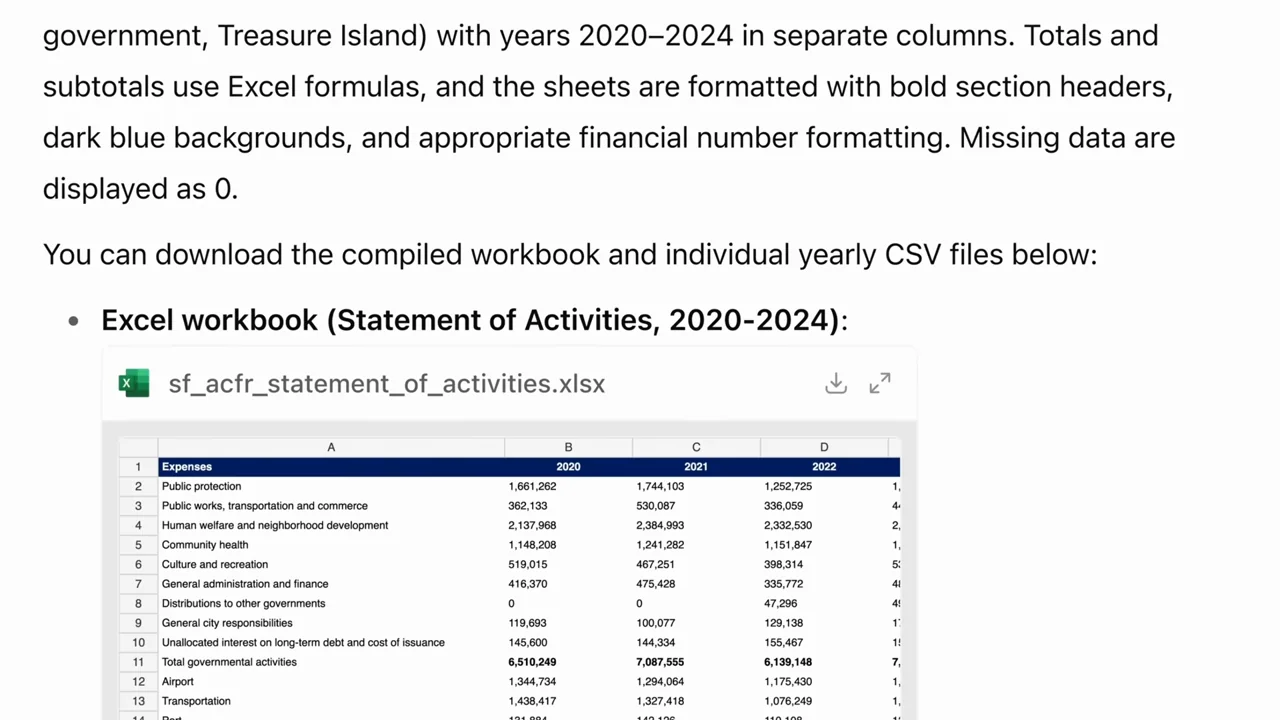
An interview about spreadsheet work uses a request, browser evidence, downloadable workbook, and table close-up as its proof sequence.
074 / Presenter demo01:48
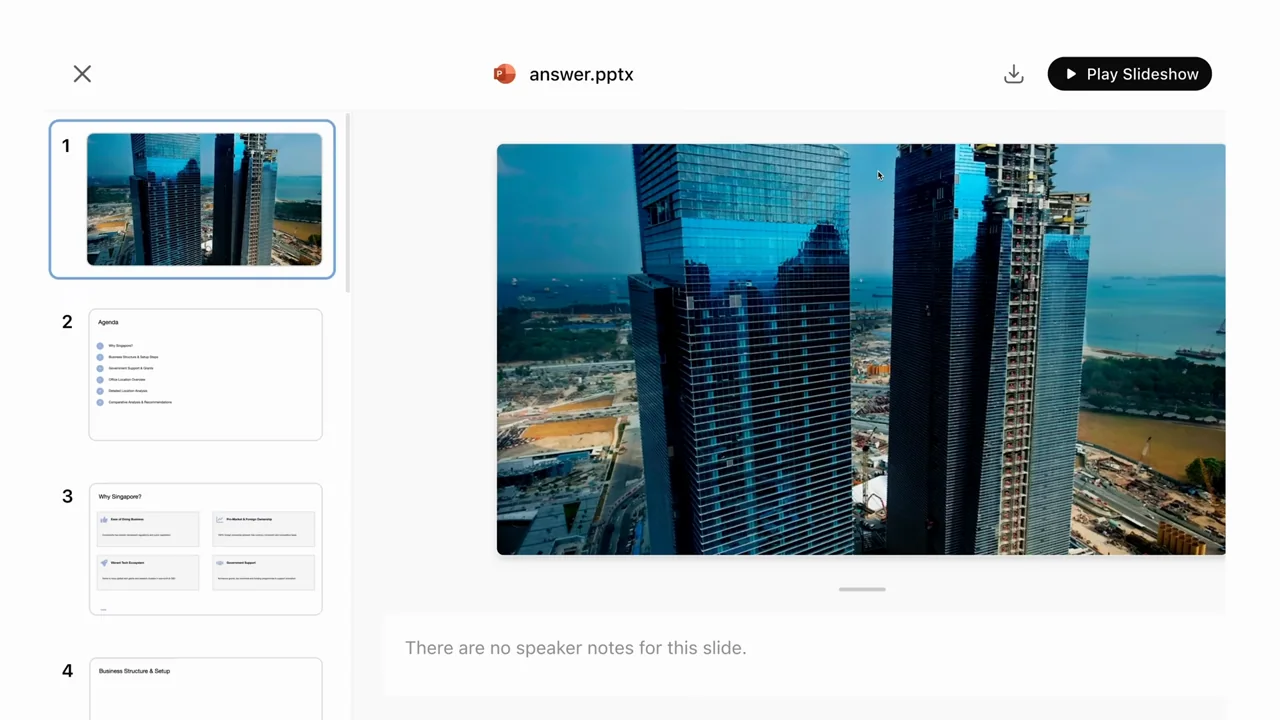
A research-to-presentation story uses a walking introduction, task-window searches, and a navigable deck reveal.
075 / Customer story01:58
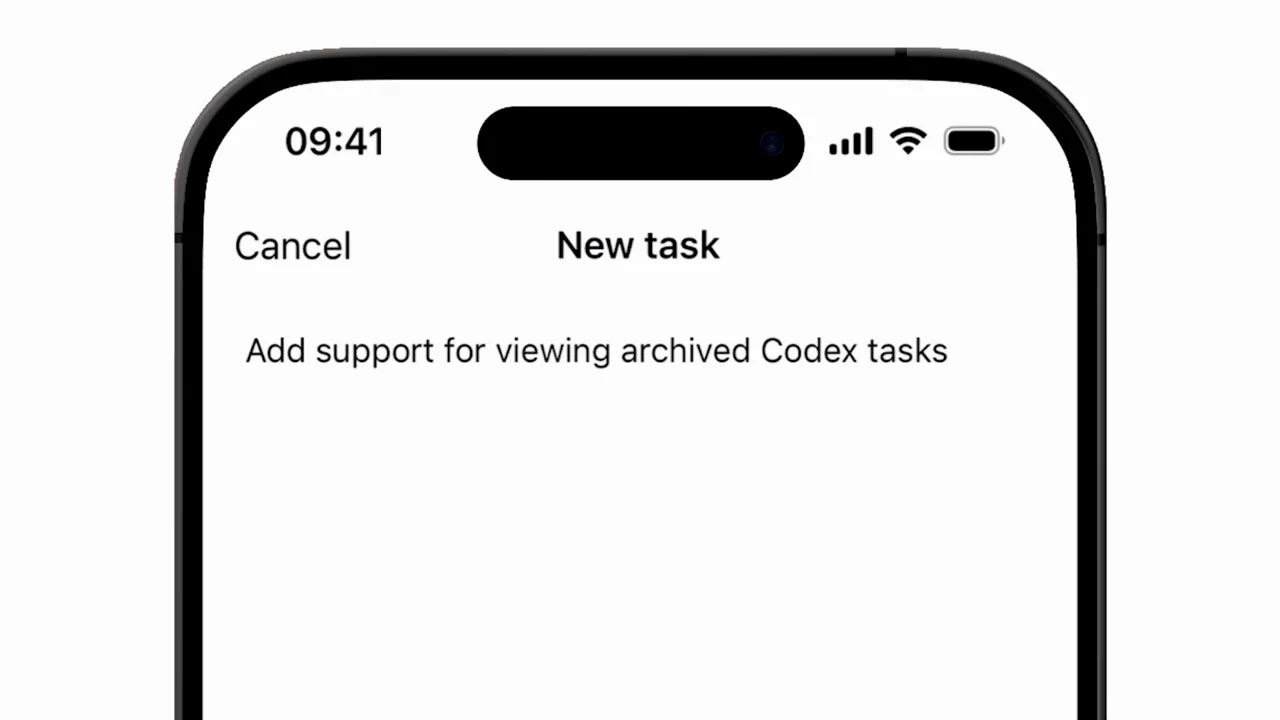
A developer story connects workplace scenes, code diffs, mobile task entry, and a lock-screen progress notification.
076 / Customer story02:14
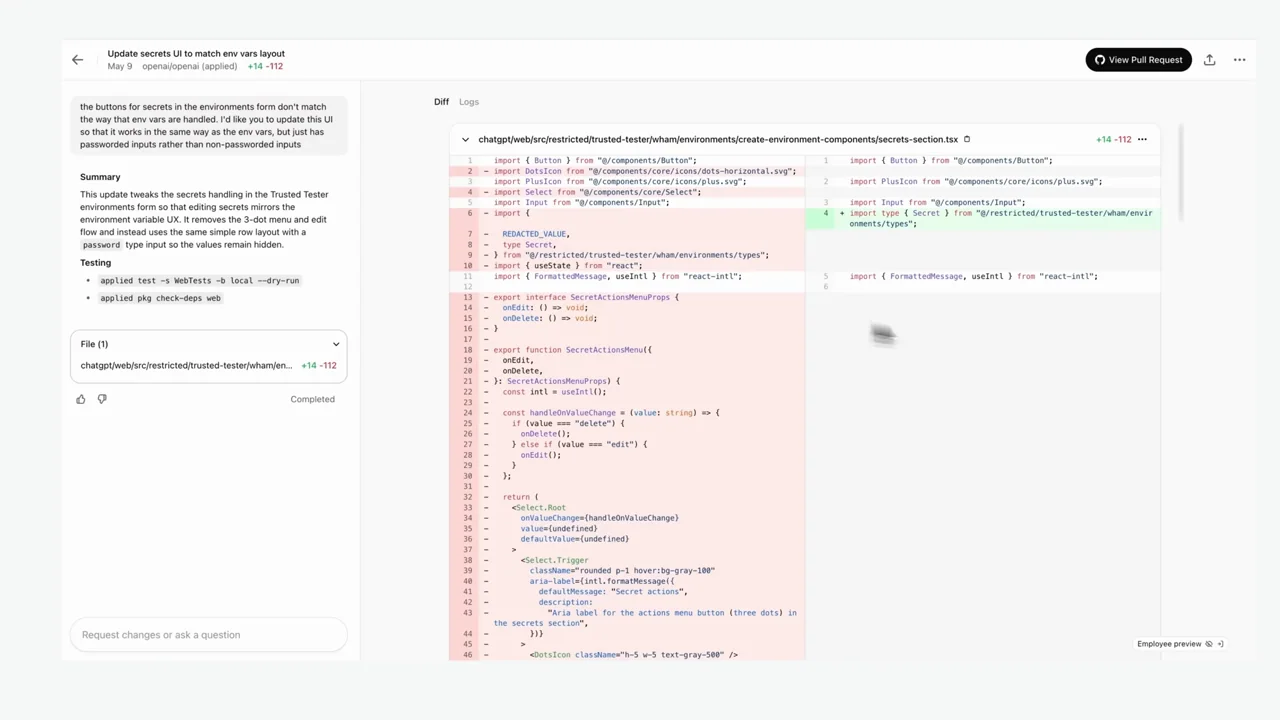
An on-call story moves through task history, an error trace, diagnostic logs, and a code diff while returning to the same developer.
077 / Screen tutorial02:05
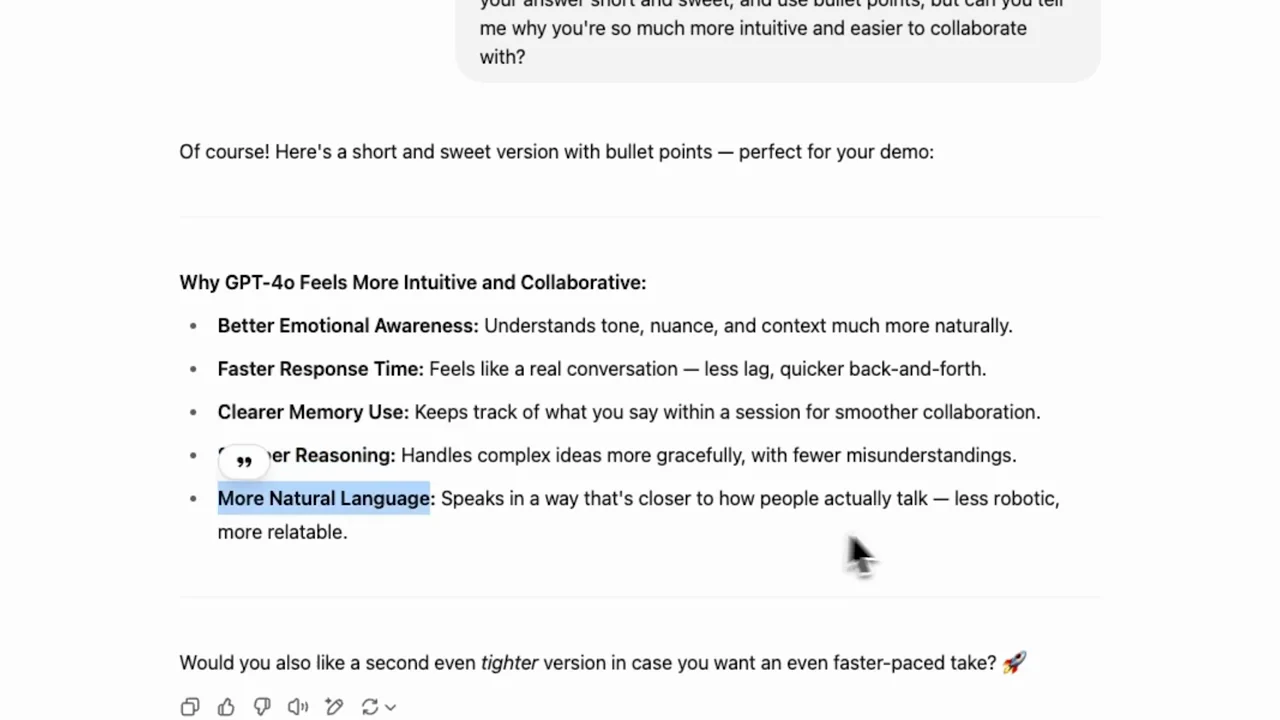
A writing conversation moves through successive revisions, alternating whole-browser context with enlarged passages before ending on a visual artifact.
078 / Screen tutorial02:19
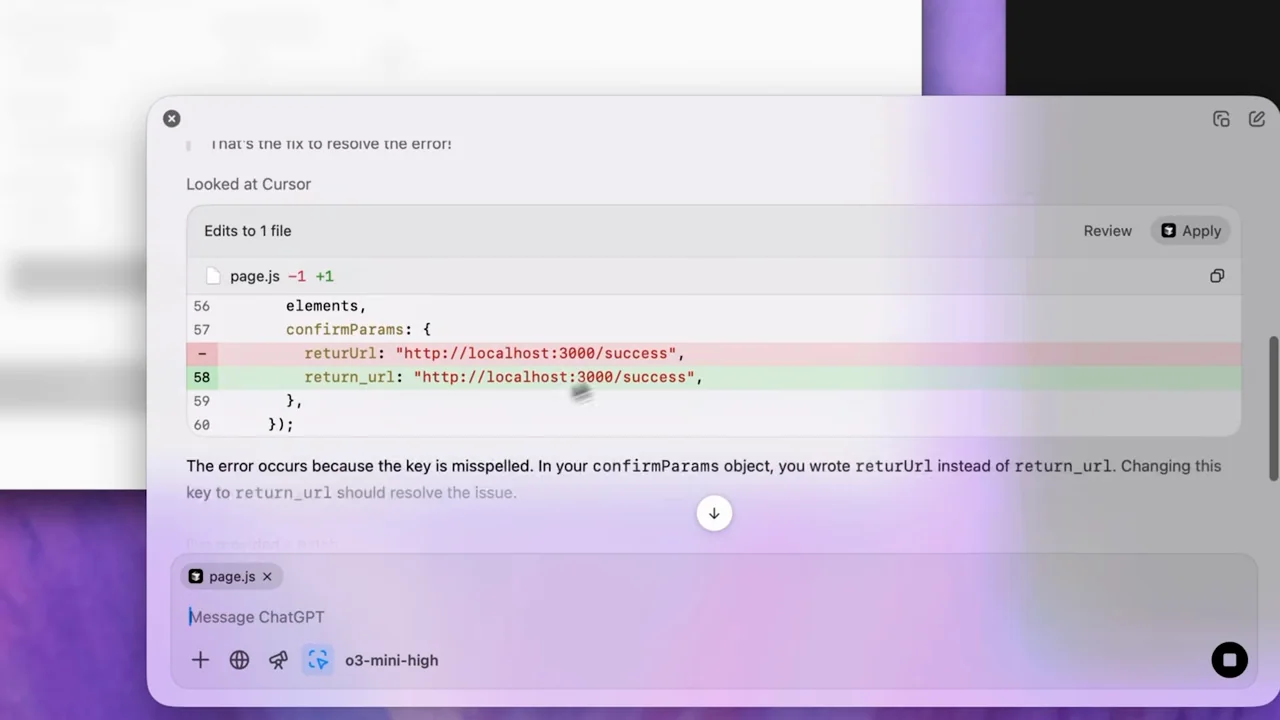
A checkout-page error is shown before a linked-editor request, a code diff, and a return to the page displaying a success state.
079 / Screen tutorial02:09
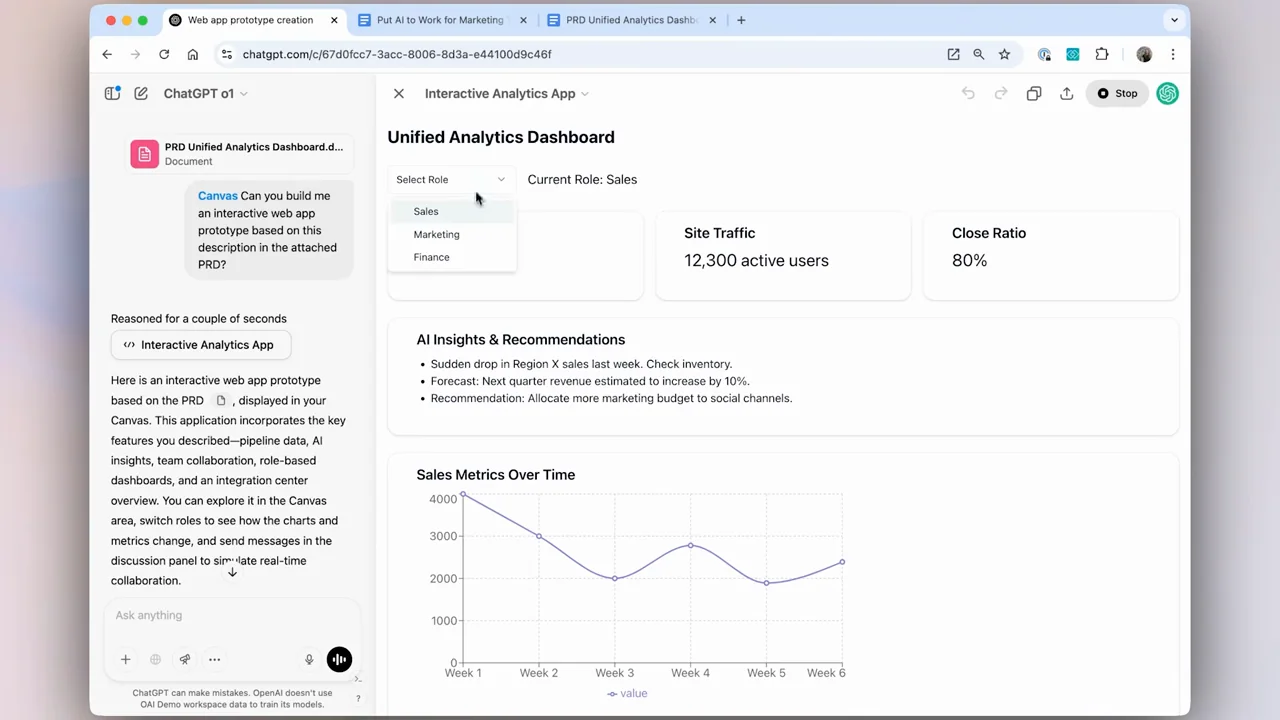
An attached product brief becomes canvas code and then a running dashboard prototype, with selection and preview controls visible along the way.
080 / Screen tutorial02:06
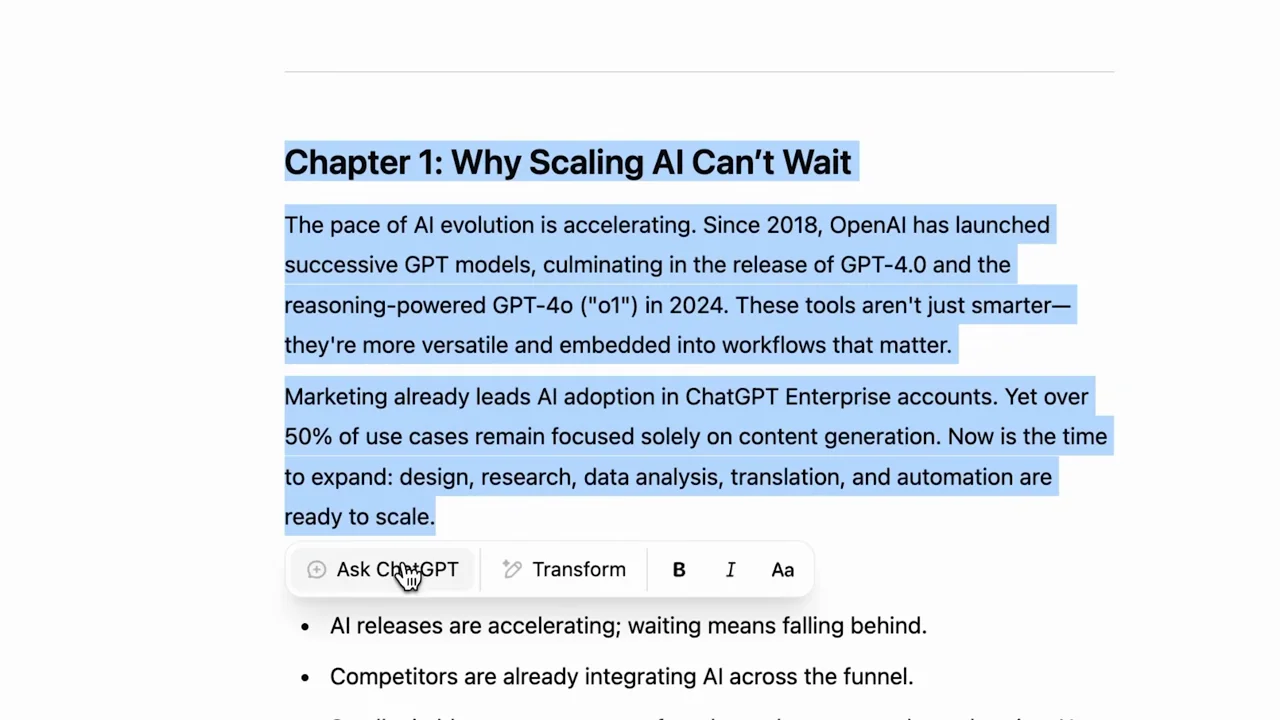
An uploaded transcript becomes a summary, then a longer document, then a selected-paragraph revision inside a split canvas workspace.
081 / Presenter demo01:48
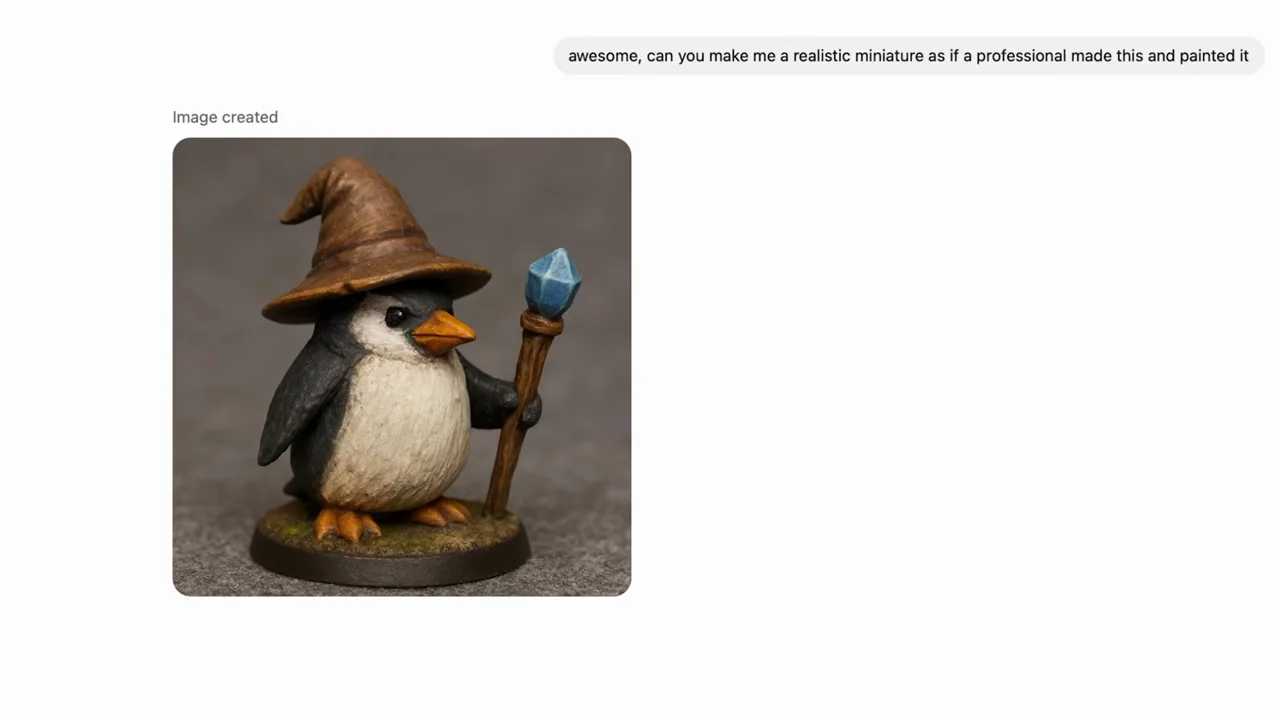
A low-poly penguin character is reworked as a painted miniature and other materials, mixing presenter shots, the conversation, and isolated outputs.
082 / Presenter demo01:30
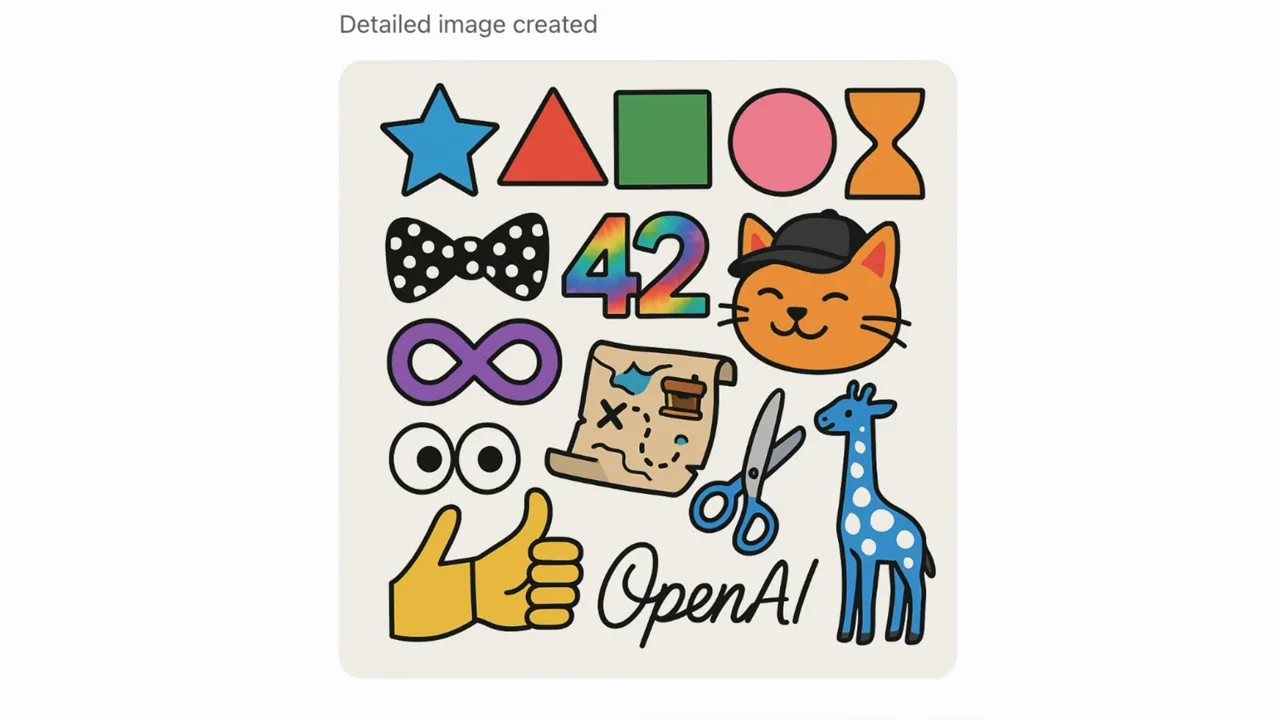
A long list of requested objects is enlarged before a single illustrated grid, with presenter and filmed-laptop inserts around the result.
083 / Presenter demo01:14
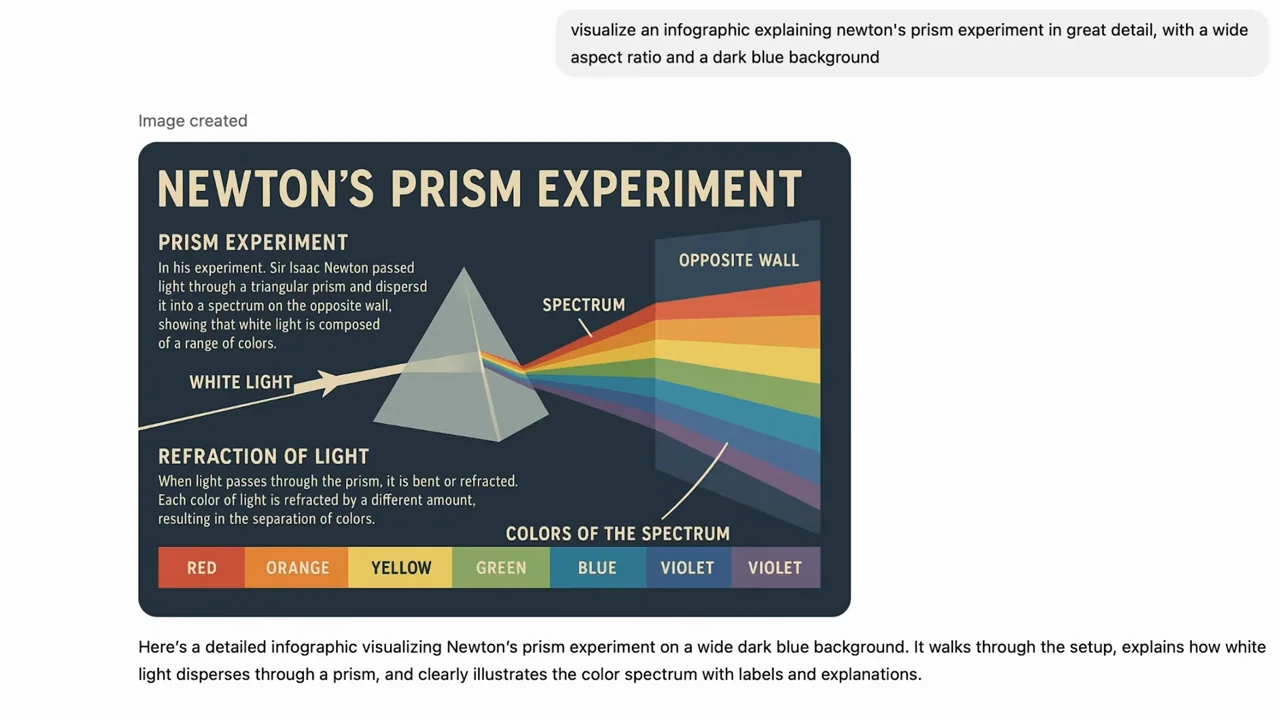
A detailed infographic prompt leads to close and whole-screen views of a prism diagram, framed by an interview and a filmed laptop.
084 / Presenter demo01:41
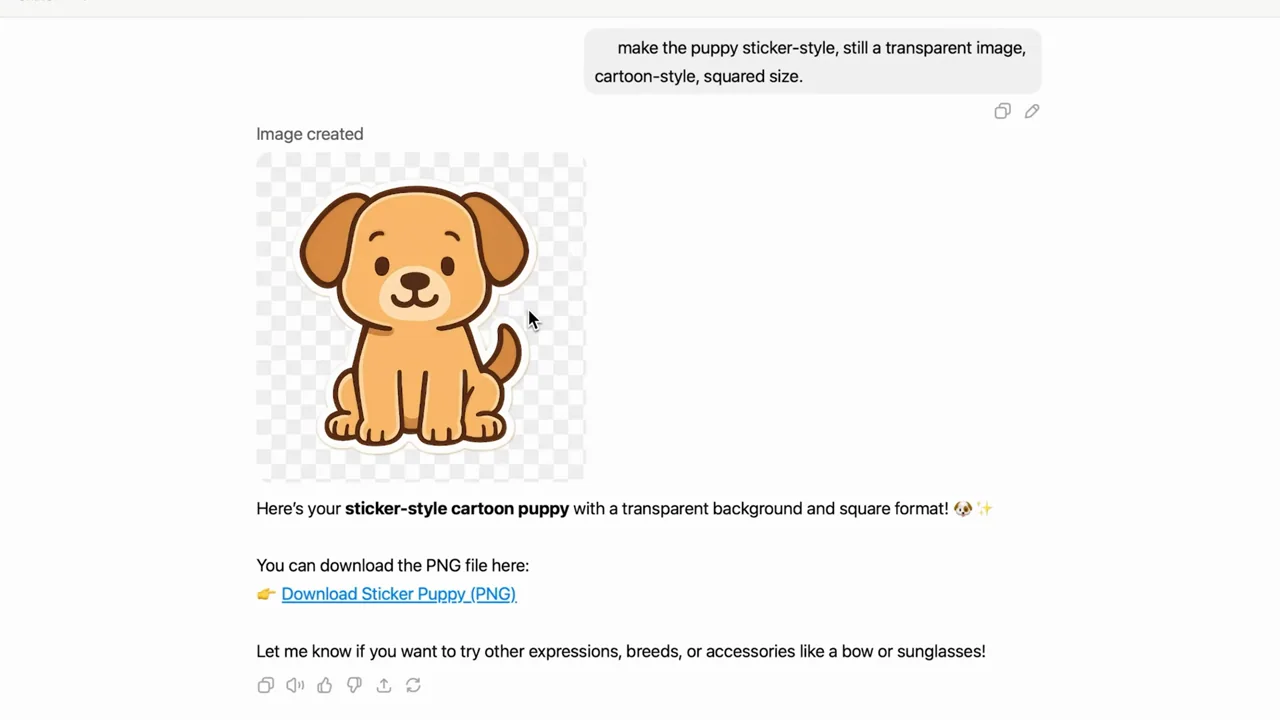
A cartoon puppy appears over a checkerboard, becomes a sticker-style result with a download link, and is shown in a simple laptop composite.
085 / Screen tutorial01:08
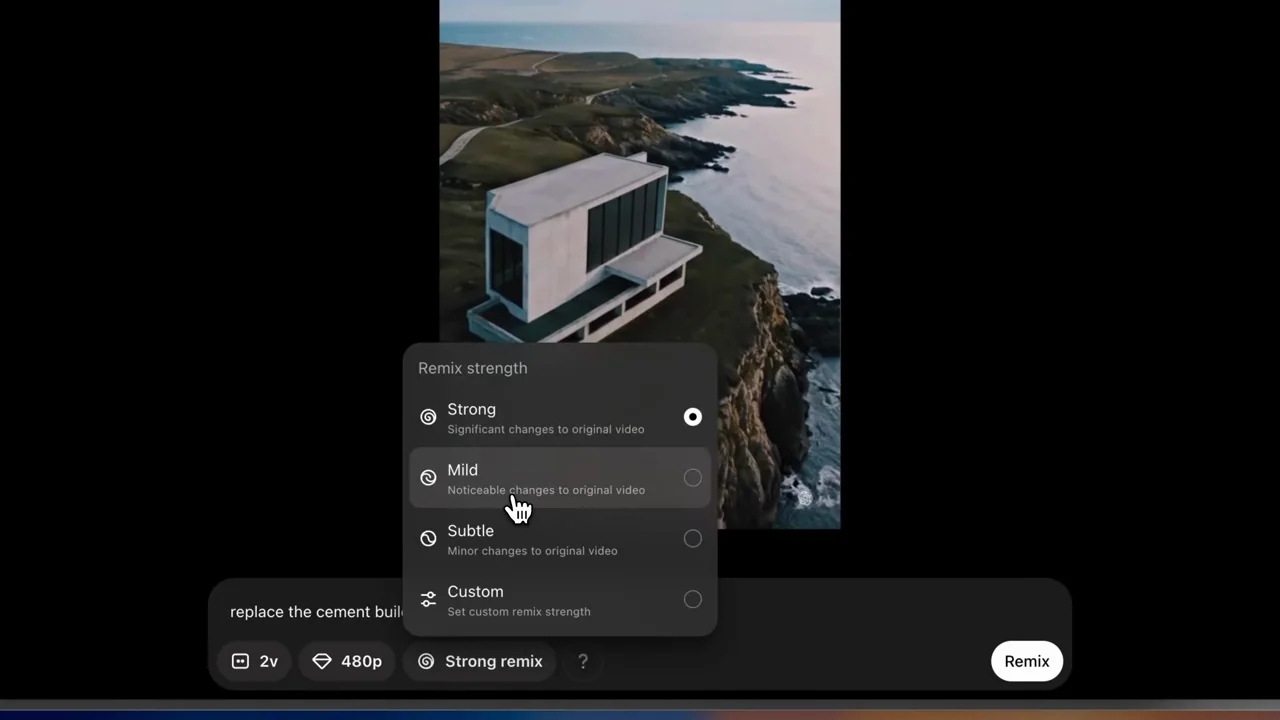
A coastal-building clip remains visible while a remix request and strength menu are inspected, followed by a changed building in the same landscape.
086 / Screen tutorial01:12
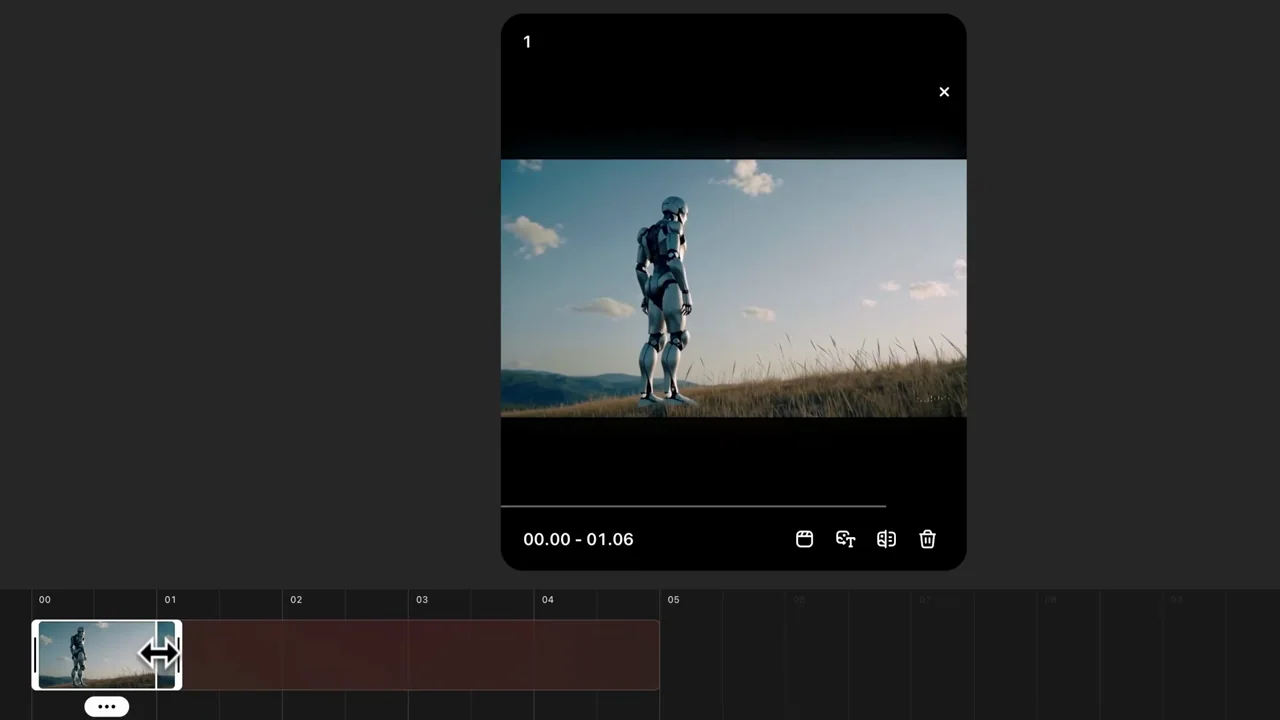
A robot clip moves from playback into a timeline, where its selected span is shortened before the resulting clip is played at larger scale.
087 / Screen tutorial01:34
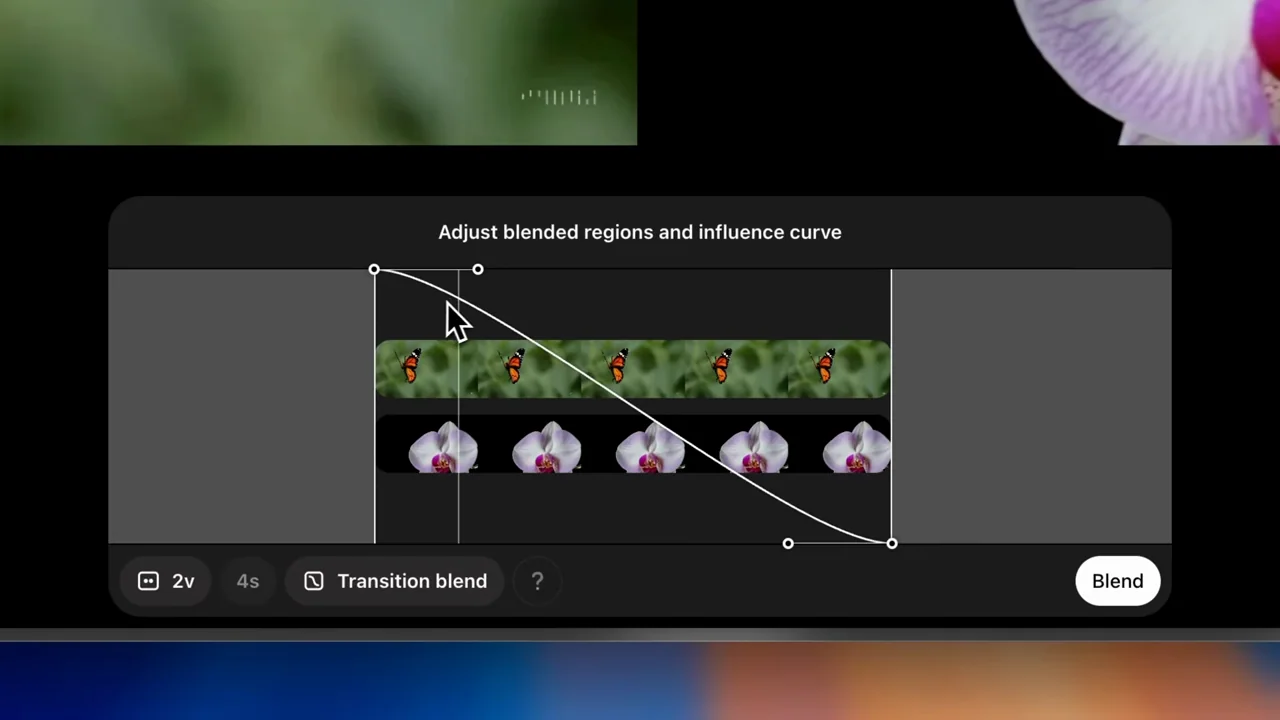
A butterfly clip and orchid clip are paired, adjusted with an influence-curve control, and followed by a blended result with source references still available.
088 / Screen tutorial02:15
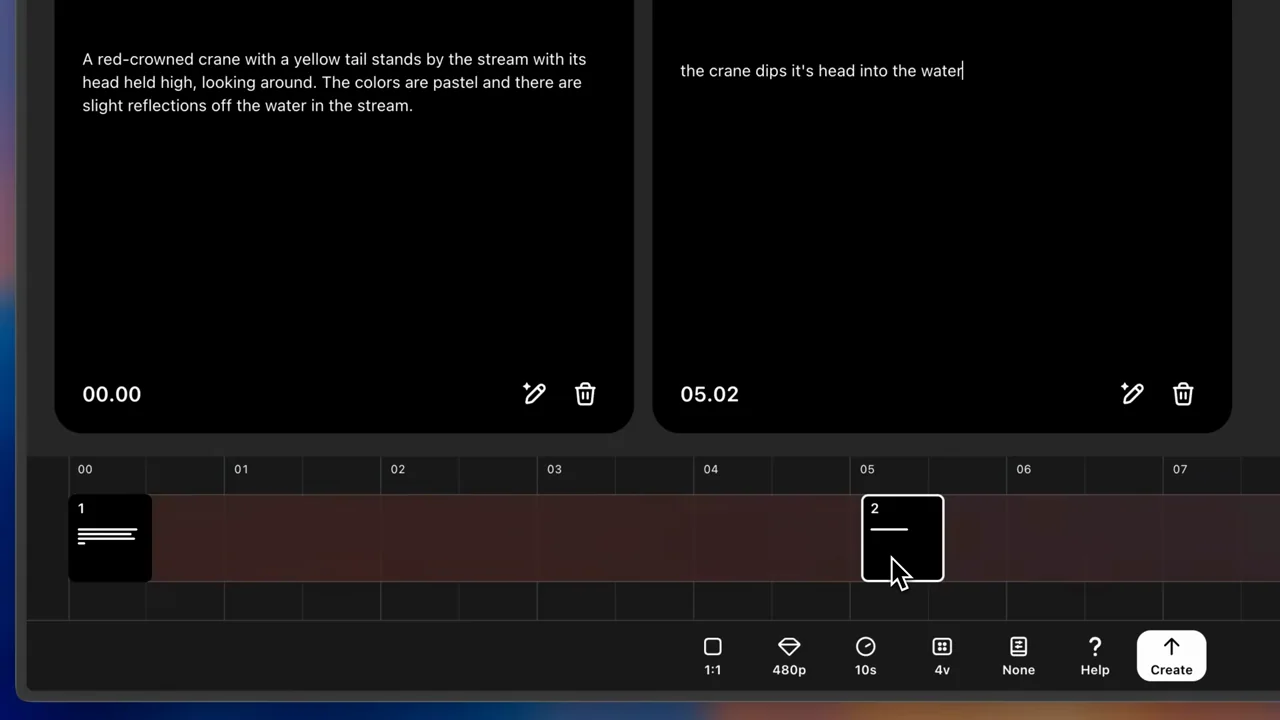
A gallery leads to storyboard cards and timeline positions, followed by a crane clip and a return path to the storyboard.
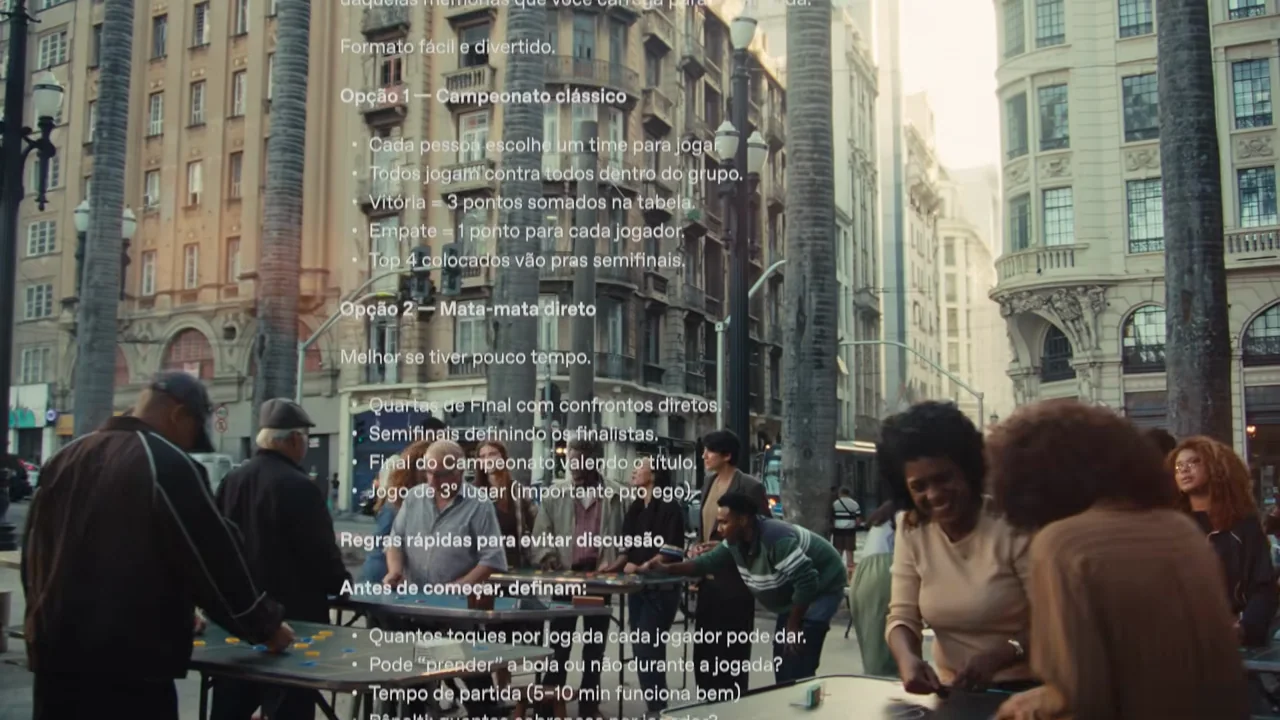
089 / Live-action ad00:30
A street-table scene gradually widens while a Portuguese chat-style text overlay turns the social situation into a planning example.
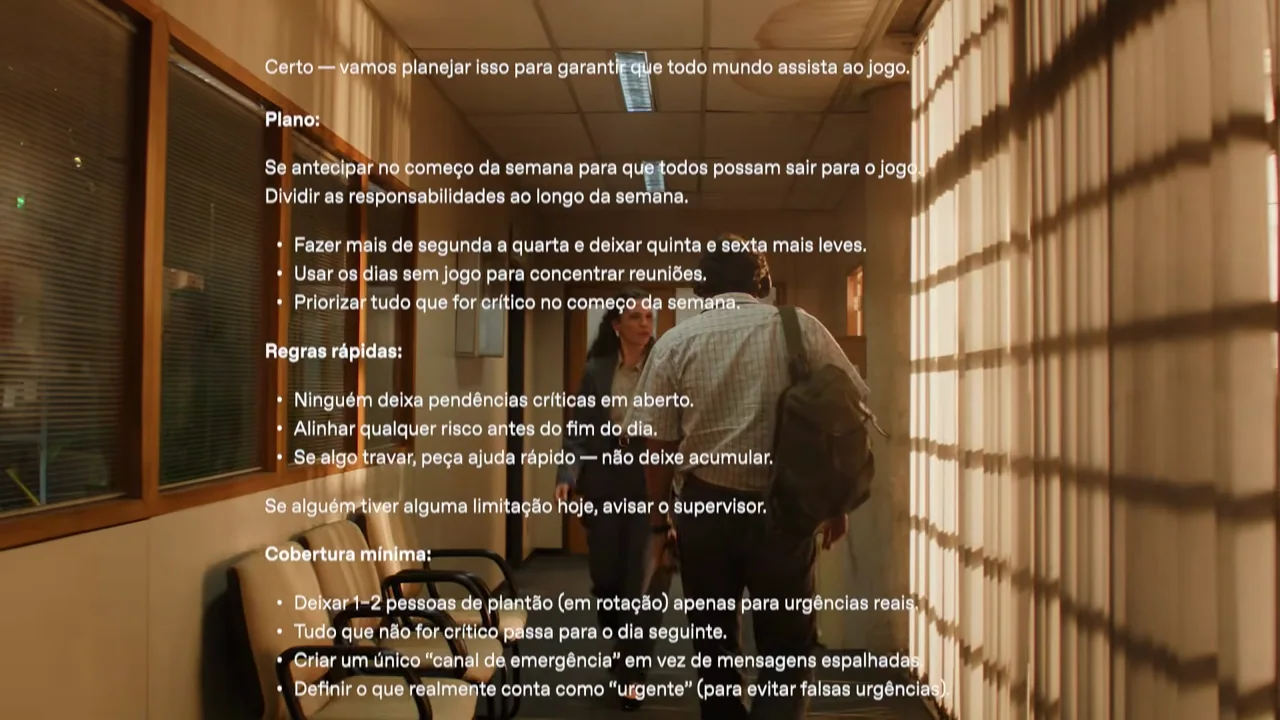
090 / Live-action ad00:30
An office departure becomes a hallway scene while a Portuguese planning conversation is overlaid on the action.
091 / Live-action ad01:30
Three ordinary settings intercut around people working, then shift into a stylized floating-object sequence before returning to the people.
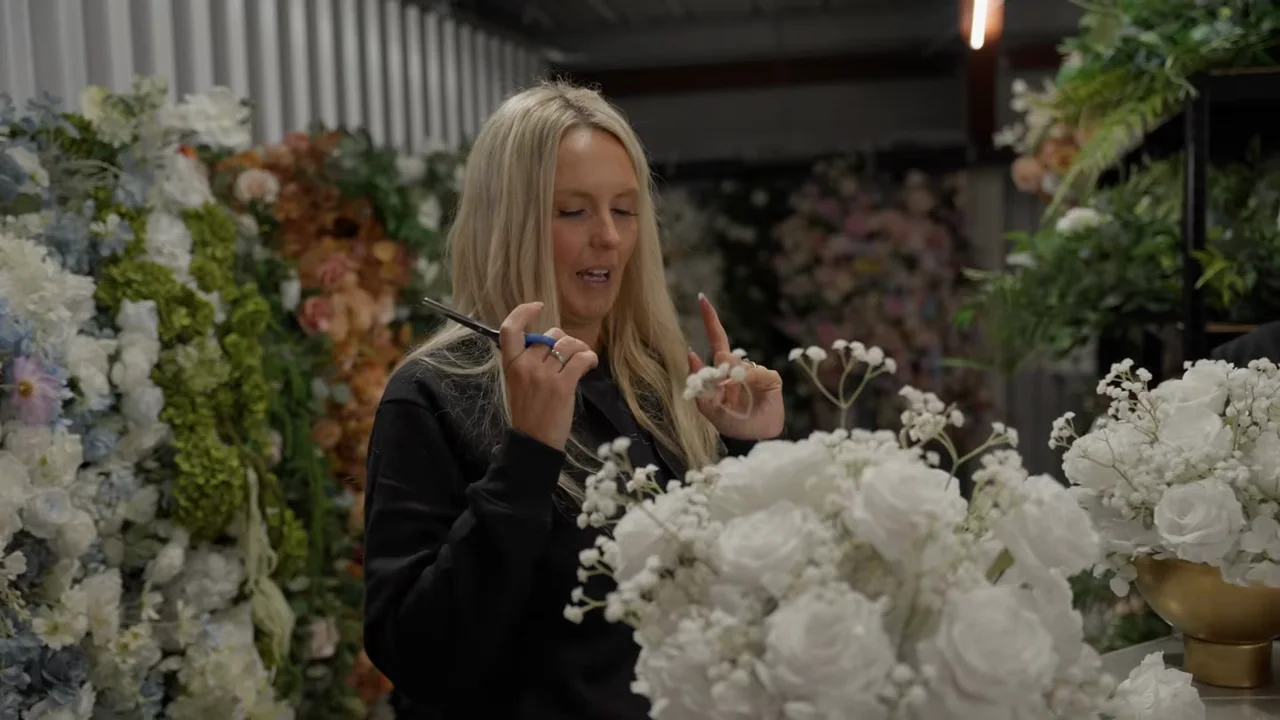
092 / Customer story02:02
A flower-business interview is grounded in hands-on work, arrangements, warehouse views, and brief physical-device inserts rather than a legible app demonstration.
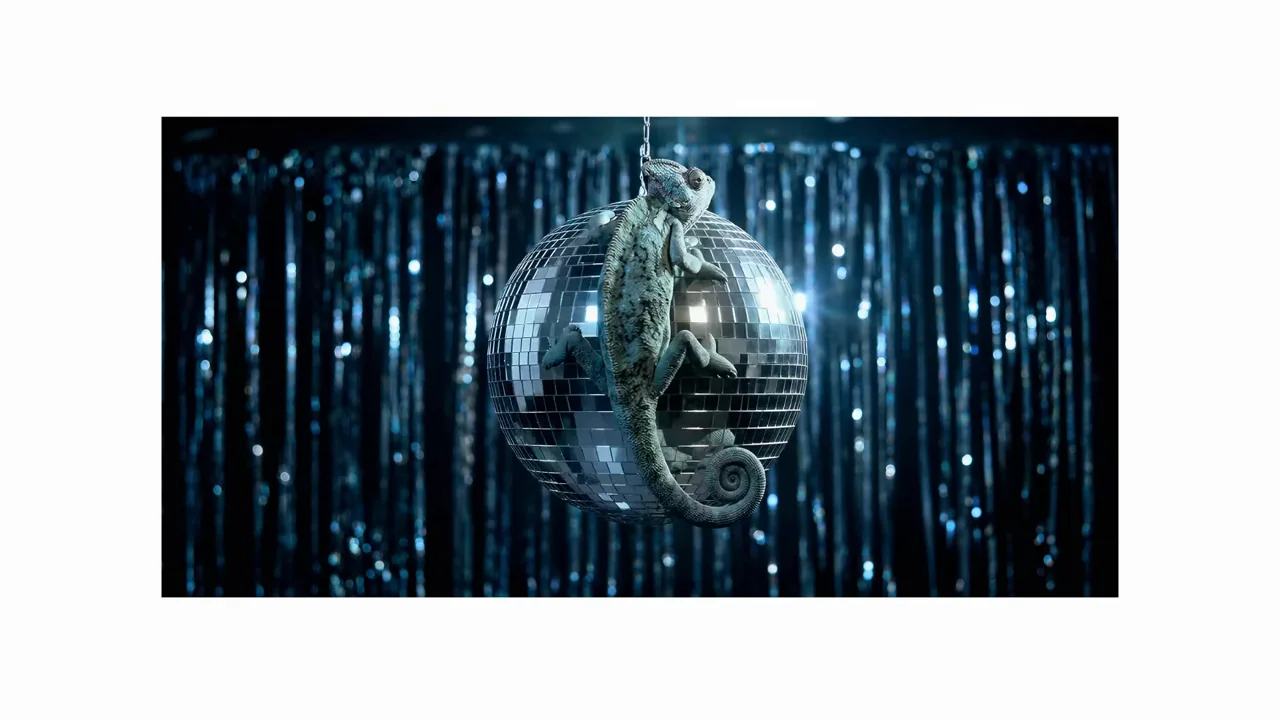
093 / Output showcase01:00
A chameleon motif reappears across clocks, signs, objects, portraits, and printed text, all held inside a consistent white field.
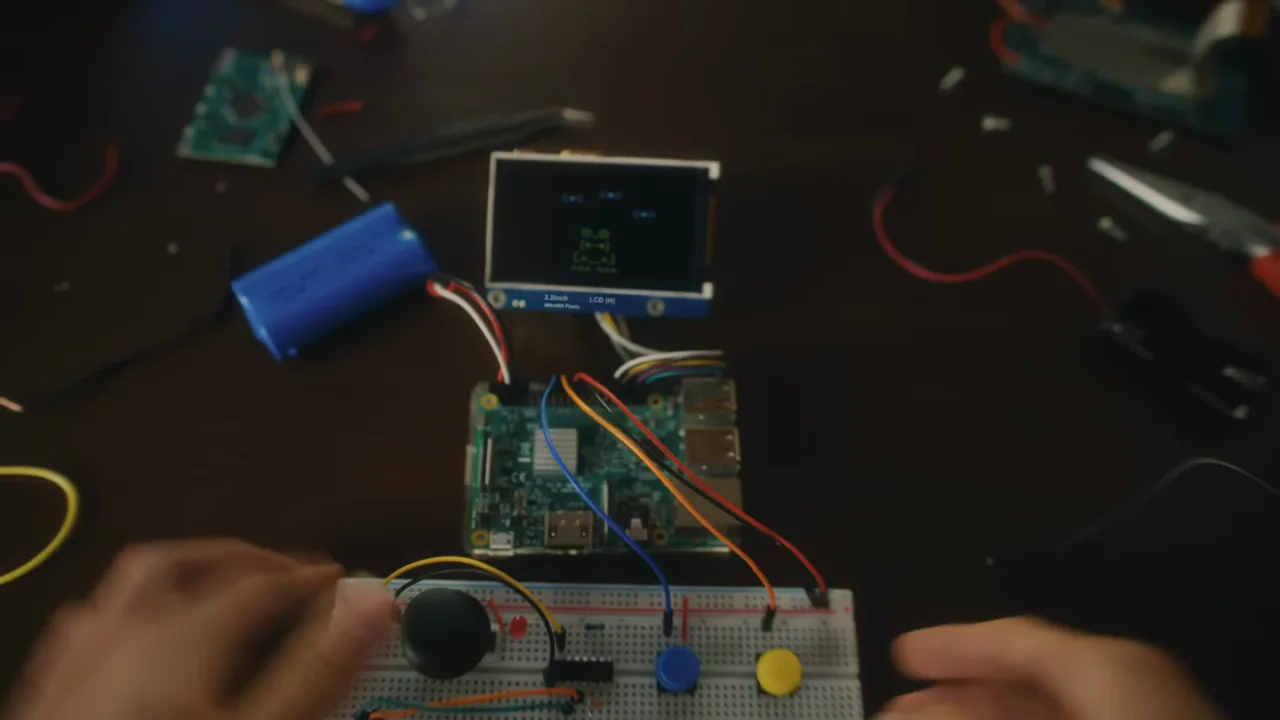
094 / Live-action ad01:00
A first-person making-and-learning montage connects handmade objects, books, electronics, classrooms, and robotics before a large typographic ending.
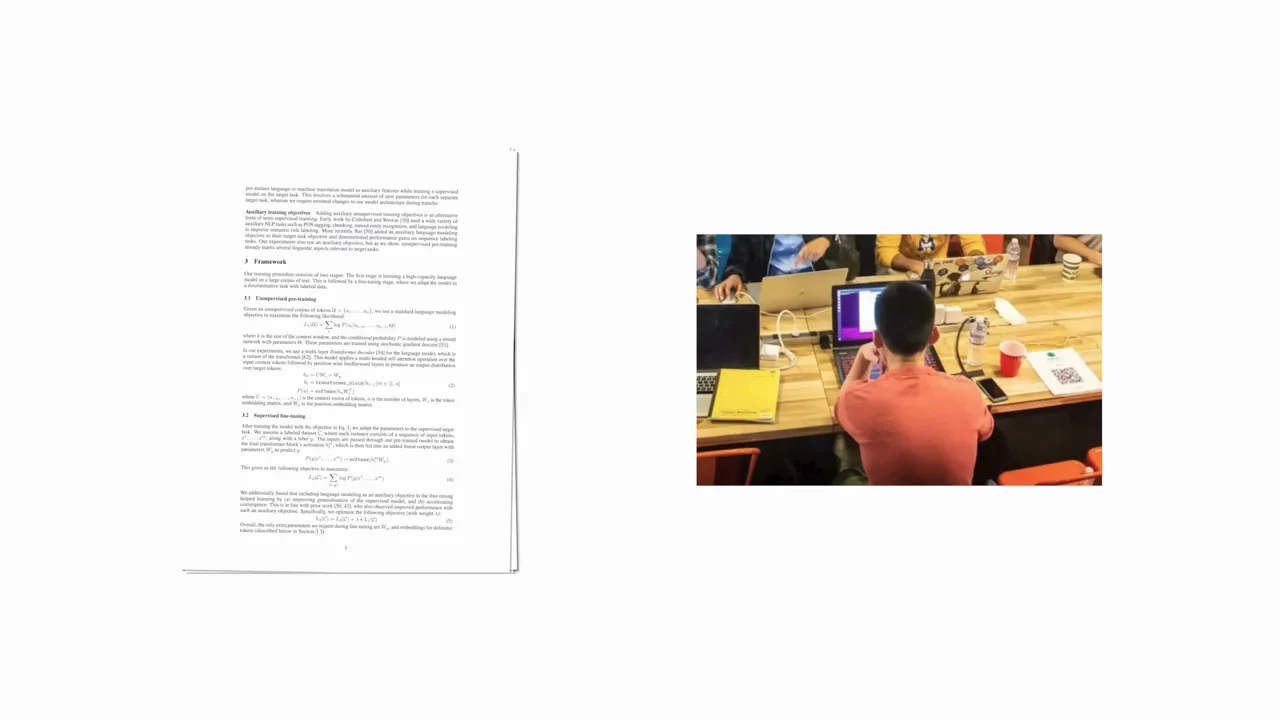
095 / Retrospective01:07
Archival-looking photos, research imagery, documents, and later product footage are arranged as small objects on white before an anniversary ending.
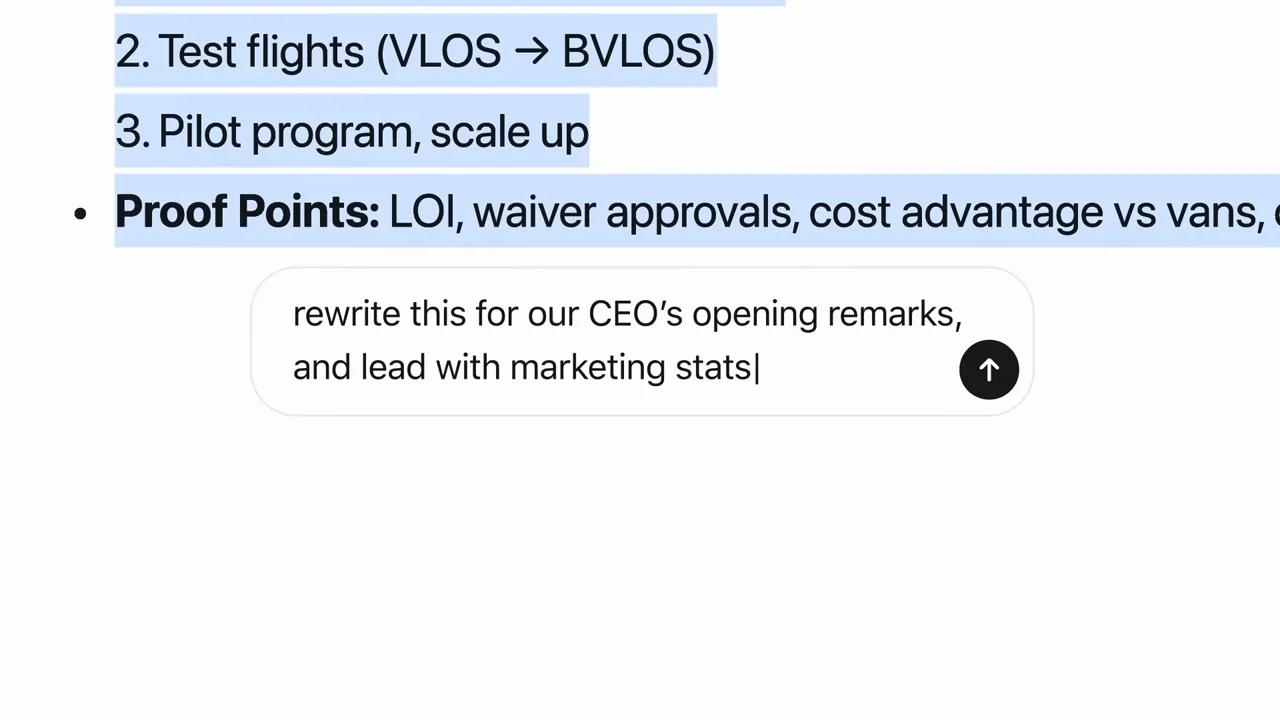
096 / Product film01:48
A white-stage capability reel repeats a short claim, a task-specific input, and an artifact or control detail across research, connected data, code, writing, and images.

097 / Output showcase00:57
A black opener leads to distinct generated-looking sequences in skating, animation, lake action, a space-dog scene, and a western stunt.
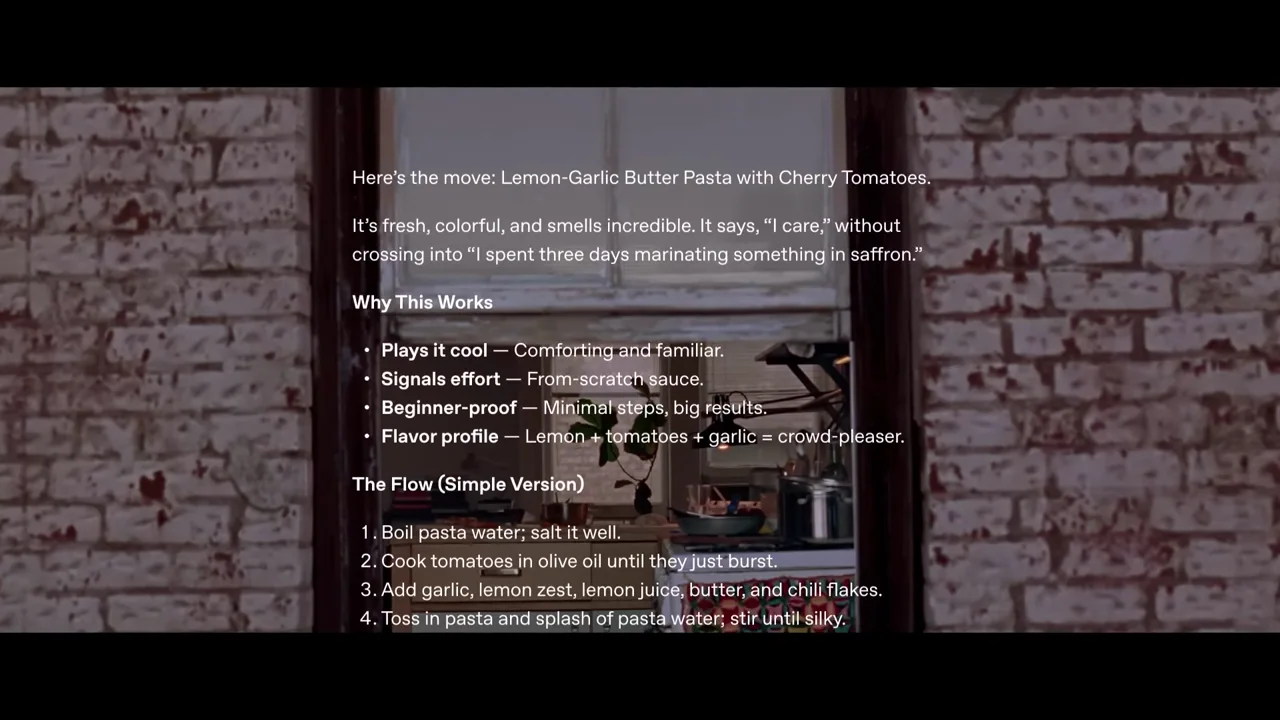
098 / Live-action ad00:30
An intimate kitchen exchange widens through a window to the building exterior while a chat-style recipe response overlays the scene.
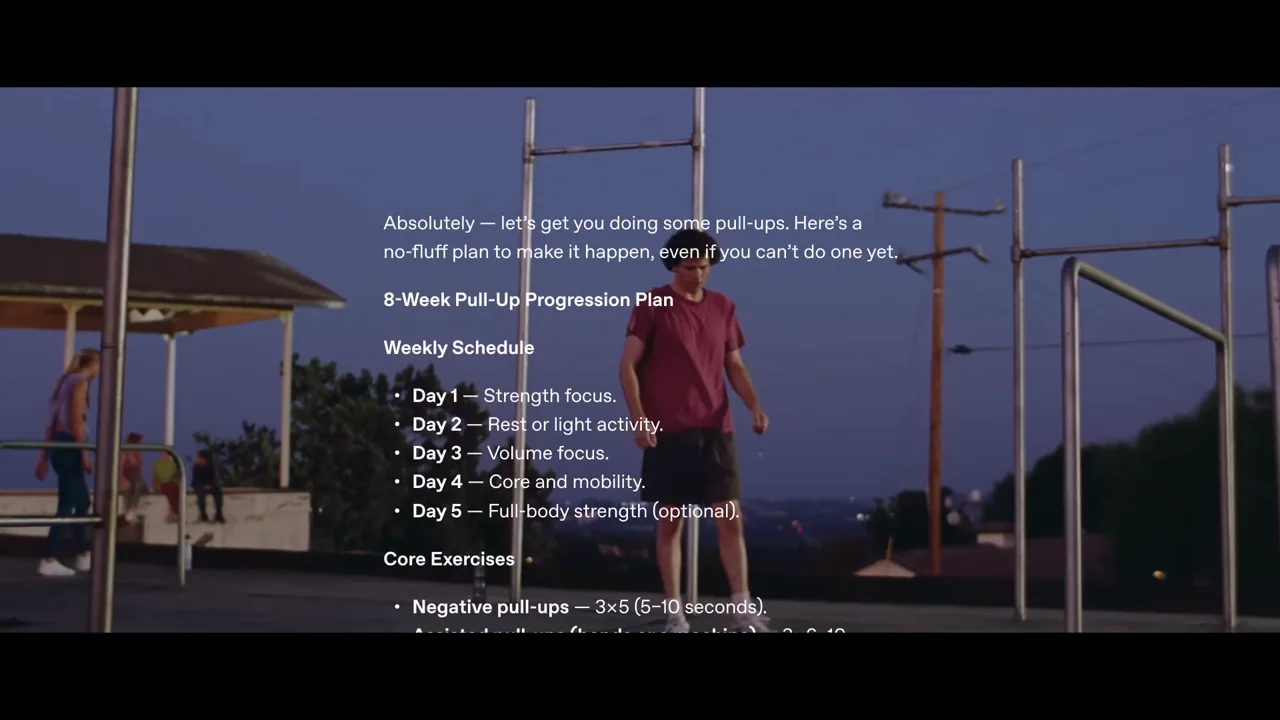
099 / Live-action ad00:30
Close effort at an outdoor bar gradually becomes a wider park view, with a chat-style exercise plan overlaid after the human goal is clear.
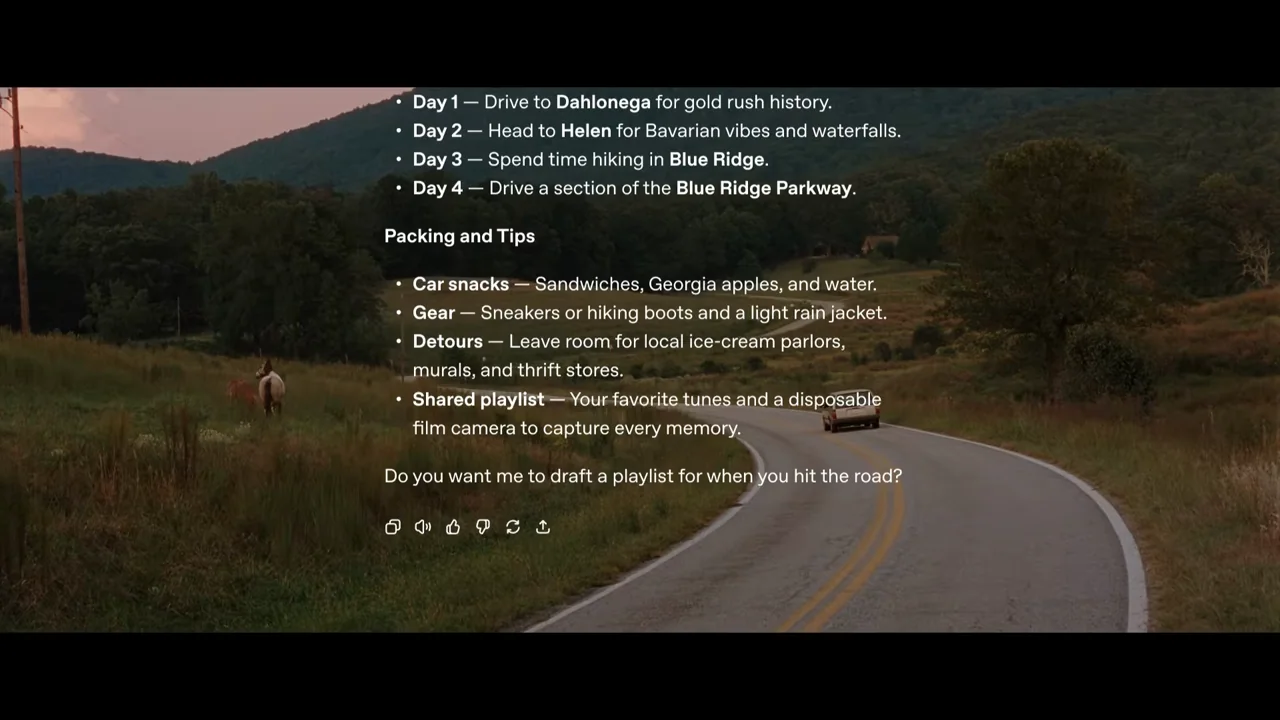
100 / Live-action ad00:30
A roadside landscape leads inside a vehicle, then widens back to the road as a chat-style trip plan overlays the journey.
No matching examples. Try another term or reset the filters. Some films contain only output imagery, people, or graphic overlays and have no app-screen groups.