Presenter demo / 01:55 / Published 2026-02-04
How designers prototype using the Codex app and Figma
A design interview shows a Figma reference beside a conversation, then a browser-hosted interactive prototype.
Useful to borrow
Preserve visual continuity from source design to running prototype.
Do not infer
The recreated interface is a prototype, not evidence that the host product shipped those controls.
5 shot groups.
Read across from the observed content to its treatment and possible adaptation. Enlarge the frame for detail.
Approximate study intervals; horizontal scrolling reveals all columns on small screens.
| Moment / source | Reference frame | What is on screen | Framing / edit | Useful adaptation |
|---|---|---|---|---|
| Shot group 01 ≈ 00:00–00:26 People / environmentWatch from here ↗ | Sample 00:12.000 | Designer introduction A close interview view establishes the workflow. | Steady human coverage. | Name the design problem first. |
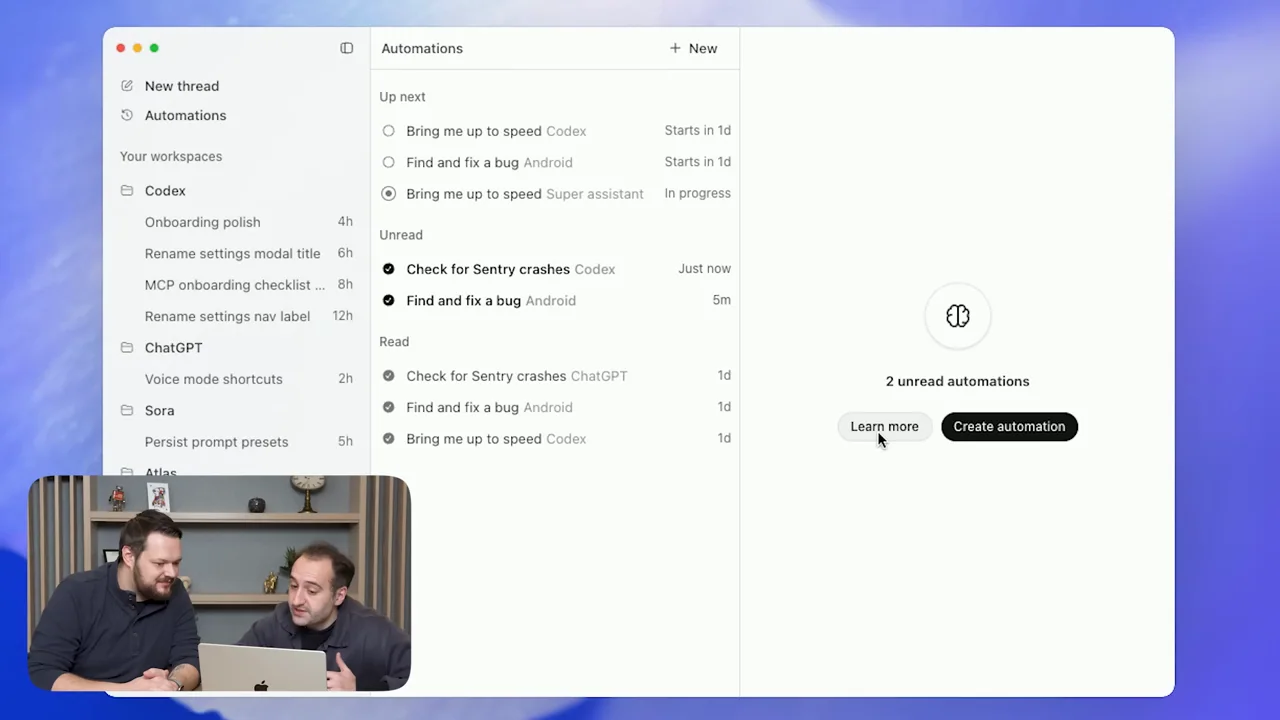
| Shot group 02 ≈ 00:26–00:42 App / browser screenWatch from here ↗ | Sample 00:32.000 | Design reference and prompt Figma and a conversation share the screen with a small presenter inset. | Source and instruction side by side. | Expose the design being implemented. |
| Shot group 03 ≈ 00:42–00:54 App / browser screenWatch from here ↗ | Sample 00:48.000 | Prototype loading A browser surface loads the recreated interface beside the conversation. | Same layout keeps source-to-result continuity. | Distinguish loading from completed interaction. |
| Shot group 04 ≈ 00:54–01:18 App / browser screenWatch from here ↗ | Sample 01:08.000 | Prototype interaction The prototype fills more of the frame and changes selected content. | Tighter running interface. | Show an interaction, not only visual resemblance. |
| Shot group 05 ≈ 01:18–01:55 People / environmentWatch from here ↗ | Sample 01:36.000 | Discussion close Close and two-person interview shots finish the film. | Return to the original room. | Keep commentary separate from prototype proof. |