Presenter demo / 02:15 / Published 2026-04-21
Instruction Following with ChatGPT Images 2.0
Interview coverage alternates with extreme prompt crops and output examples that make concrete instruction details visible.
Useful to borrow
Put the specific constraint on screen before showing the result.
Do not infer
One clock or object arrangement is not a general accuracy benchmark.
8 shot groups.
Read across from the observed content to its treatment and possible adaptation. Enlarge the frame for detail.
Approximate study intervals; horizontal scrolling reveals all columns on small screens.
| Moment / source | Reference frame | What is on screen | Framing / edit | Useful adaptation |
|---|---|---|---|---|
| Shot group 01 ≈ 00:00–00:26 People / environmentWatch from here ↗ | Sample 00:16.000 | Interview opening Wide and close presenter angles include a production-slate moment. | Human coverage with topic overlay. | Establish the speaker before detailed examples. |
| Shot group 02 ≈ 00:26–00:50 App / browser screenWatch from here ↗ | Sample 00:36.000 | Detailed prompt A filmed laptop becomes tight crops of typed instructions. | Extreme text emphasis. | Crop only the constraint the narration discusses. |
| Shot group 03 ≈ 00:50–01:18 App / browser screenWatch from here ↗ | Sample 01:12.000 | Example gallery Presenter coverage surrounds a gallery of image examples. | Browser overview between human shots. | Use the gallery to show range, not to count every image as a workflow. |
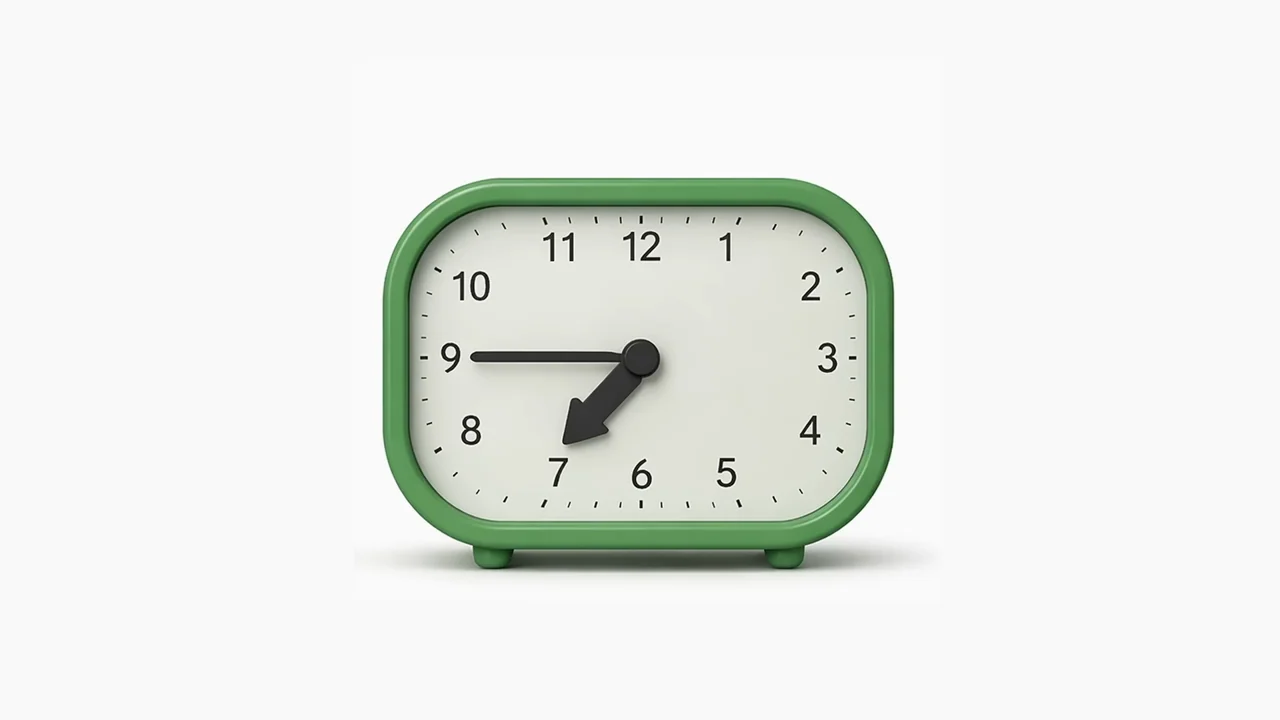
| Shot group 04 ≈ 01:18–01:30 Isolated outputWatch from here ↗ | Sample 01:28.000 | Clock example A short prompt insert leads to an isolated green clock. | Input-to-clean-output cut. | Hold an inspectable detail. |
| Shot group 05 ≈ 01:30–01:54 App / browser screenWatch from here ↗ | Sample 01:48.000 | Spatial instruction Another laptop insert exposes a list of object-placement constraints. | Wide input then text detail. | Make the test conditions visible. |
| Shot group 06 ≈ 01:54–02:06 Isolated outputWatch from here ↗ | Sample 02:00.000 | Object and pattern results A blurred loading tile resolves into object imagery and a cat pattern. | Output-only detail sequence. | Do not infer that every listed constraint was met. |
| Shot group 07 ≈ 02:06–02:12 People / environmentWatch from here ↗ | Sample 02:08.000 | Presenter close The interview returns. | Matched close angle. | Keep commentary separate from evidence. |
| Shot group 08 ≈ 02:12–02:15 Title / identityWatch from here ↗ | Sample 02:12.000 | End mark White identity card. | Centered wordmark. | Close simply. |