Presenter demo / 02:48 / Published 2026-04-21
Thinking & Intelligence with ChatGPT Images 2.0
An interview uses hands-on-laptop inserts to introduce three image tasks, then shows clean output close-ups.
Useful to borrow
Move from human intention to input to a full-size output, returning to the person between examples.
Do not infer
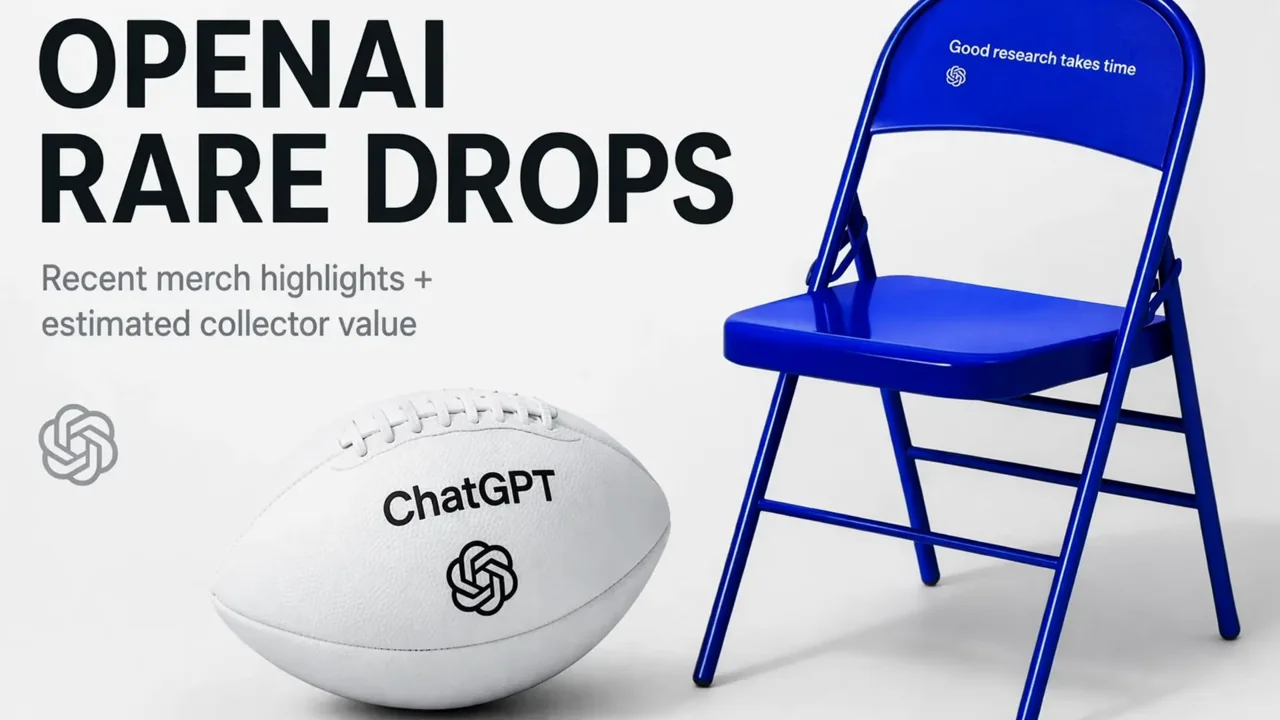
Generated textbook pages and merchandise layouts are output examples, not verified factual references.
9 shot groups.
Read across from the observed content to its treatment and possible adaptation. Enlarge the frame for detail.
Approximate study intervals; horizontal scrolling reveals all columns on small screens.
| Moment / source | Reference frame | What is on screen | Framing / edit | Useful adaptation |
|---|---|---|---|---|
| Shot group 01 ≈ 00:00–00:46 People / environmentWatch from here ↗ | Sample 00:20.000 | Interview and typing Production details, multiple interview angles, and hands introduce the demonstration. | Grouped live-action coverage with a topic overlay. | Use environment and action to motivate the screen insert. |
| Shot group 02 ≈ 00:46–00:58 App / browser screenWatch from here ↗ | Sample 00:56.000 | Merchandise prompt A filmed laptop becomes a clean composer close-up. | Physical-to-direct screen handoff. | Make the request readable before the output. |
| Shot group 03 ≈ 00:58–01:10 Isolated outputWatch from here ↗ | Sample 01:08.000 | Merchandise layout A generated product layout is shown whole and in detail. | Output-only crops. | Separate artwork presentation from app controls. |
| Shot group 04 ≈ 01:10–01:38 App / browser screenWatch from here ↗ | Sample 01:36.000 | Second request Interview coverage leads to another composer prompt. | Repeated human-to-input structure. | Make each task's source explicit. |
| Shot group 05 ≈ 01:38–01:58 Isolated outputWatch from here ↗ | Sample 01:52.000 | Textbook pages Generated textbook-like pages alternate with presenter coverage. | Full pages followed by text and diagram crops. | Do not imply factual validation from polished typesetting. |
| Shot group 06 ≈ 01:58–02:26 People / environmentWatch from here ↗ | Sample 02:16.000 | Third setup The presenter and laptop prepare another example. | Matched room and hand coverage. | Avoid repeating a long setup when adapting a shorter edit. |
| Shot group 07 ≈ 02:26–02:36 Isolated outputWatch from here ↗ | Sample 02:32.000 | Mood-board result Several themed boards fill the frame. | Output comparison without app chrome. | Compare coherent visual directions. |
| Shot group 08 ≈ 02:36–02:46 People / environmentWatch from here ↗ | Sample 02:40.000 | Interview close The presenter returns to the wide room view. | Human closing beat. | Return to the original context. |
| Shot group 09 ≈ 02:46–02:48 Title / identityWatch from here ↗ | Sample 02:48.000 | End mark A centered mark ends the sequence. | White identity card. | Use an original identity. |